From opportunity to payment record
The most useful business workflow is one your teams can follow from beginning to end. Use Datrylo Sales and Inventory to connect quotations, confirmed orders and deliveries. This walkthrough explains what those links can mean for a customer-facing process and where your organisation must make its own decisions.
Watch fulfilment; plan the invoice and payment handoff
Follow a practical workflow example from the first request to the next handoff.
Watch fulfilment; plan the invoice and payment handoff| Step | Linked record and result |
|---|
| 1 | Actual demonstration: 2 kits at 5,000 and 1 clamp at 10,000 produce a confirmed order of 20,000 IQD. |
|---|
| 2 | The actual linked delivery completes 2 kits and 1 clamp. The recording retains the connection between the order and movement. |
|---|
| 3 | Invoice quantity remains 0 in this recording. For a separate billing exercise, an illustrative 20,000 invoice paid by 15,000 would leave 5,000; no such payment is shown or taken here. |
|---|
Inspect the application foundation
Explore Datrylo in action. Select an image for a closer look.
From a quotation to a completed delivery
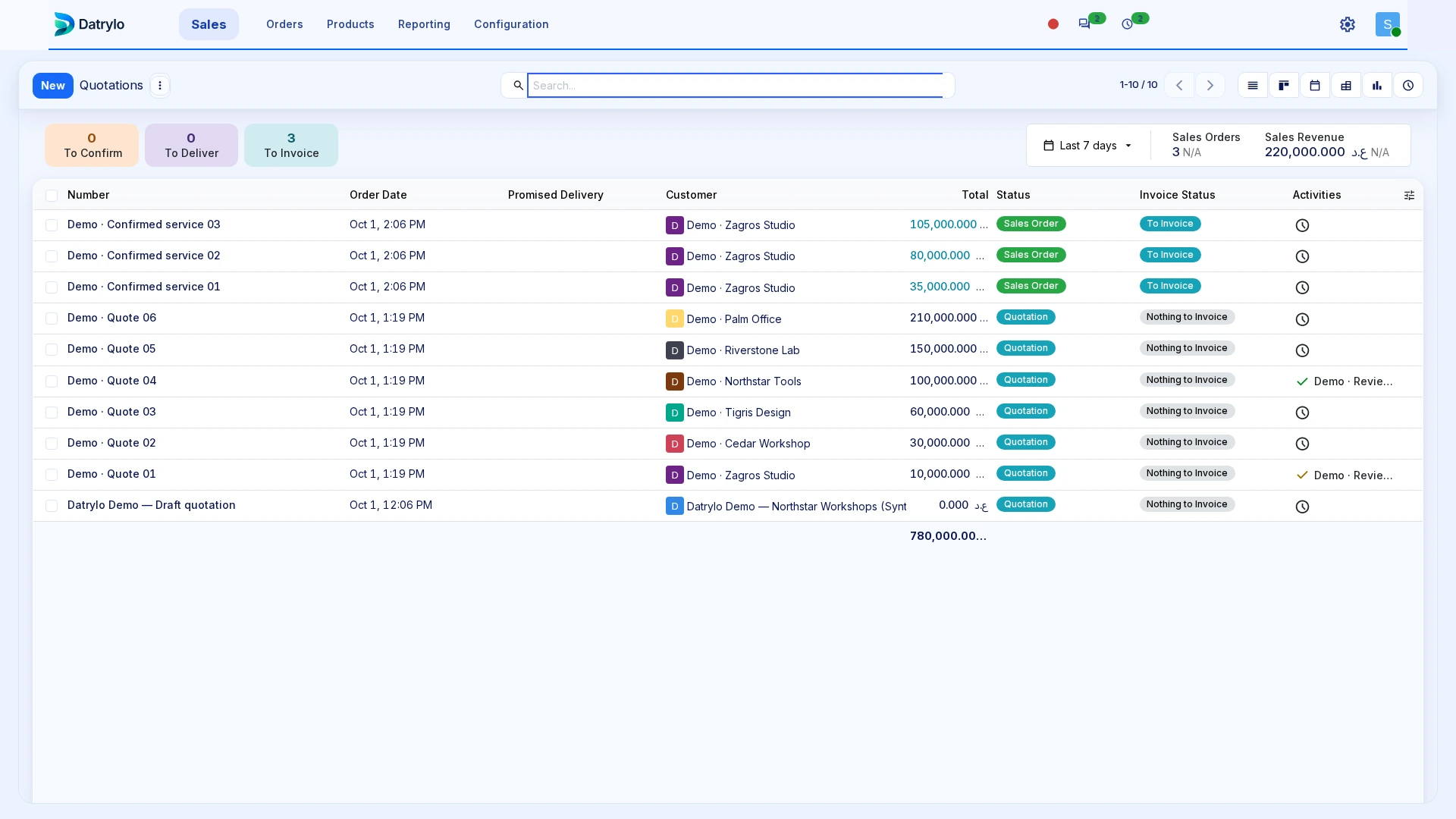
See a quotation become a confirmed order and a completed delivery in a 33-second Datrylo tour.
Recording transcript
- Review two kits and one clamp in the example quotation.
- Confirm it as a Sales Order.
- Open the delivery linked to that same order.
- Validate the quantities; the transfer becomes Done.
- Refresh Sales: delivered quantities are two and one; invoiced quantities remain zero.
- Review the example IQD 20,000 total and the delivered quantities.
1. Understand the opportunity
A prospect becomes a contact and an opportunity. Sales records the need, next action and likely scope. Before a quote is prepared, confirm the customer identity, requested goods or services, any delivery constraints and who may approve an offer.
2. Confirm the order
The sales team prepares the offer under the applicable commercial terms and confirms an order when it is accepted. Your rollout should test changes after acceptance, approval thresholds, taxes, document layout and the exact legal seller. A marketing page cannot define these for your business.
3. Fulfil what was promised
For stocked goods, the confirmed order connects to delivery work. A live process also needs to consider partial stock, substitutions, backorders, returns and the people allowed to validate movement. Service delivery may require a different path.
4. Record and settle the invoice
Create the invoice from the agreed transaction, record the payment and follow any remaining balance. Finance should configure and review the documents, accounts, taxes, currencies and exceptions it actually uses.
5. Review the handoffs
The payoff is a shared record of what the customer asked for, what was agreed, what was delivered and what was recorded financially. In a demonstration, ask each team to take its turn. Include a change or failure at every handoff so you can see how the process recovers. Request a guided workflow review.
Prepare the handoff review
Bring one source transaction, its exception, the responsible roles and the required output document. Use the case above as a starting point for your workflow review.