ERP for HVAC companies
HVAC work connects equipment sales, materials, installation and later service. A useful system should keep the customer, site, specified units, parts and acceptance record together. Use Contacts, Projects, Purchasing and Inventory for the commercial side of service work. Dedicated field-service dispatch, service contracts and specialist execution need a separately agreed solution.
The quoted 2-ton unit is unavailable before installation
See how the workflow connects people, records and decisions.
The quoted 2-ton unit is unavailable before installation| Step | Owner, record and exception |
|---|
| 1 | Project HVAC-02 quotes two 2-ton units at 750,000 IQD each: equipment total 1,500,000. |
|---|
| 2 | Buyer finds only one matching unit available. Project owner checks stock and site constraints before proposing another model. |
|---|
| 3 | Customer approves a revised model or date; installer receives the approved reference. Capacity suitability and commissioning are not decided by changing a sales product line. |
|---|
What belongs in the rollout
Inspect the underlying records
Explore Datrylo in action. Select an image for a closer look.
Test a system installation
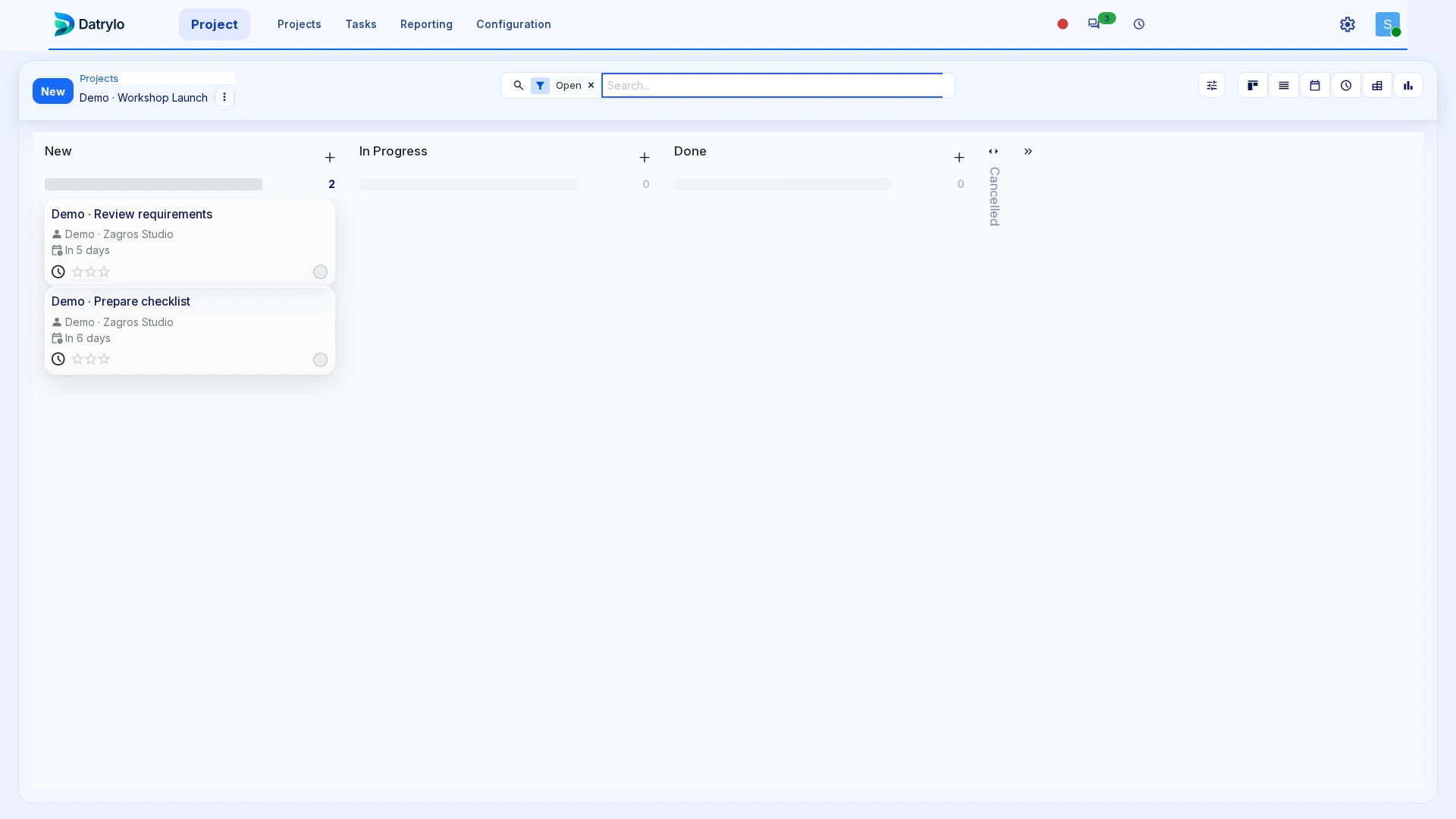
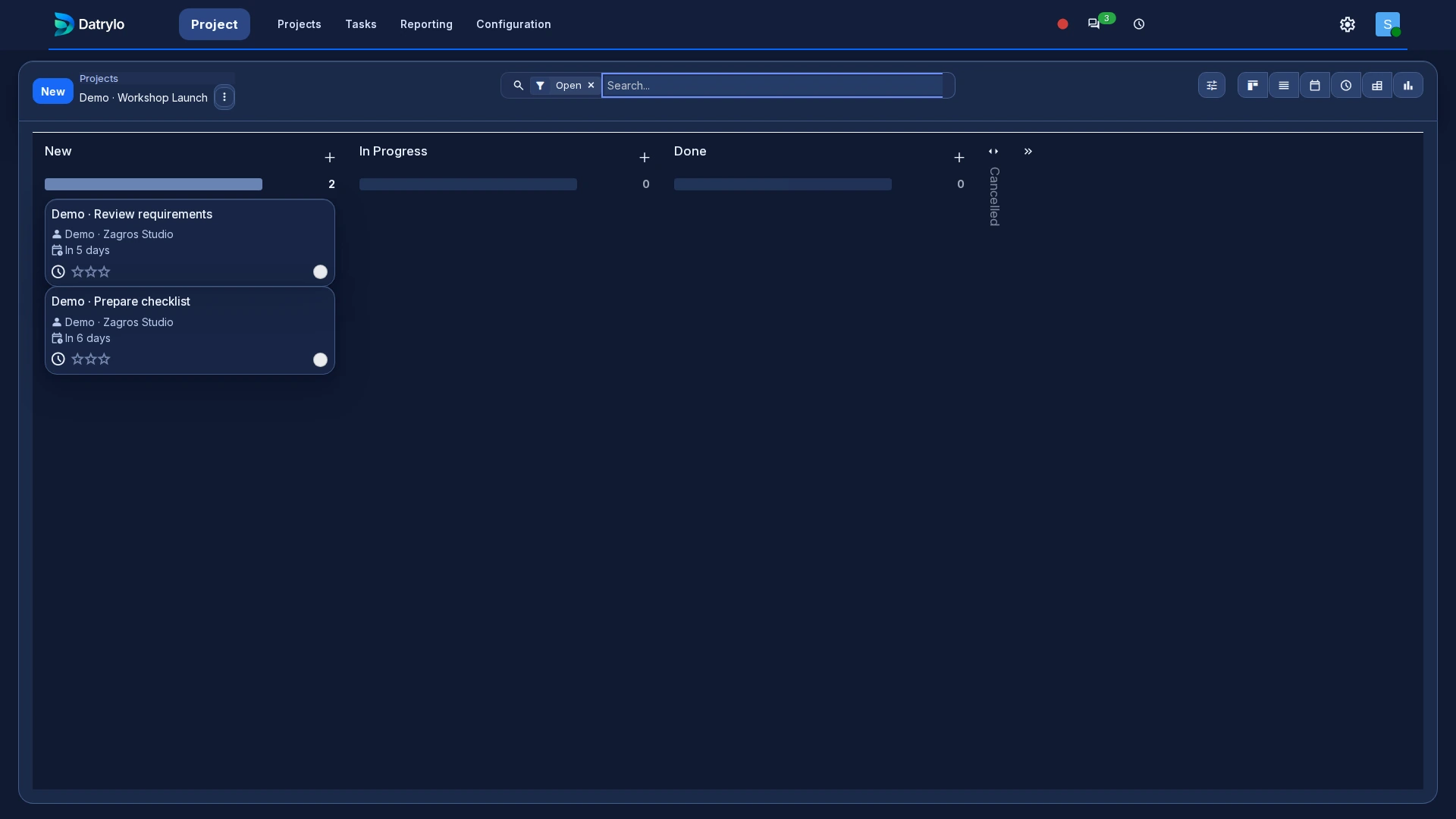
Follow a customer enquiry into a quoted unit and installation materials. Check the purchase or stock path, then ask how a site visit, work completion and customer sign-off would be recorded. Include an unexpected site condition. The project-task test demonstrates a task record, not a complete field-service process.
Define the equipment record
Model, capacity, serial number, refrigerant, warranty and service history may matter. Verify the exact data fields and document output before migration. Decide which employee can change a specification or approve a substitute part.
Bring the exception to your workflow review
Configure equipment variants, stock reservation, project responsibility and approval of model/date changes.