Carry every order through to delivery
Give sales and warehouse teams a shared view of what was ordered and what has moved. Datrylo Sales and Inventory connect confirmed orders with delivery work.
Order 10; deliver 6; keep 4 due
Follow a practical workflow example from the first request to the next handoff.
Order 10; deliver 6; keep 4 due| Step | Linked record and result |
|---|
| 1 | Sales order SO-10 promises 10 units to Customer A. Warehouse confirms only 6 are ready for the first dispatch. |
|---|
| 2 | Delivery OUT-06 validates 6 units. The order retains delivered quantity 6 and remaining quantity 4. |
|---|
| 3 | Create or retain the agreed backorder for 4. Sales confirms a revised date with the customer instead of marking the whole order delivered. |
|---|
Inspect the application foundation
Explore Datrylo in action. Select an image for a closer look.
From a quotation to a completed delivery
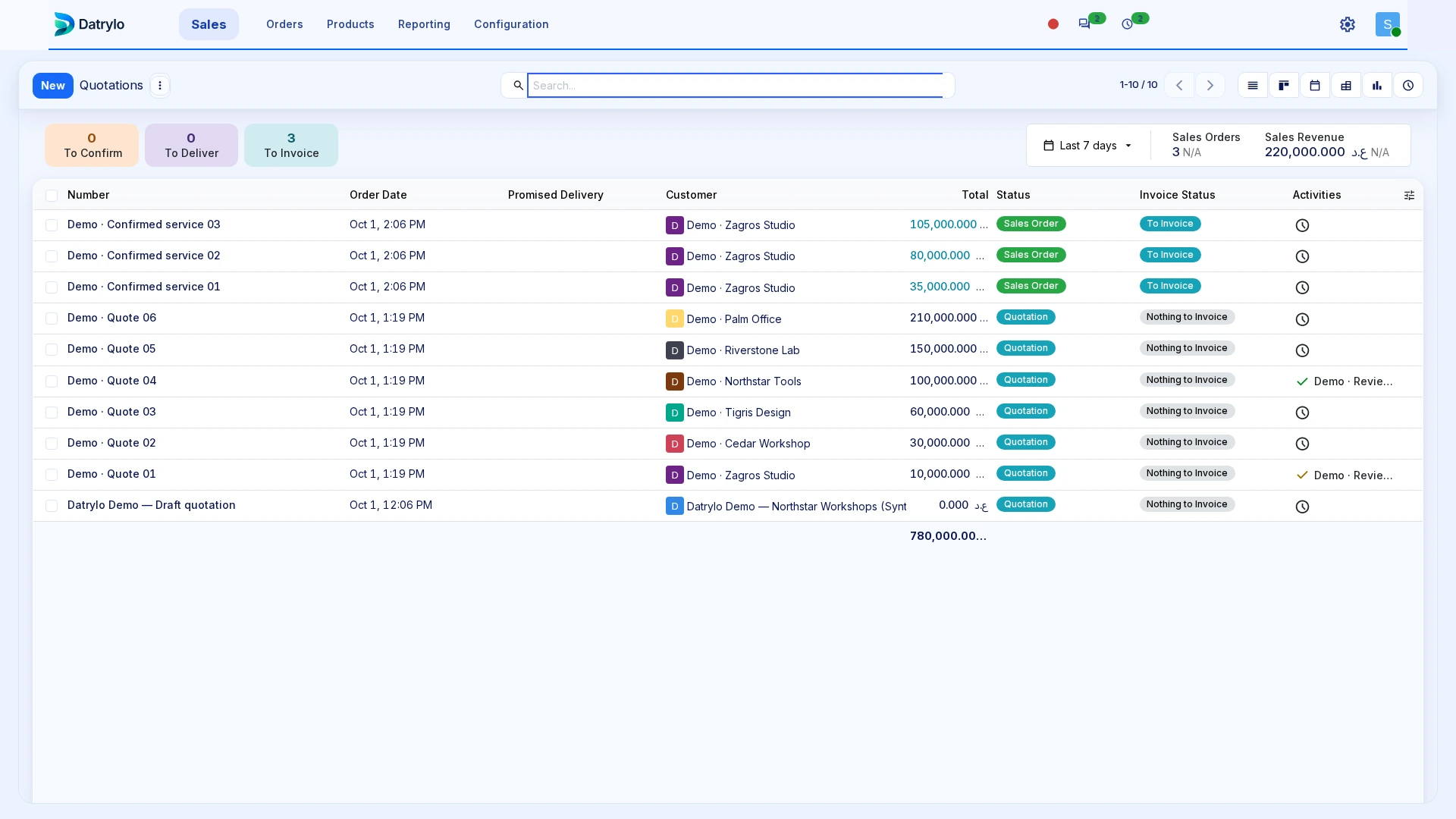
See a quotation become a confirmed order and a completed delivery in a 33-second Datrylo tour.
Recording transcript
- Review two kits and one clamp in the example quotation.
- Confirm it as a Sales Order.
- Open the delivery linked to that same order.
- Validate the quantities; the transfer becomes Done.
- Refresh Sales: delivered quantities are two and one; invoiced quantities remain zero.
- Review the example IQD 20,000 total and the delivered quantities.
Keep the work connected
Confirm the agreed products and quantities, prepare the delivery and record the completed stock movement. Keep partial deliveries and remaining quantities visible so colleagues can answer the customer with the same information.
Build around your operation
Configure locations, picking routes and responsibilities around your warehouse. Custom dispatch approvals, carrier integrations, delivery documents and customer notifications can extend the workflow for your operation.
Prepare the handoff review
Bring one source transaction, its exception, the responsible roles and the required output document. Use the case above as a starting point for your workflow review.