Keep each unit connected to its history
Track serial-numbered products from receipt through delivery. Datrylo Inventory helps sales, warehouse and service teams locate the records behind a specific unit.
One serial, three actual movements, separate warranty decision
Follow a practical workflow example from the first request to the next handoff.
One serial, three actual movements, separate warranty decision| Step | Linked record and result |
|---|
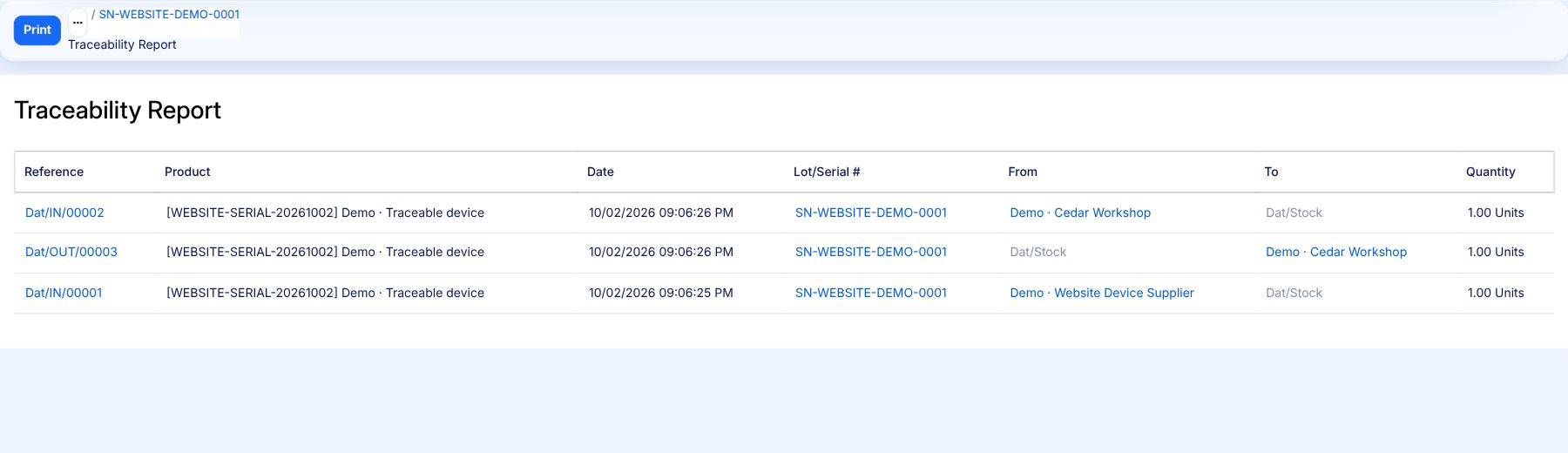
| 1 | Actual receipt Dat/IN/00001 brings SN-WEBSITE-DEMO-0001 into stock, quantity 1. |
|---|
| 2 | Actual delivery Dat/OUT/00003 sends that same serial to the demonstration customer, quantity 1. |
|---|
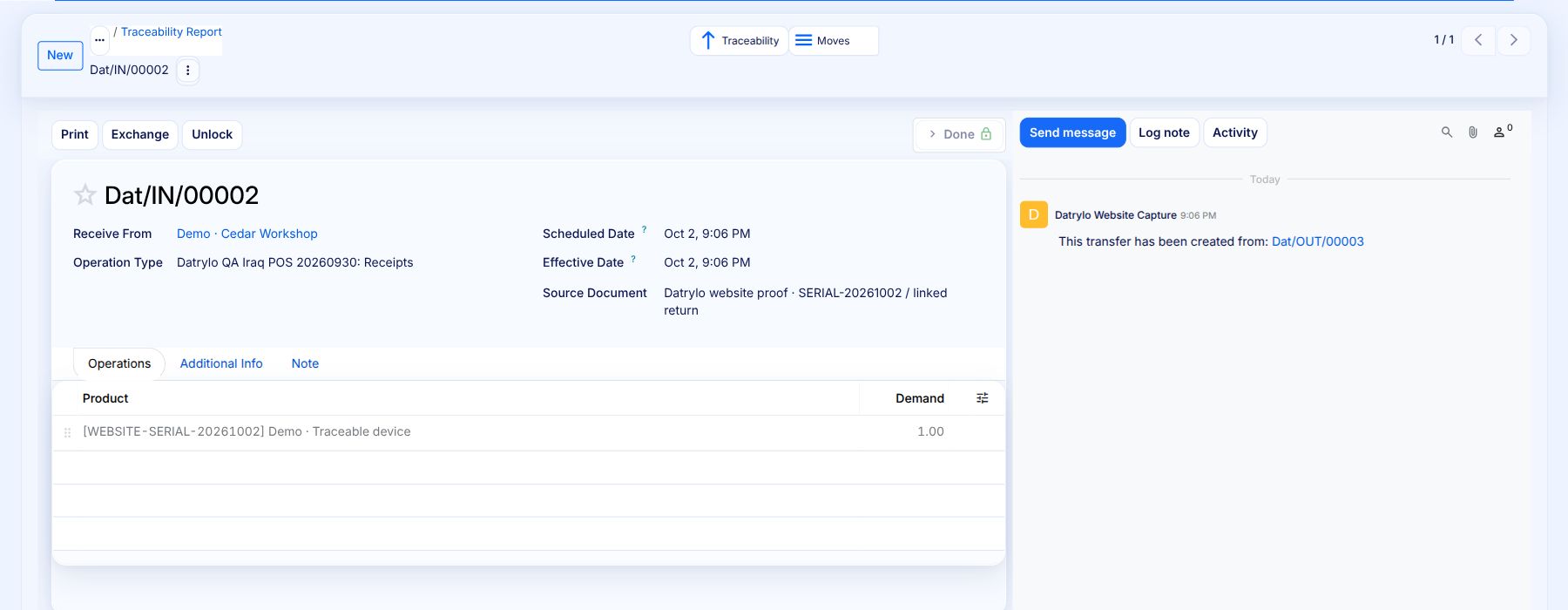
| 3 | Actual linked return Dat/IN/00002 brings 1 back; final stock is 1. Warranty eligibility is not decided by this movement history. |
|---|
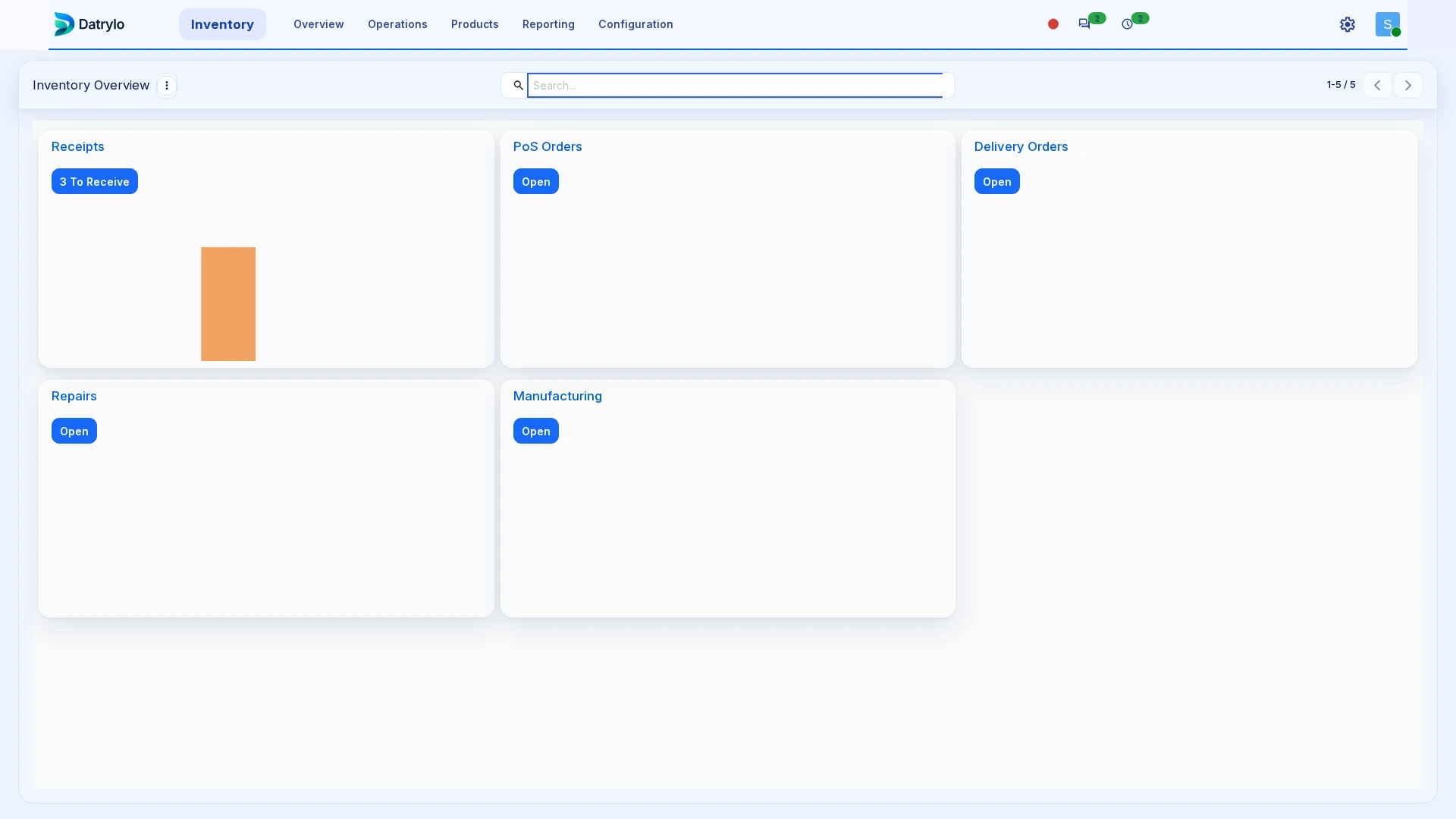
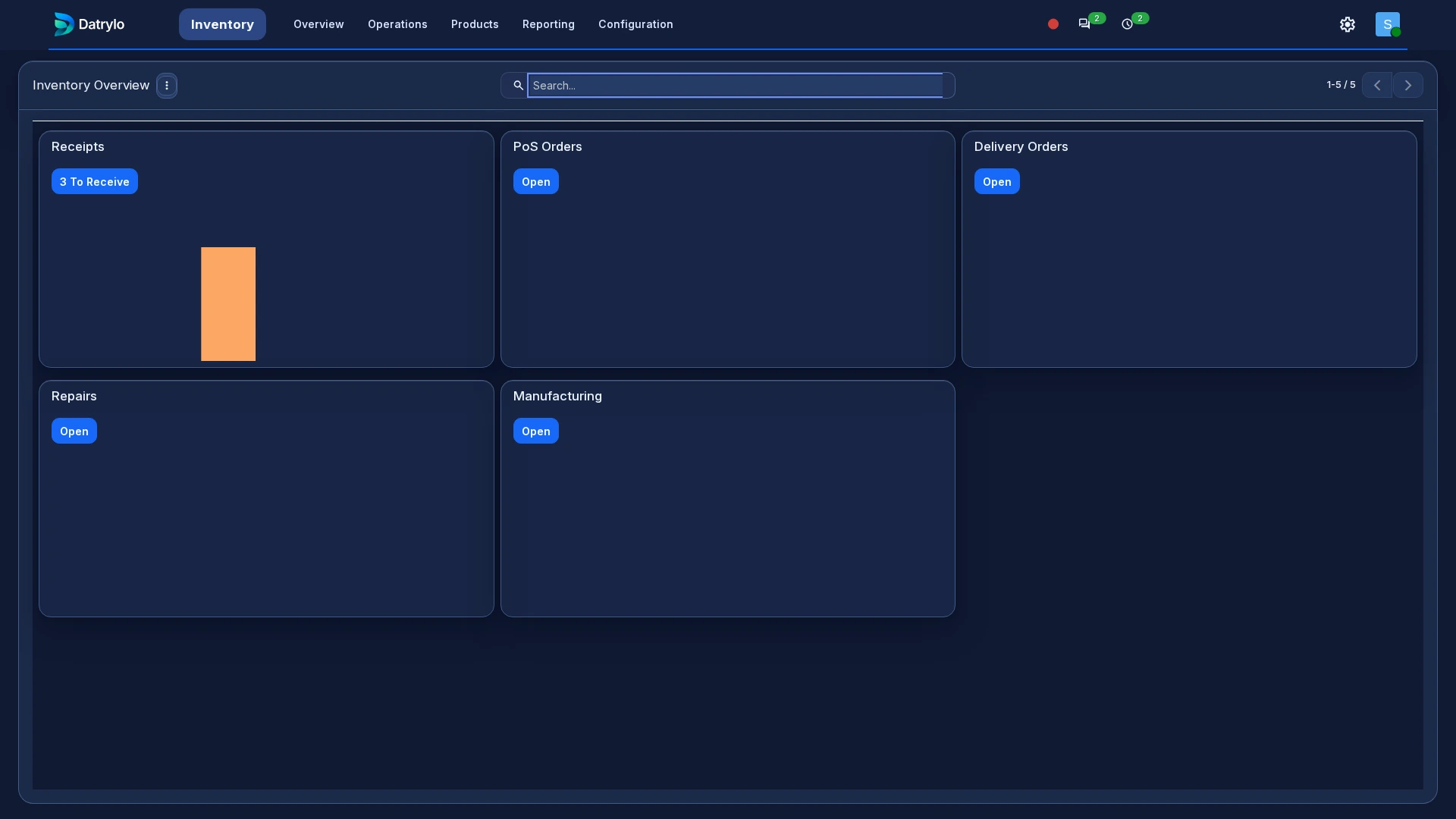
Inspect the application foundation
Explore Datrylo in action. Select an image for a closer look.
Trace the same unit through three movements
Follow one serial-numbered item from receipt to delivery and return.
- Dat/IN/00001 — Receive one unit: Vendors → Dat/Stock.
- Dat/OUT/00003 — Deliver the same unit: Dat/Stock → Customers.
- Dat/IN/00002 — Return the delivered unit: Customers → Dat/Stock; linked to Dat/OUT/00003.
Select the report to read the three operation references, serial and quantities at full size.
Inspect the Done return and its original delivery link. The return moves one unit back into stock.
Keep the work connected
Use the serial number to distinguish the physical item from its product model. Retain that identity on stock movements so colleagues can connect the unit to the incoming shipment and the customer delivery.
Build around your operation
Build warranty eligibility, claim approvals, service portals and manufacturer connections around that history through our custom-development service. Warranty terms, claim decisions and repair responsibilities are defined for your business.
Prepare the handoff review
Bring one source transaction, its exception, the responsible roles and the required output document. Use the case above as a starting point for your workflow review.