Mobile workflow tours

Keep business information within reach in your mobile browser. Explore customer records, orders, stock operations and project tasks wherever you work online.

Explore Datrylo in action. Select an image for a closer look.

CRM

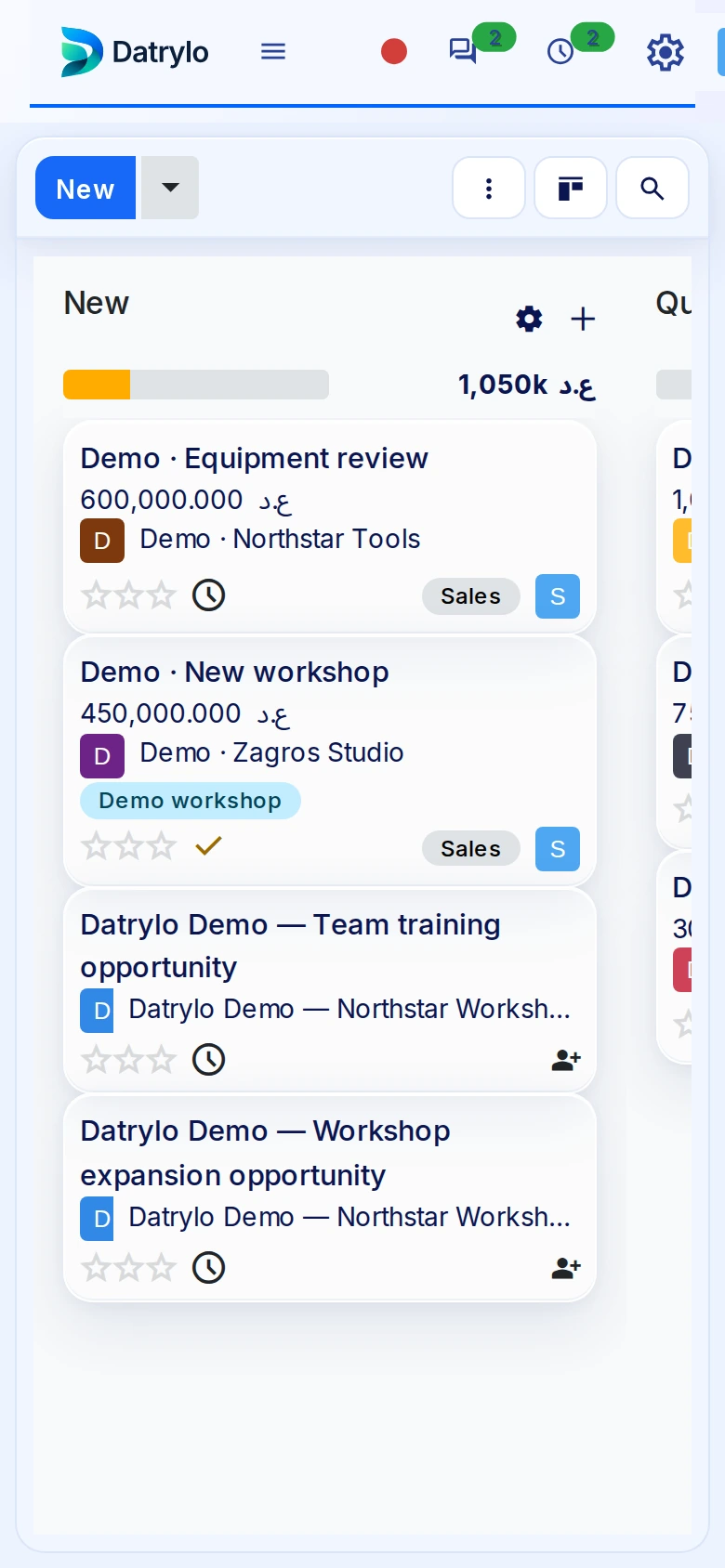
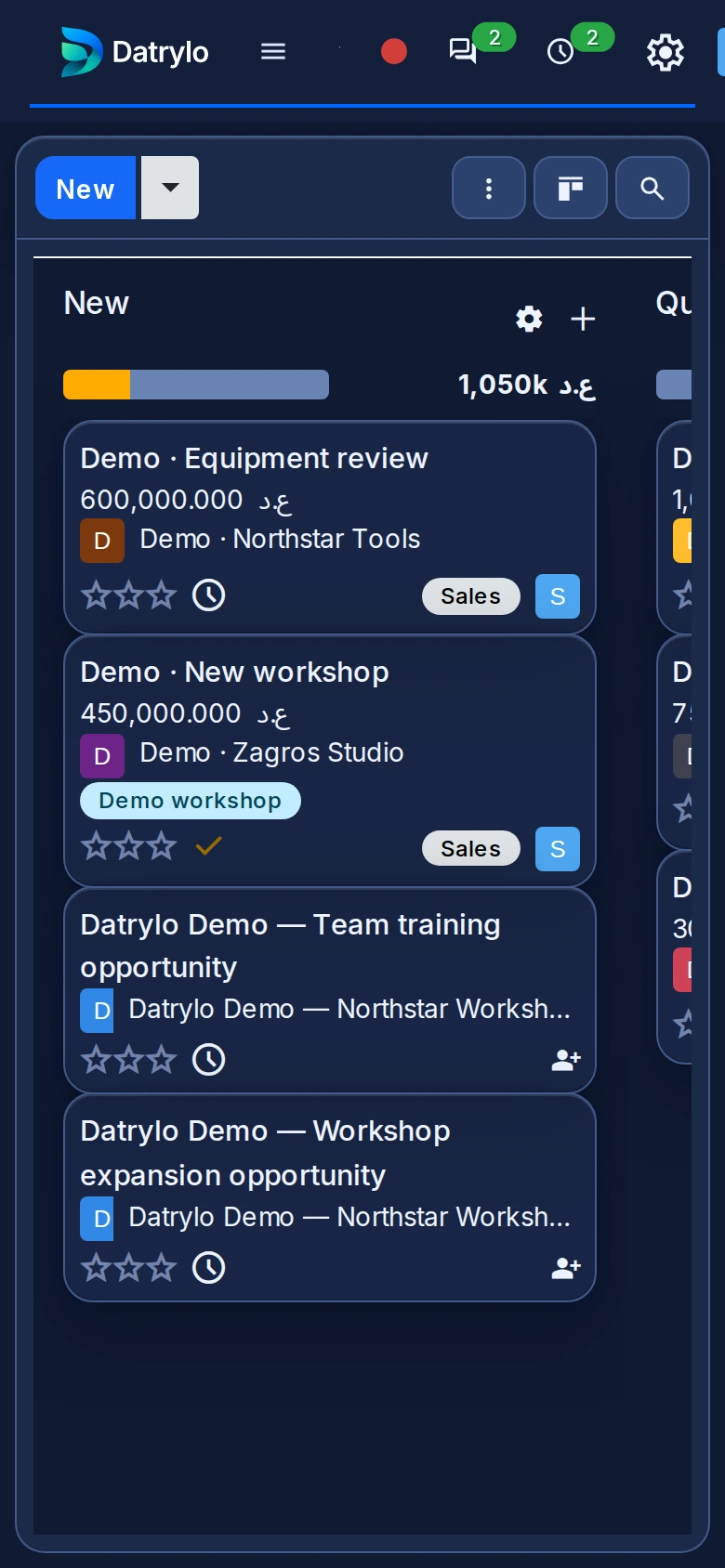
Read the stages and opportunity values in the pipeline. Open the CRM guide to follow ownership, next activity and quotation preparation.

Sales

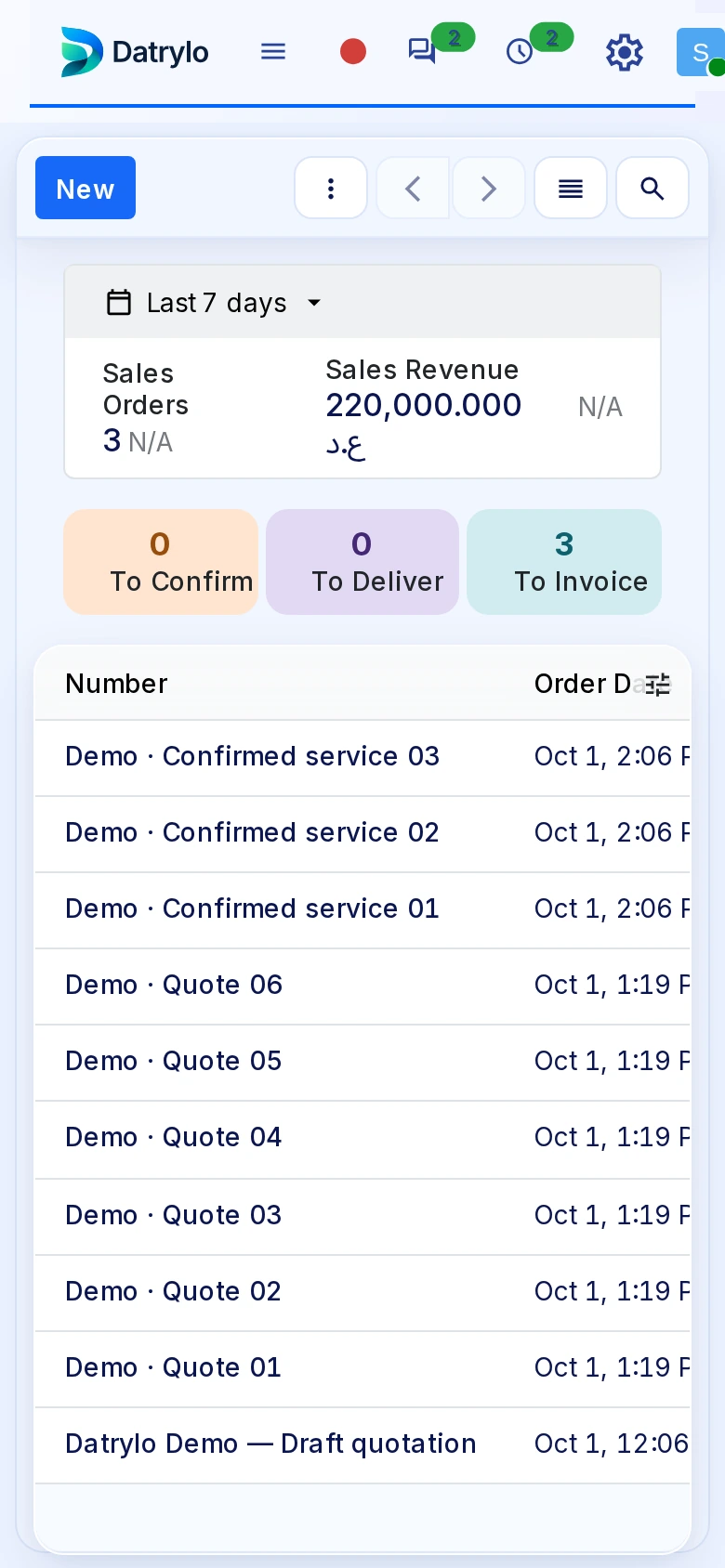
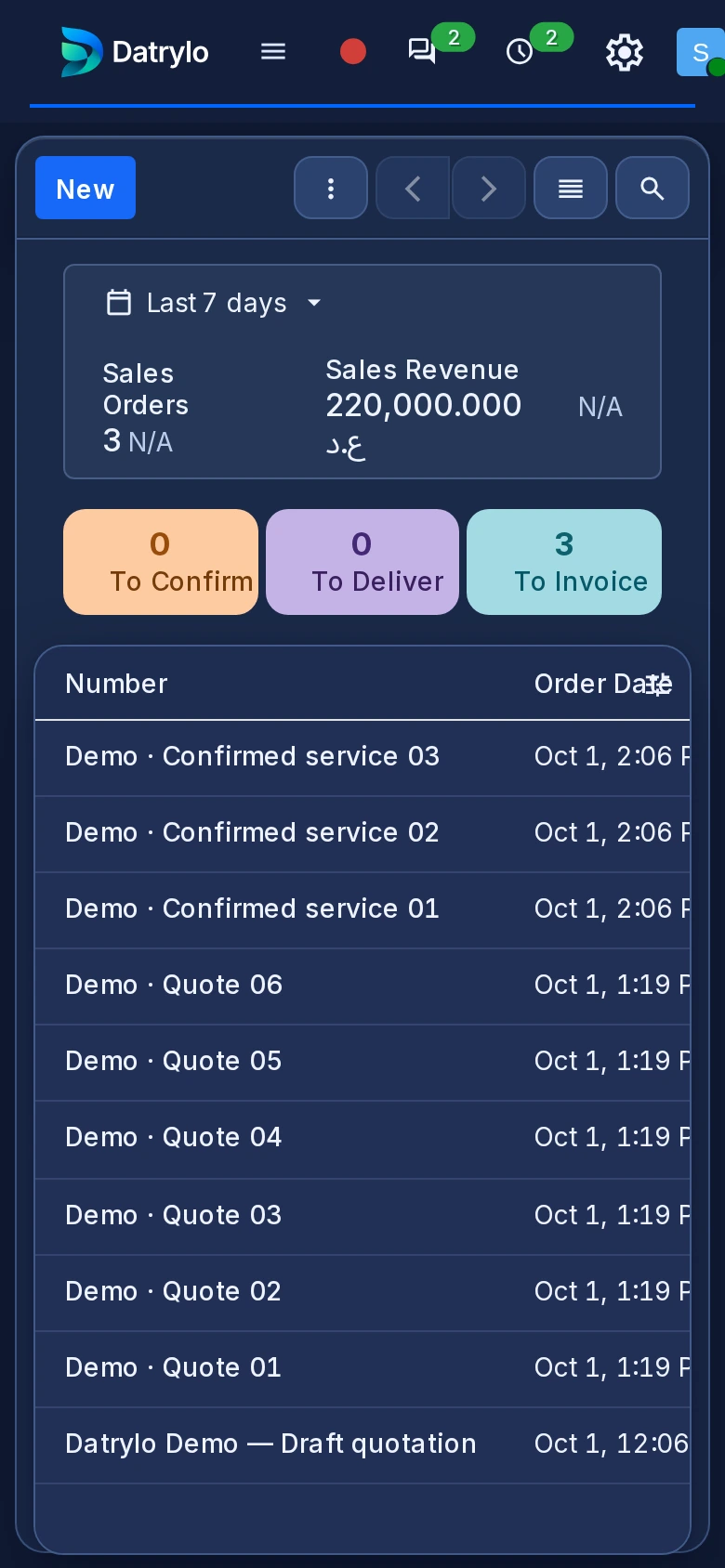
Keep quotations and orders organised by customer, reference, amount and status.

Purchasing

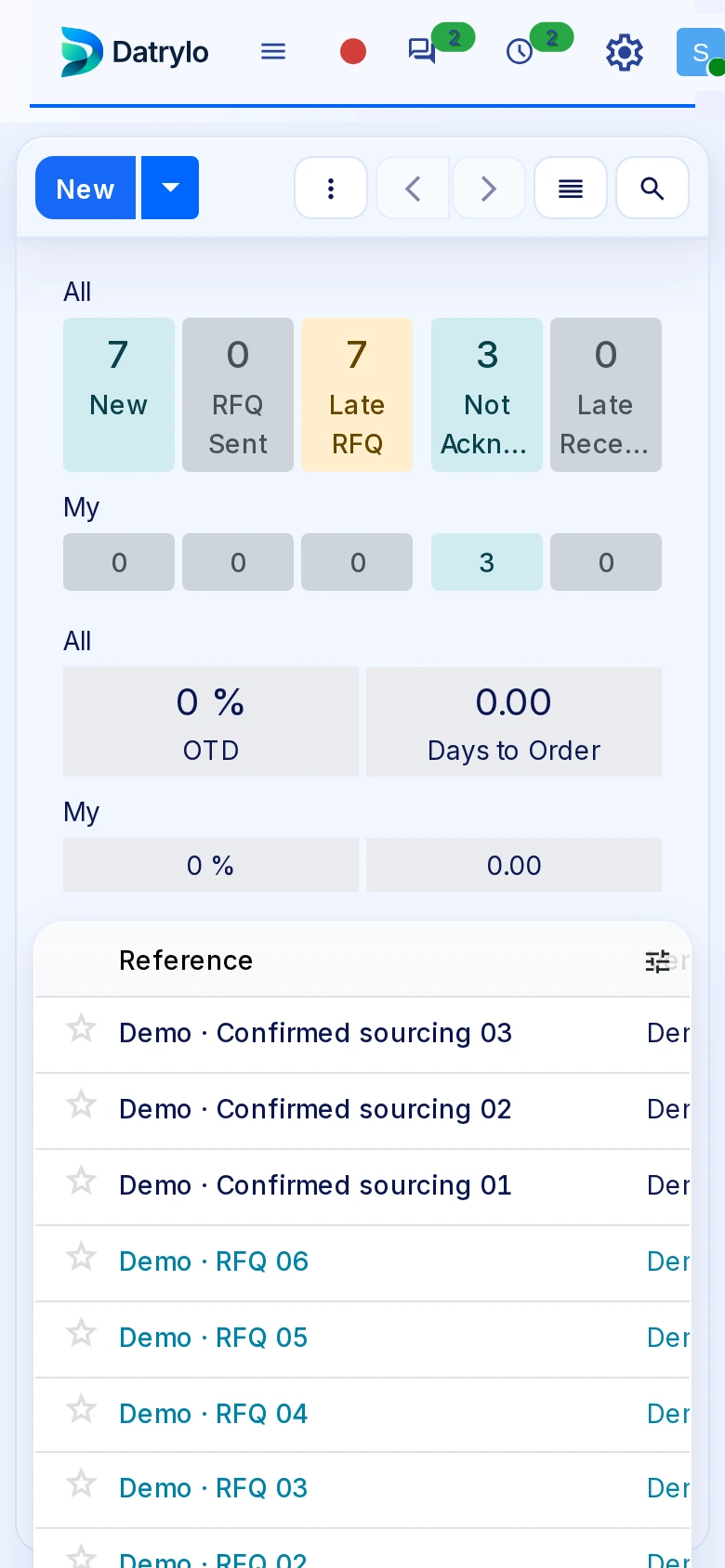
Review supplier requests and their status before receipt. The application guide separates ordering, receiving and bill review so the purchasing owner can inspect each handoff.

Inventory

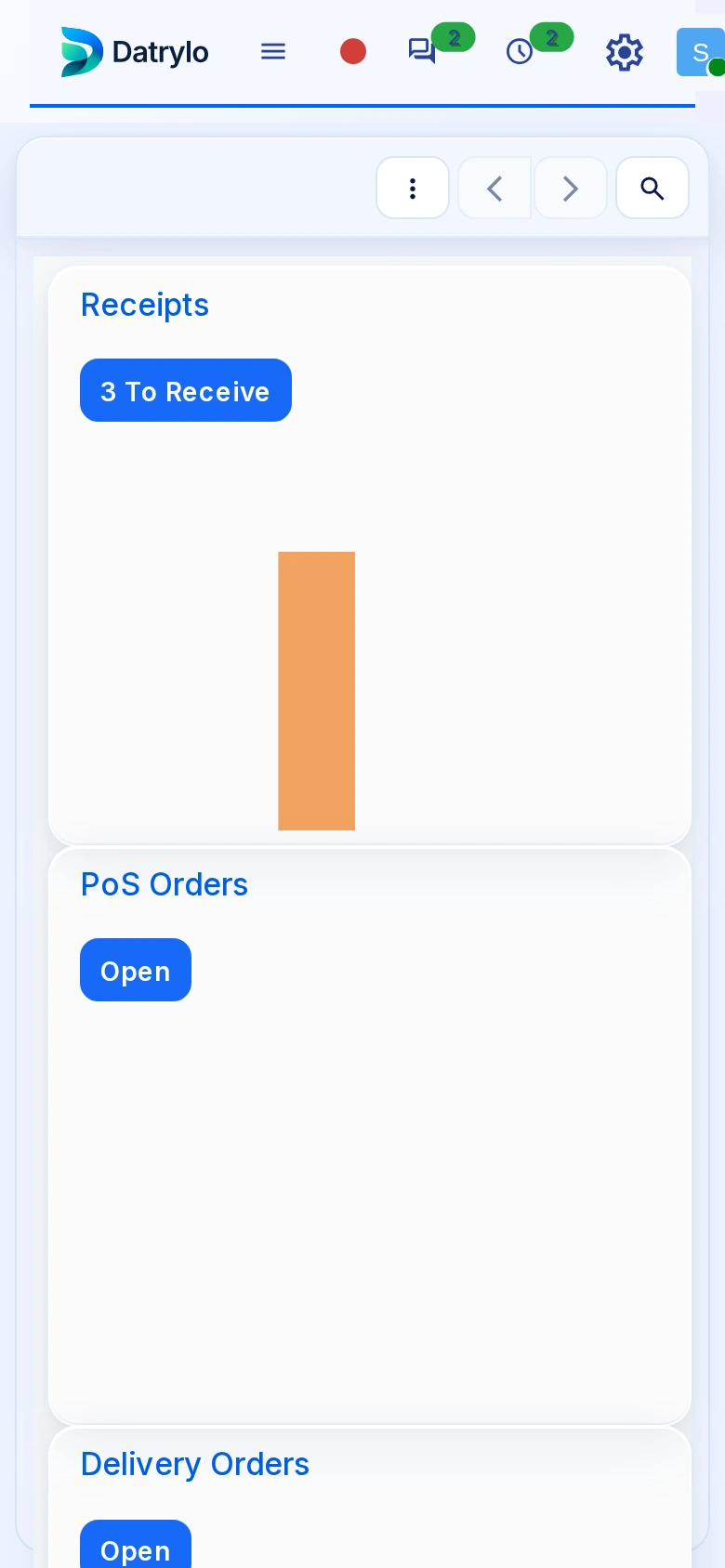
The stock workspace separates incoming receipts, internal movements and outgoing deliveries. Inspect the operation type before validating quantities; warehouse and product setup belong to implementation.

Projects

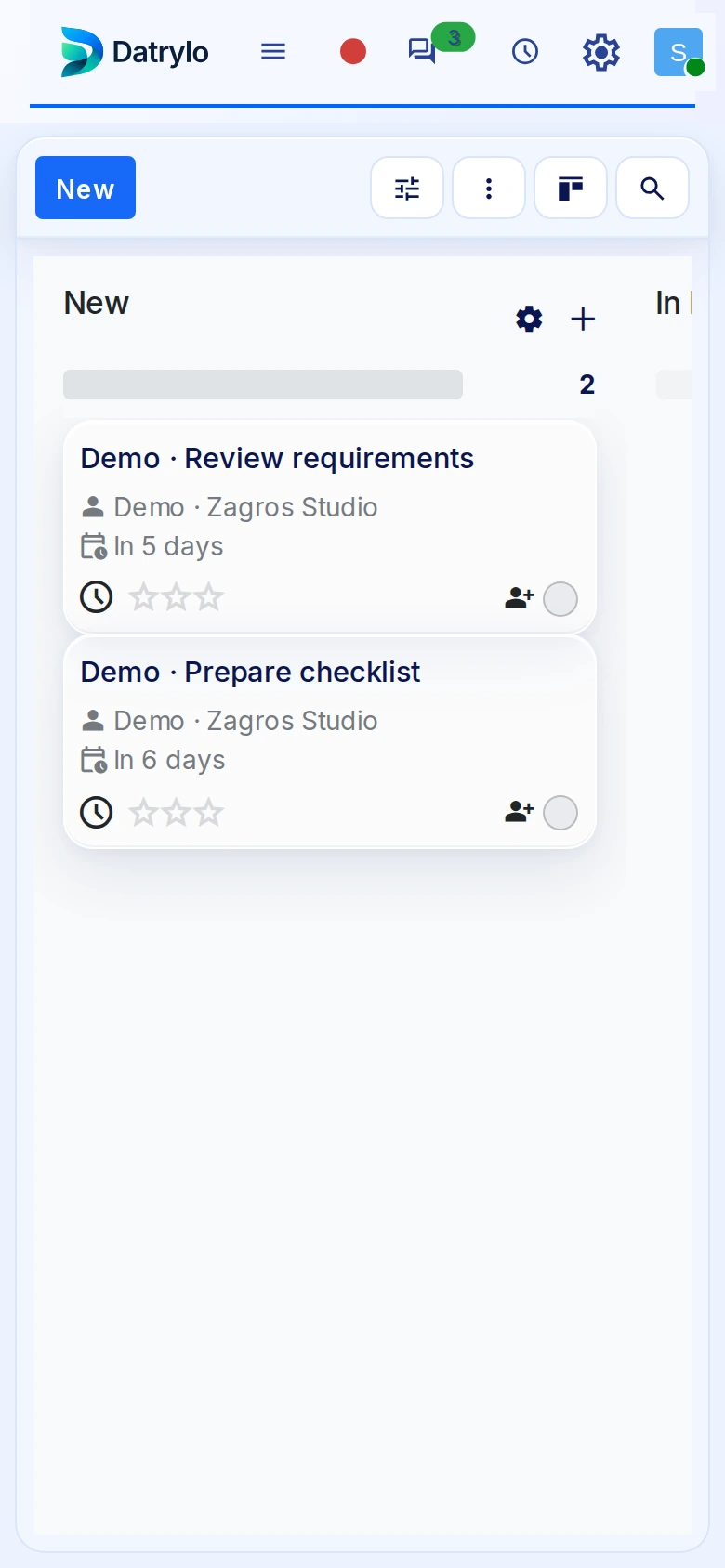
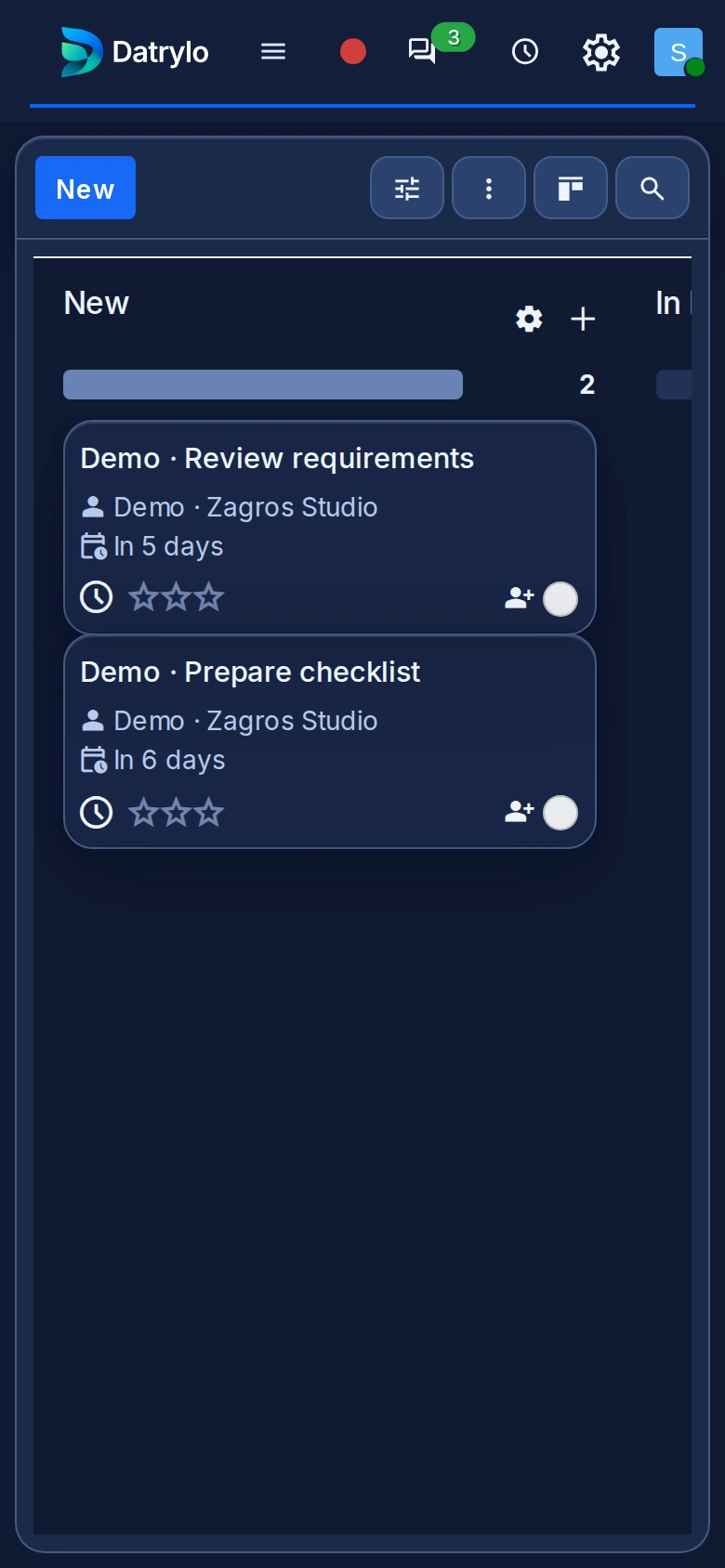
See project stages, task owners and due dates together so your team knows what needs attention next.

Contacts

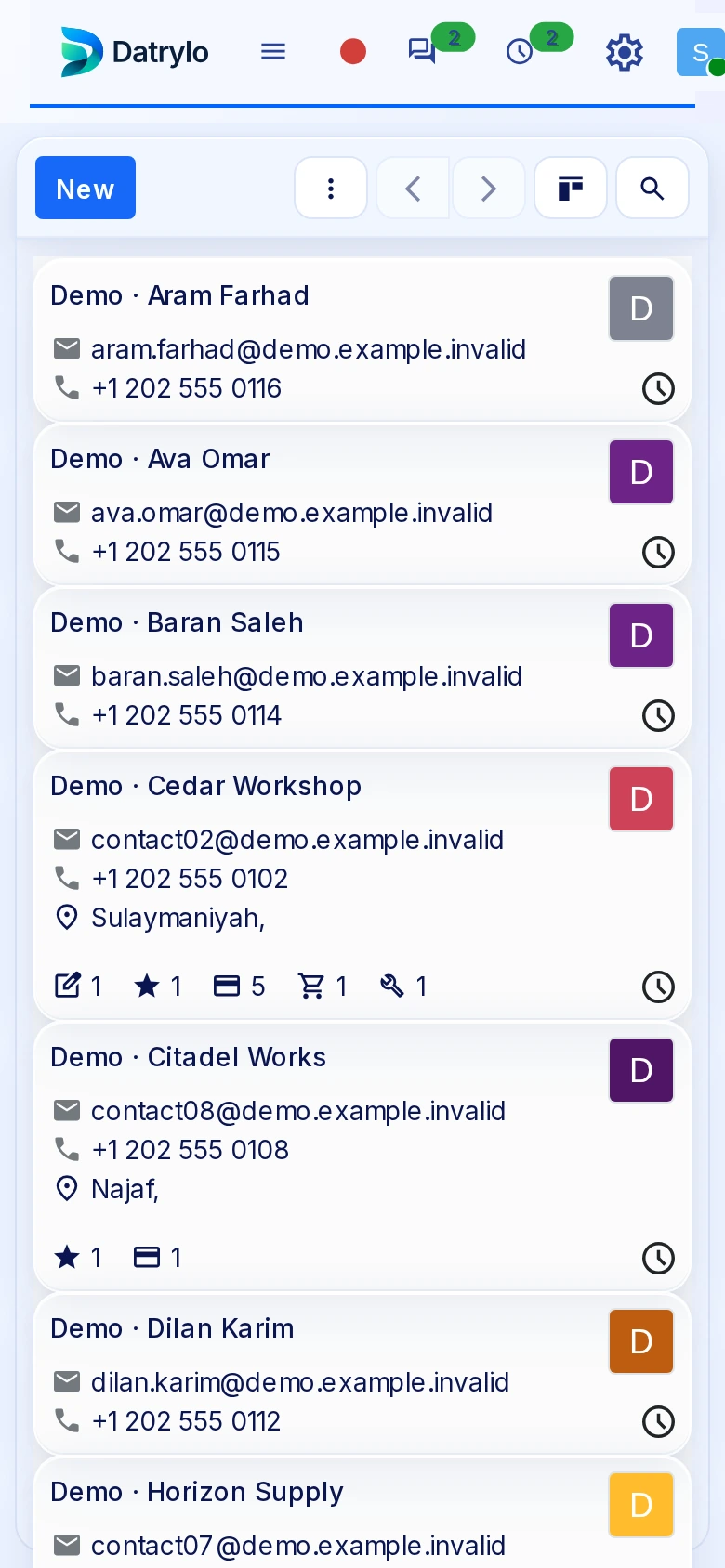
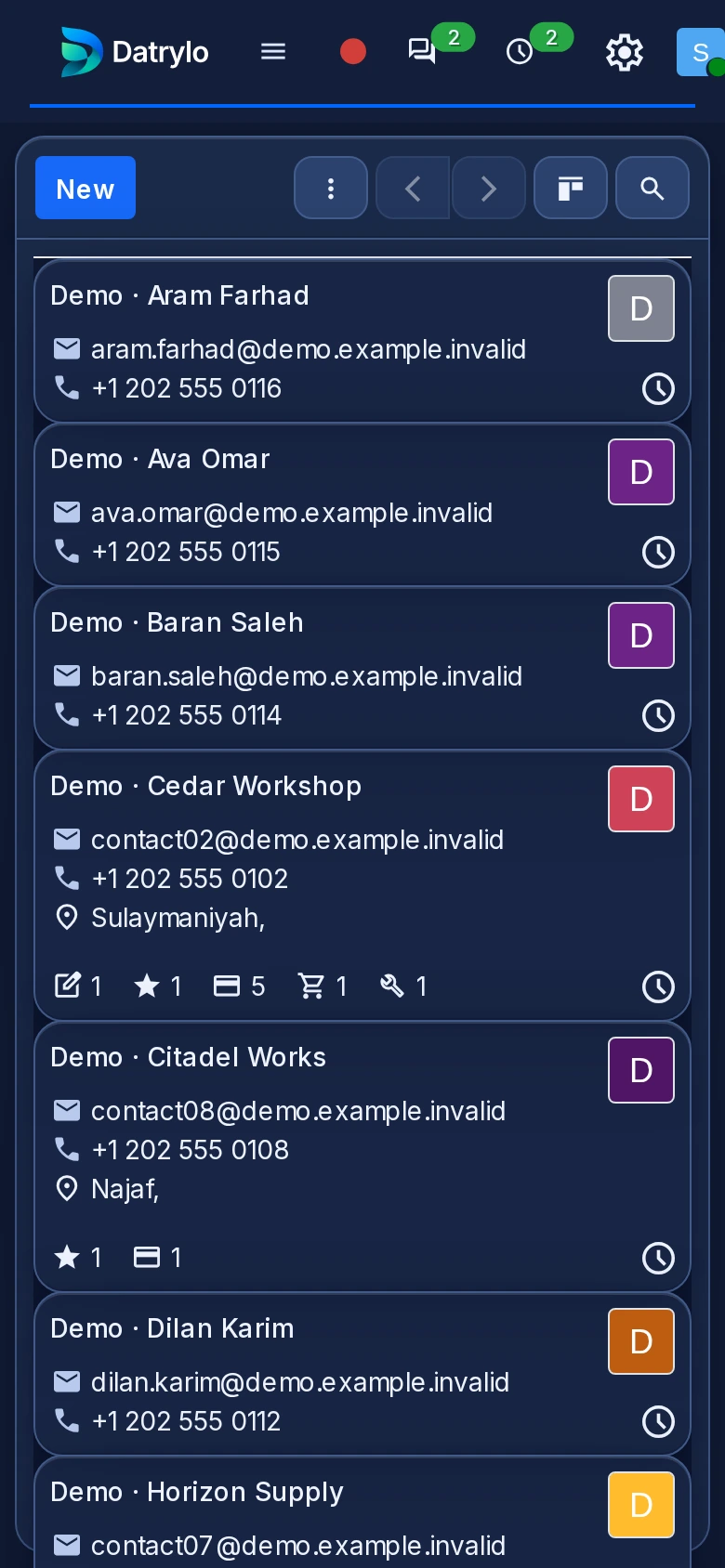
Customer and supplier identities start here. The same contact can be selected in business documents; access, duplicate handling and required fields need an agreed setup.

Inspect the mobile browser layout

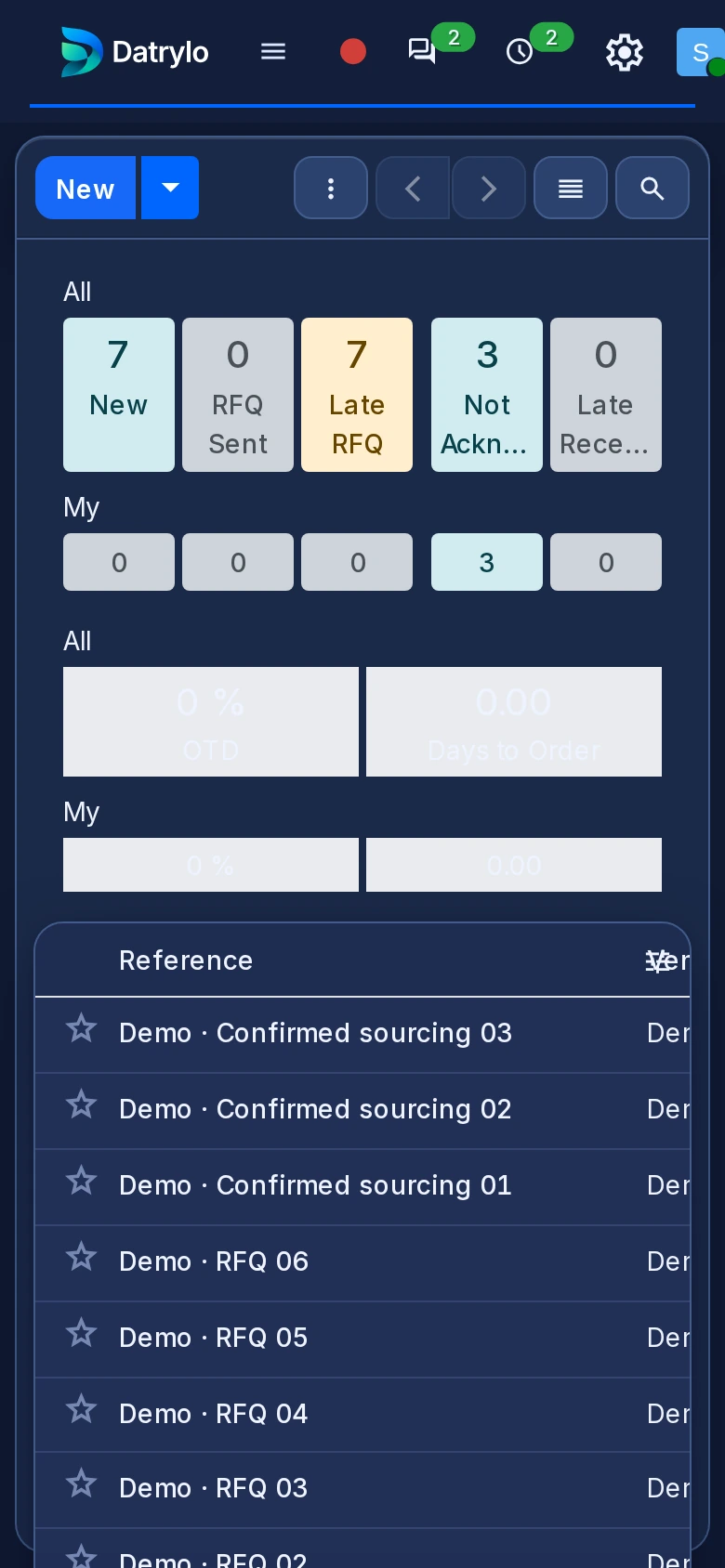
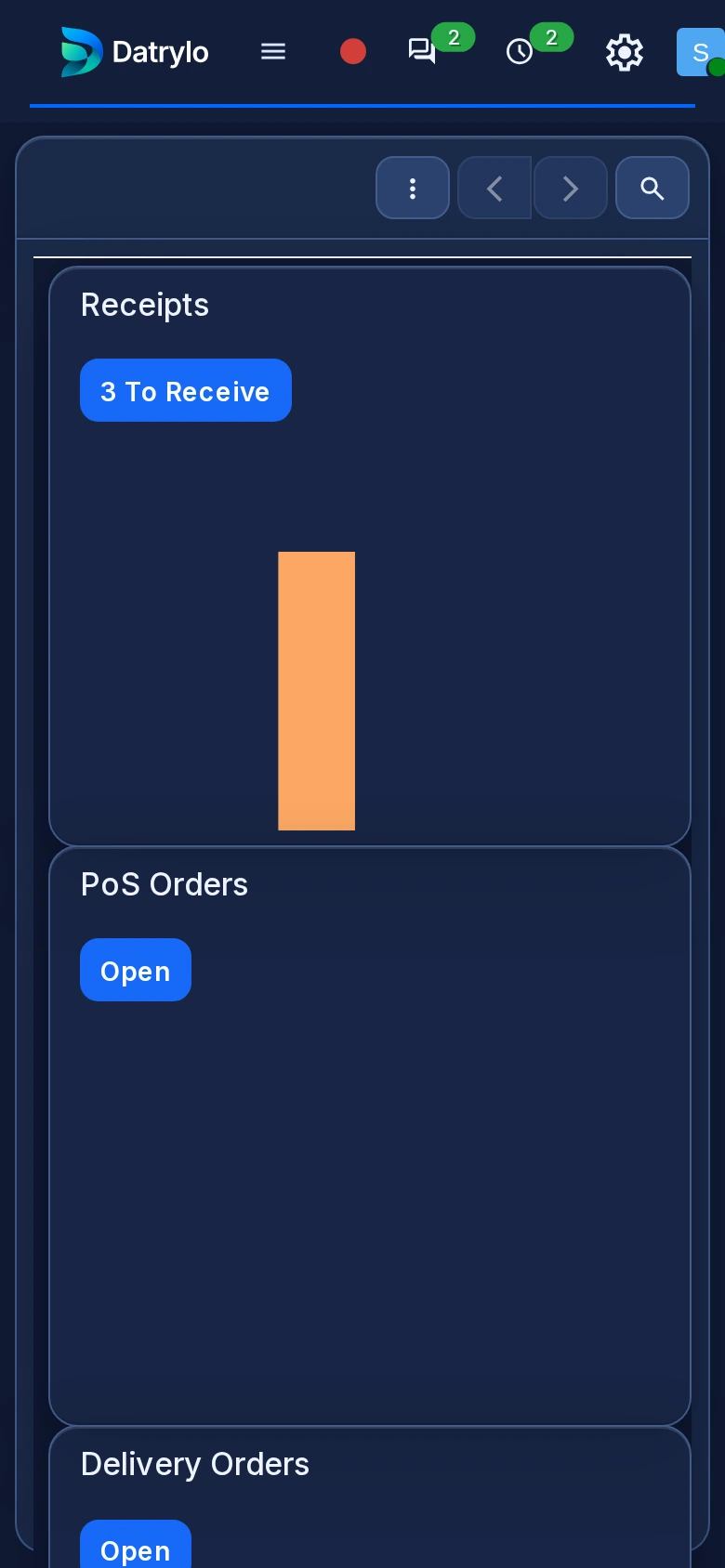
Inspect CRM stages, Sales references and amounts, supplier requests, stock operation types, project stages and contact identities in the six mobile-browser captures above. Select a full-size image to read the fields. These captures establish the shown browser layouts; confirm your required tasks, device, connectivity and document handling during a demonstration.


Explore Datrylo your way

For a tailored session, bring an anonymised record, the team handoff and one exception to examine. Agree session language, timezone and timing in the follow-up.

Ready for your
next big move?

See what a more connected business could look like. Start with a conversation about yours.

Choose which optional services you allow. You can change or withdraw your choices at any time.