ERP for smart home integrators
Quote devices, reserve components and deliver an installed smart-home setup. Connect the commercial work in Datrylo: customer records, quotations, purchasing, stock and invoices. Add tailored industry workflows around the same connected records with our custom-development service.
One failed controller holds the customer handover
See how the workflow connects people, records and decisions.
One failed controller holds the customer handover| Step | Owner, record and exception |
|---|
| 1 | Project HOME-08 supplies 8 devices and one controller; sales and delivery retain the accepted quote and device references. |
|---|
| 2 | Installer checks 8 device connections; 7 pass and 1 fails. The task records the failed device and test evidence rather than marking all complete. |
|---|
| 3 | Project owner agrees repair/replacement and retest before customer acceptance. Remote credentials and network secrets stay outside public handover examples. |
|---|
What belongs in the rollout
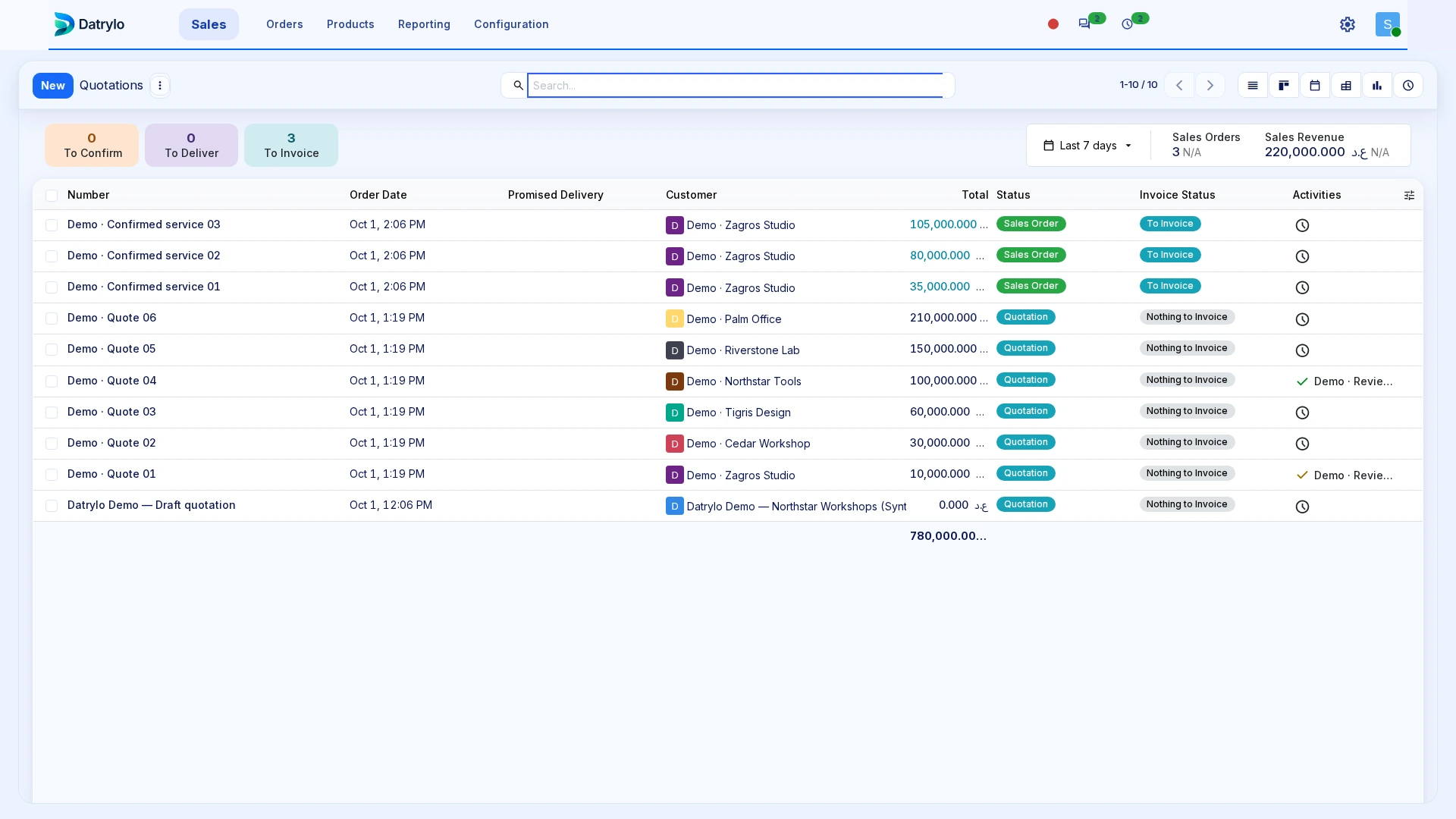
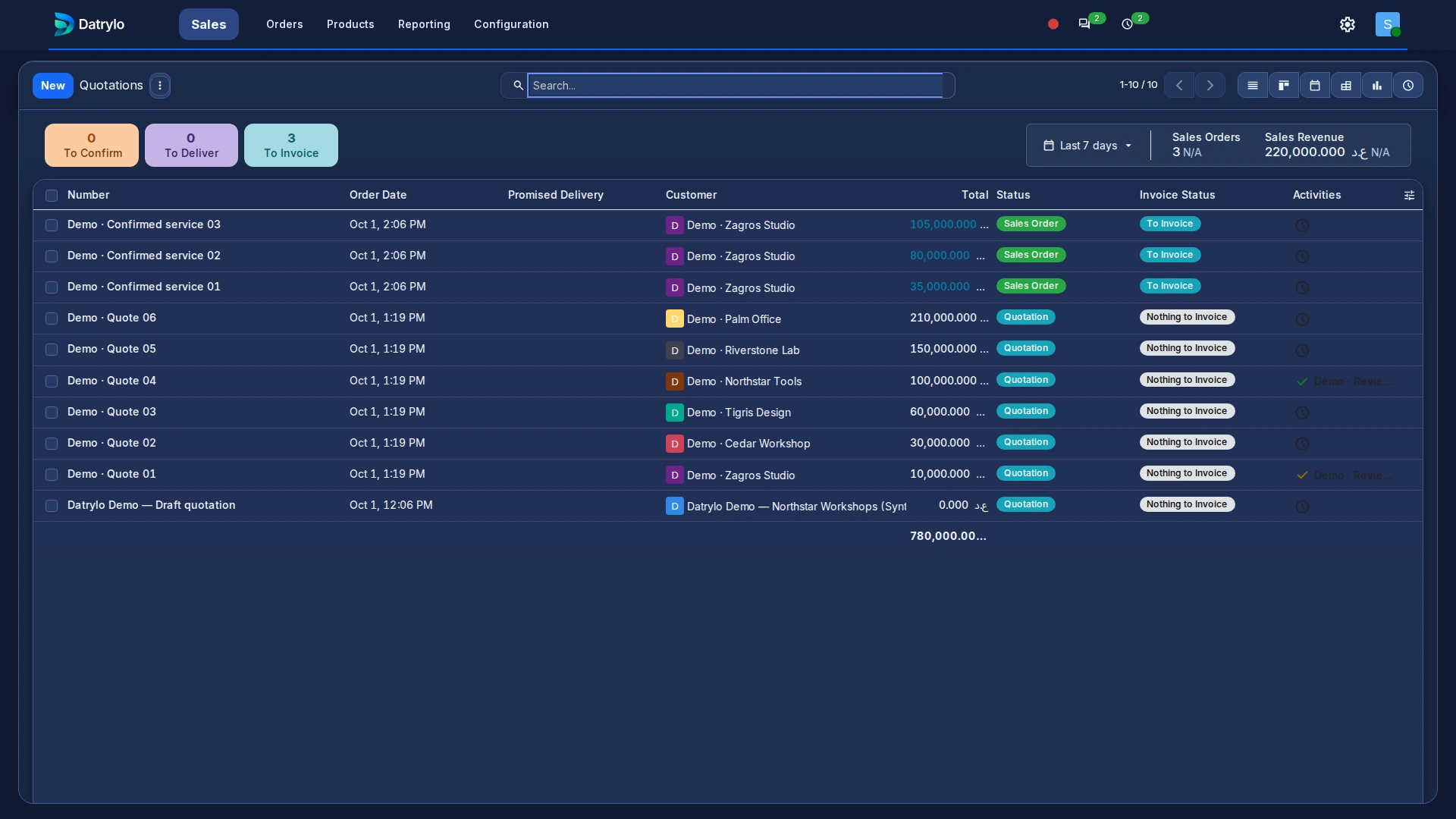
Inspect the underlying records
Explore Datrylo in action. Select an image for a closer look.
Keep every handoff connected
Connect product serial, quote, purchase, project task and invoice. Keep responsibilities, documents and the next action together as the work moves between teams. Keep rework and warranty ownership visible when a failed device pairing occurs.
Build around your specialist operation
We design the process with your team, define the screens and integrations, and deliver the agreed solution with training and a clear handover.
Start with a connected foundation
Bring customers, products, suppliers and opening stock into a consistent workspace. Choose applications for the daily work and a plan that fits your team.
Bring the exception to your workflow review
Agree device/serial identity, install tasks, test references, acceptance permission and secure credential handover.