sms marketing light 256
sms marketing dark 256

SMS Marketing

Prepare SMS campaigns with an audience and a visible sending state. Separate a drafted message from queued, sent and delivered outcomes.

A working example

Campaign example: prepare a workshop reminder, select contacts with the required permission and review the phone numbers, language and message length. Obtain approval before queuing. If delivery fails, review the provider response and contact policy before retrying. Never treat a draft or a provider submission as confirmed receipt by the customer.

Inspect the application

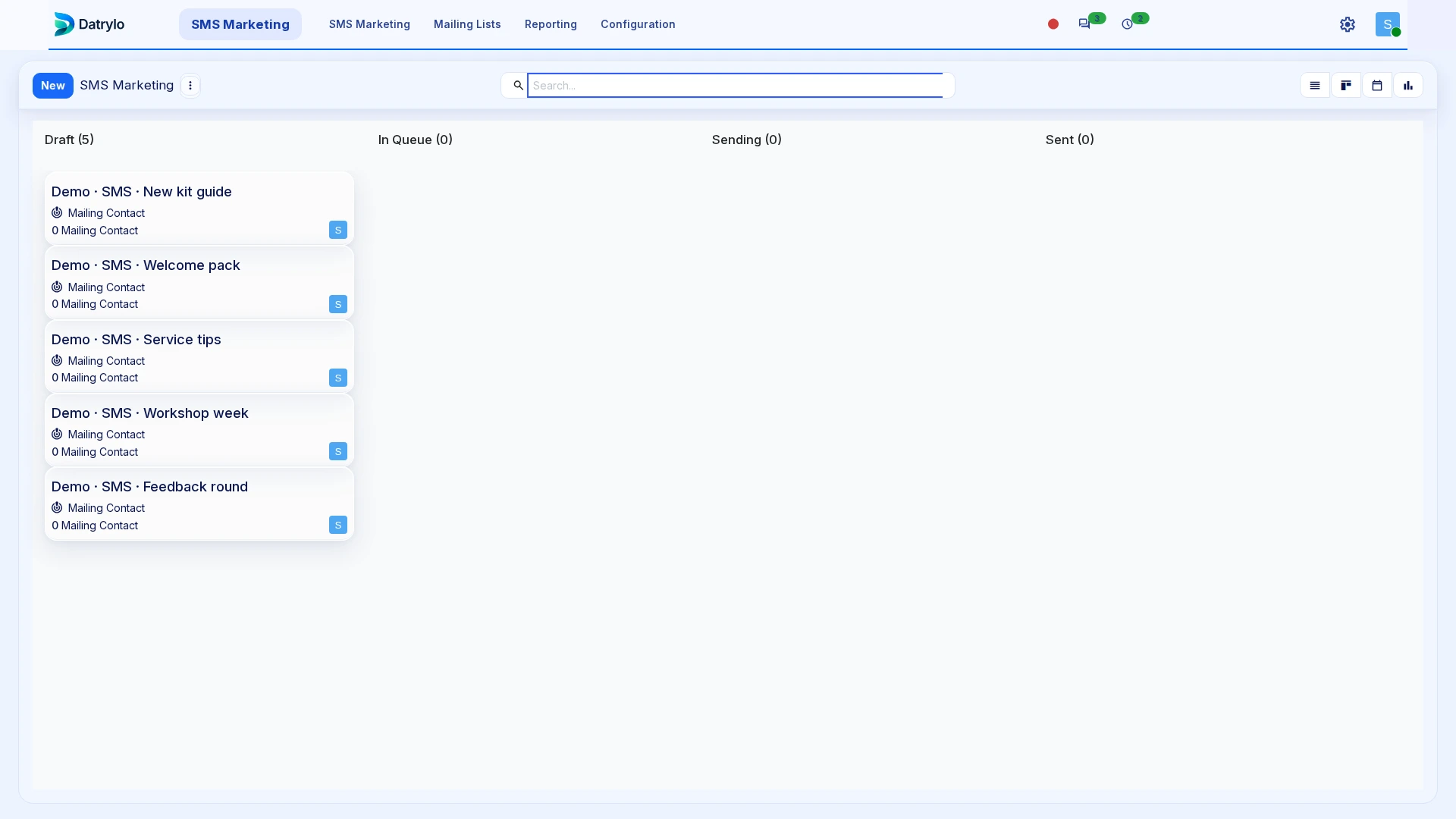
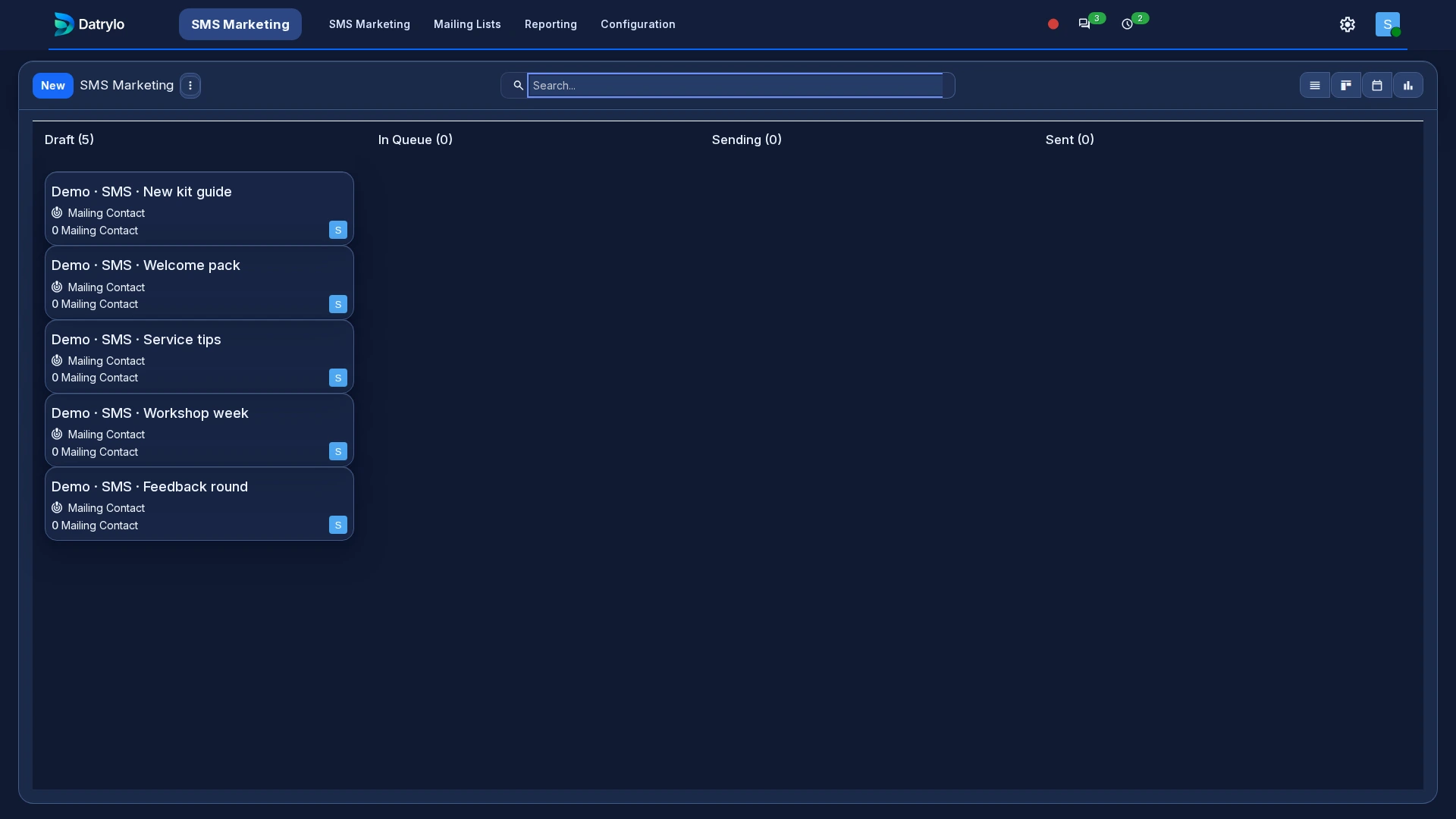
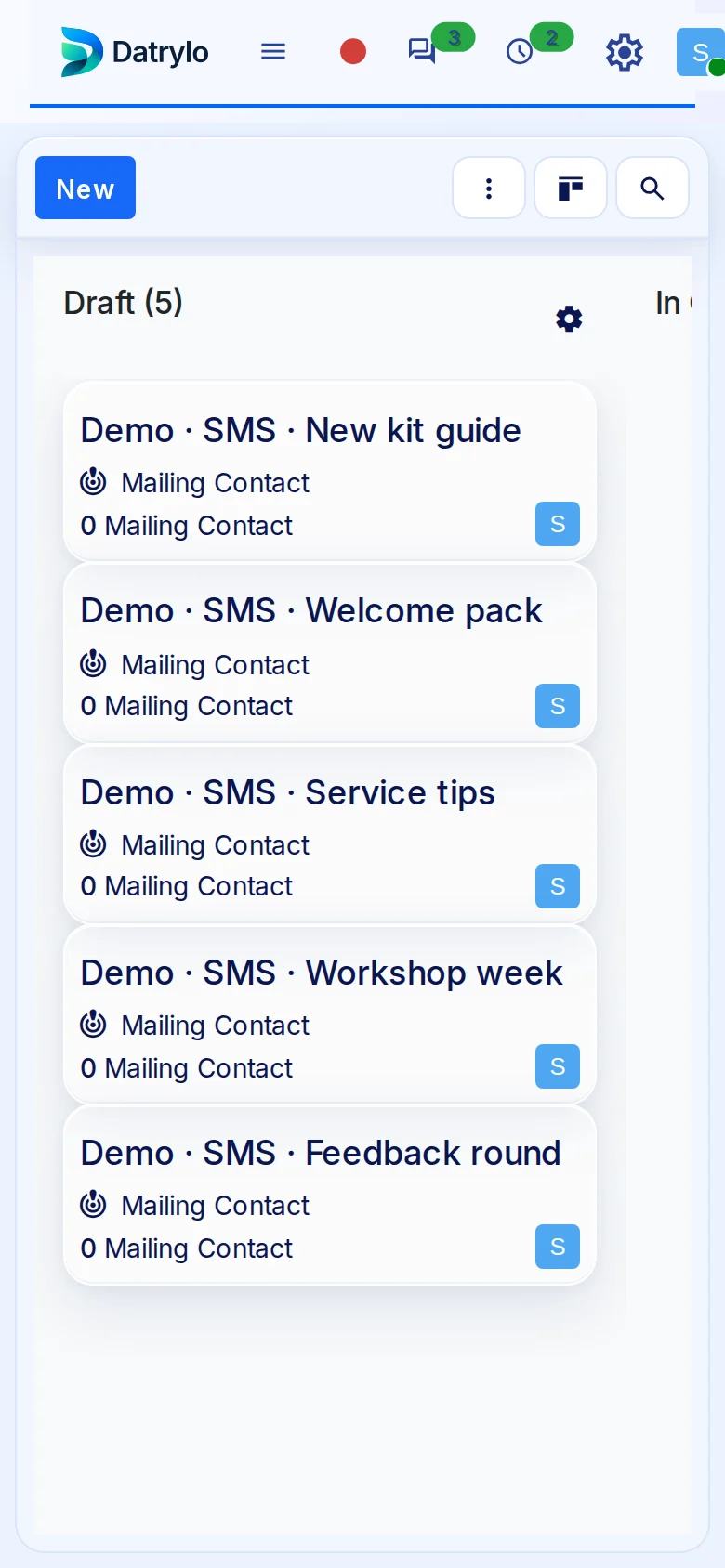
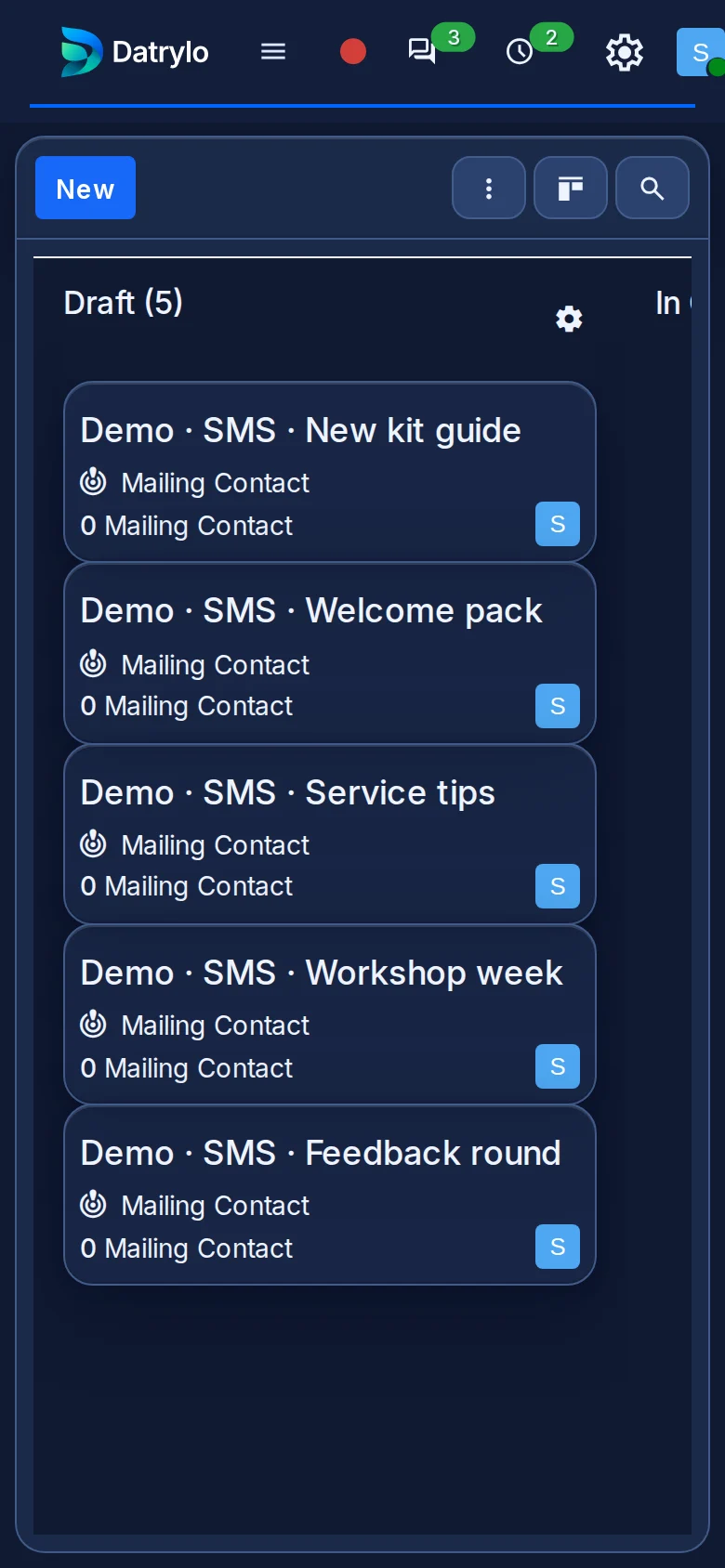
The board shows Draft, In Queue, Sending and Sent columns; the sample cards stay in Draft.

Desktop view

Mobile view

Explore Datrylo in action. Select an image for a closer look.

Make it work for your team

Demonstration campaigns remain Draft with no mailing contacts. Sending requires a configured SMS provider, sender permissions, credits or provider charges and recipient consent. No live SMS was sent for the screenshots.


Choose which optional services you allow. You can change or withdraw your choices at any time.