Turn a mailing list into a clear campaign
Inspect the example list filter and native campaign preview before any delivery. Read the counters according to the campaign state.
A defined audience and an honest draft preview
Inspect the example list filter and native campaign preview before any delivery. Read the counters according to the campaign state.
A defined audience and an honest draft preview| Workflow step | What you can see |
|---|
| Audience/state | 2 example contacts; Draft; no send/schedule action |
|---|
| Sent/delivered/failed | 0 / 0 / 0 native counters; no delivery attempt in this campaign |
|---|
| Opened/clicked | 0 / 0 native counters; rates are not applicable because none were sent |
|---|
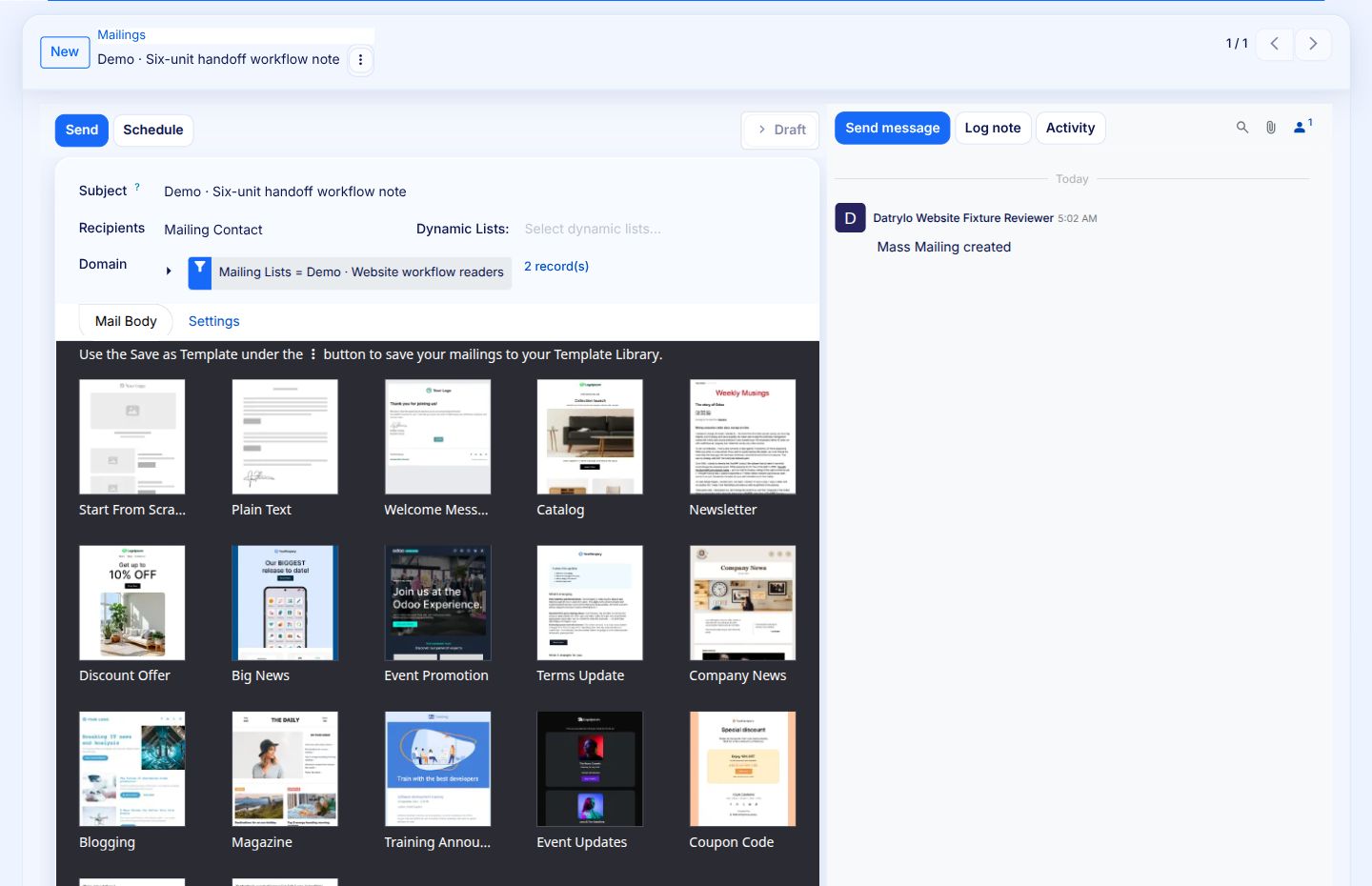
1 · Two-record example audience
The native list domain selects Demo Website workflow readers and reports two matching records. Both contacts use reserved .invalid addresses; no real customer list is uploaded. This first screen shows audience setup before selecting the body template.
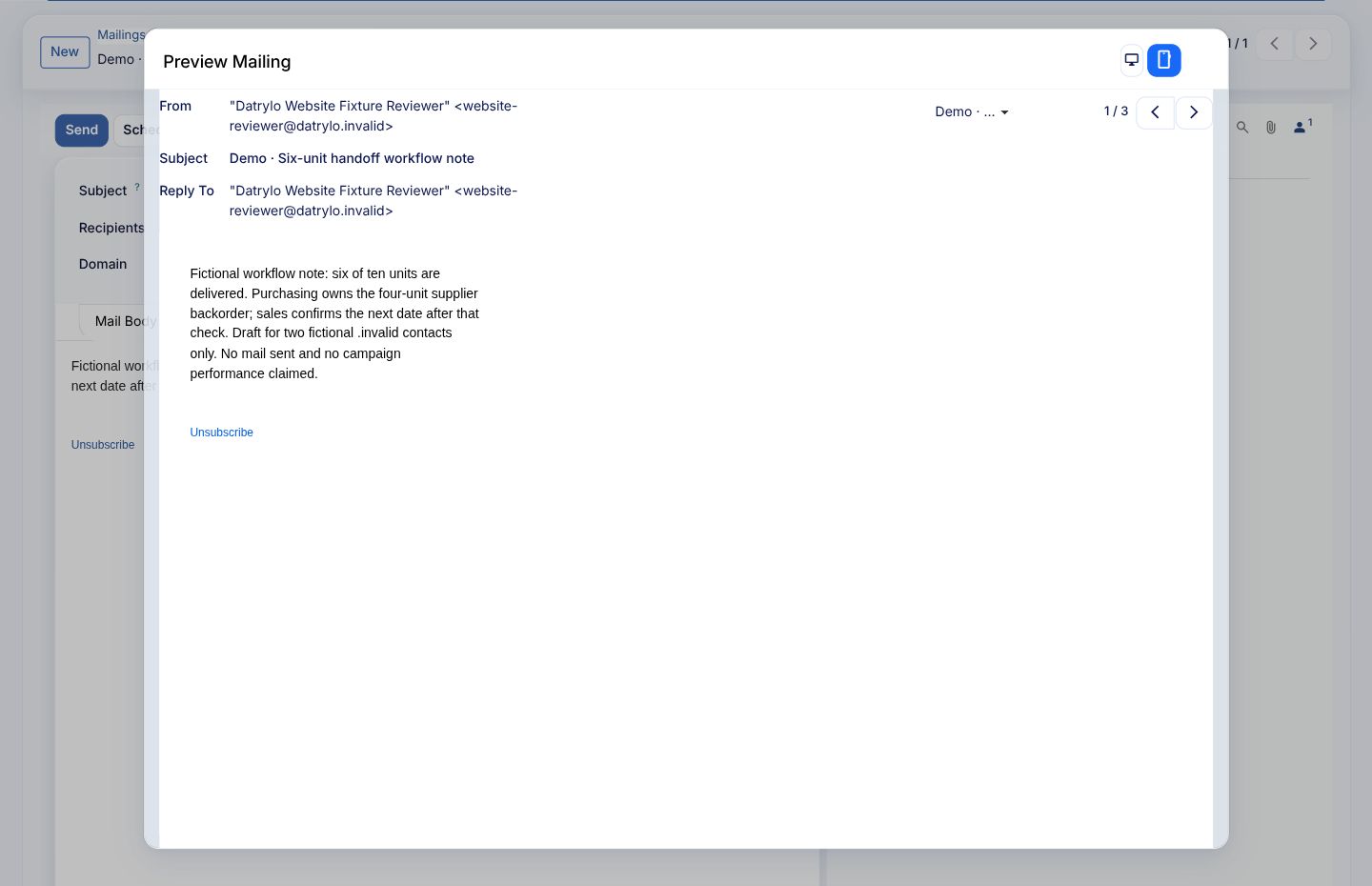
2 · Actual saved message preview
The native preview carries the subject, example sender/reply-to and six-delivered/four-pending workflow note. The native unsubscribe footer is retained. Preview is not sending, successful inbox delivery or a validated unsubscribe journey.