Supplier orders and agreed dates
Follow P00006 through a supplier-role portal reply, acknowledgement and revised receipt date, then the internal buyer’s agreement on the same order.
Supplier proposal → native date change → buyer agreement
Follow P00006 through a supplier-role portal reply, acknowledgement and revised receipt date, then the internal buyer’s agreement on the same order.
Supplier proposal → native date change → buyer agreement| Workflow step | What you can see |
|---|
| Order and agreed date | P00006 · 6 × 6,000 IQD = 36,000 IQD · 8 October → 10 October 2026 |
|---|
| External-role access | Portal-only example user 11: own order read and native portal reply/date/acknowledgement; another supplier order and stock/billing writes denied. |
|---|
| Internal owner | Buyer user 7 accepts the revised date and completes the native warning activity. Stock receipt and financial posting remain separate duties. |
|---|
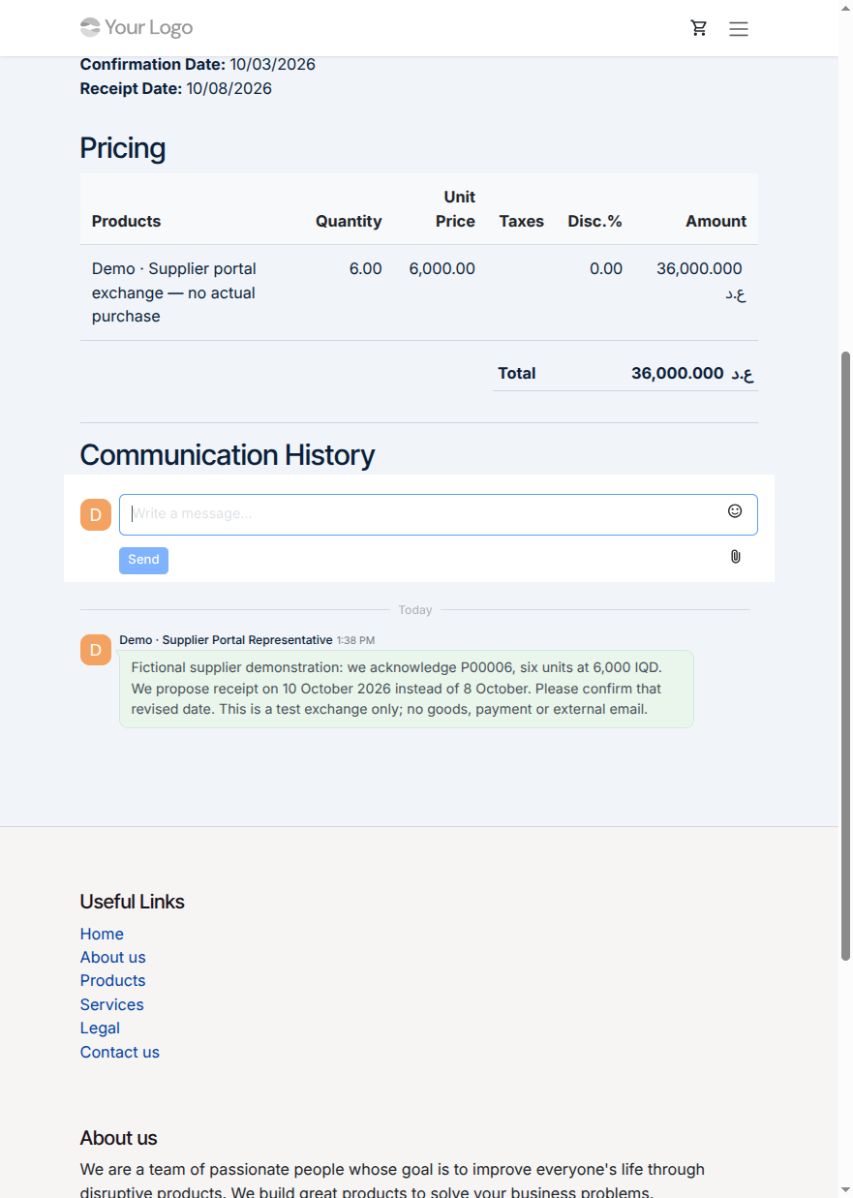
1 · Supplier proposes a date on its own order
Let suppliers reply to their purchase orders and propose receipt dates through a dedicated portal.
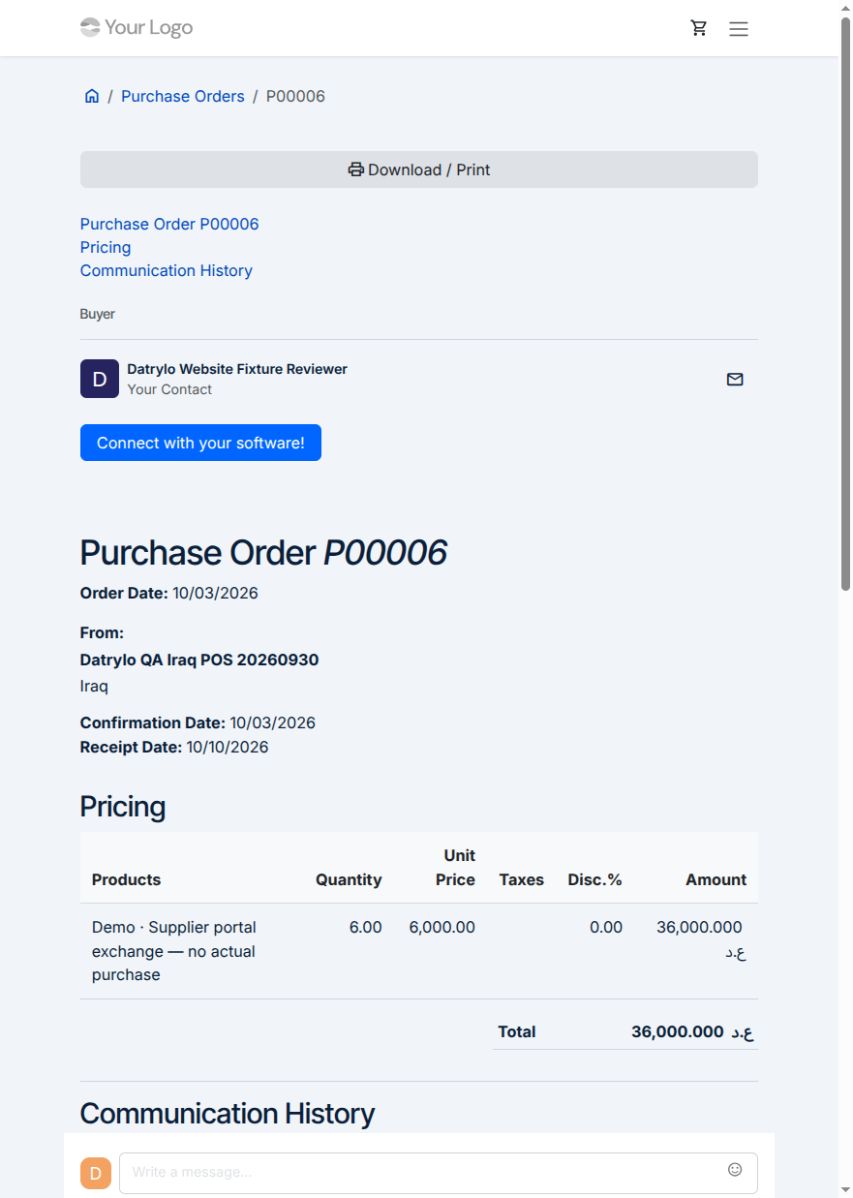
2 · Same native order and updated date
P00006 retains six units × 6,000 IQD = 36,000 IQD. The authenticated supplier executes the native acknowledgement and receipt-date update; the portal now shows 10/10/2026. No stock receipt or supplier payment is posted.
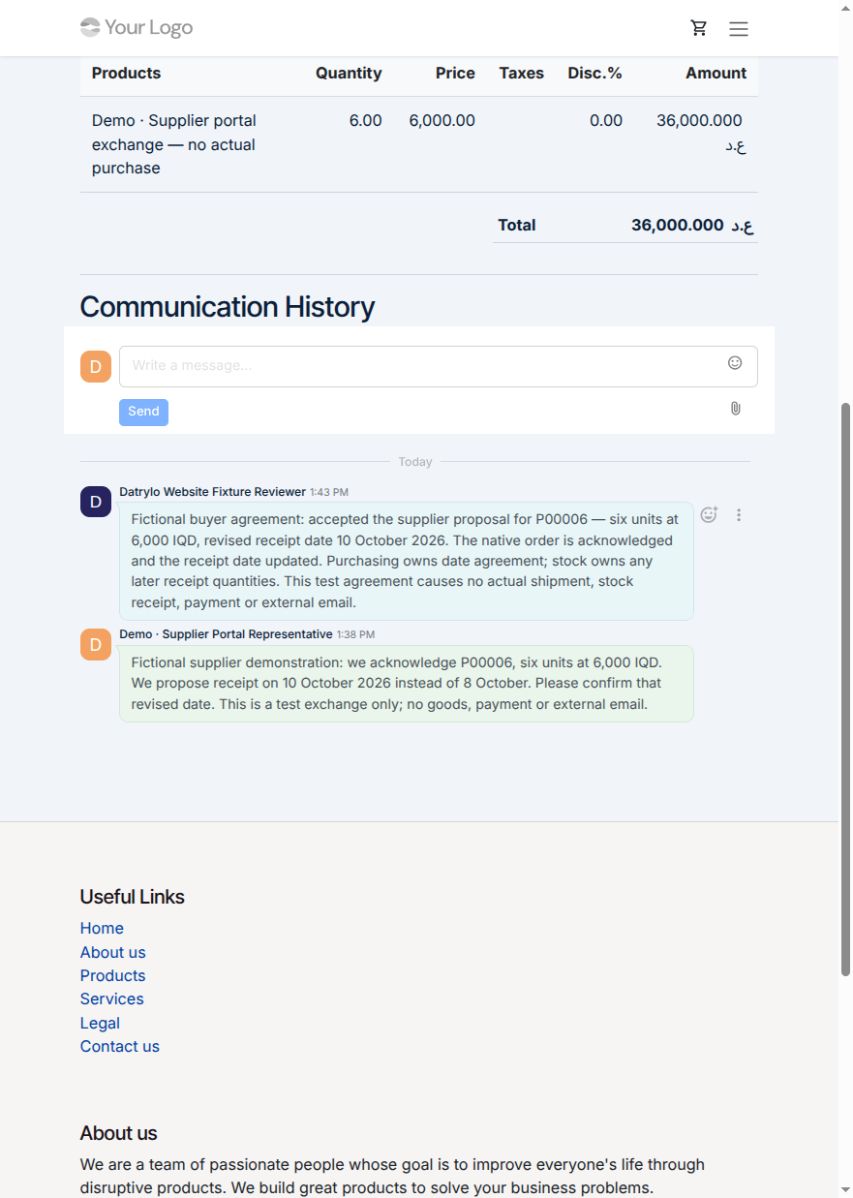
3 · Buyer and supplier agree in the same thread
Keep the supplier’s proposal and the buyer’s agreed date together in the order’s communication history.