ERP for nonprofit organizations
Track donors, programmes, purchases and spend by purpose. Connect the commercial work in Datrylo: customer records, quotations, purchasing, stock and invoices. Add tailored industry workflows around the same connected records with our custom-development service.
A restricted grant expense needs a funding decision
See how the workflow connects people, records and decisions.
A restricted grant expense needs a funding decision| Step | Owner, record and exception |
|---|
| 1 | Project NGO-A has an illustrative 5,000,000 IQD grant for approved training supplies; owner links eligible purchase references. |
|---|
| 2 | A 500,000 request concerns unrelated office equipment. Reviewer flags it against the grant restriction instead of treating all project purchases as eligible. |
|---|
| 3 | Funding owner declines the grant allocation or selects an approved unrestricted source, with the reason and purchase history retained. Grant reporting requires its own reviewed rules. |
|---|
What belongs in the rollout
Inspect the underlying records
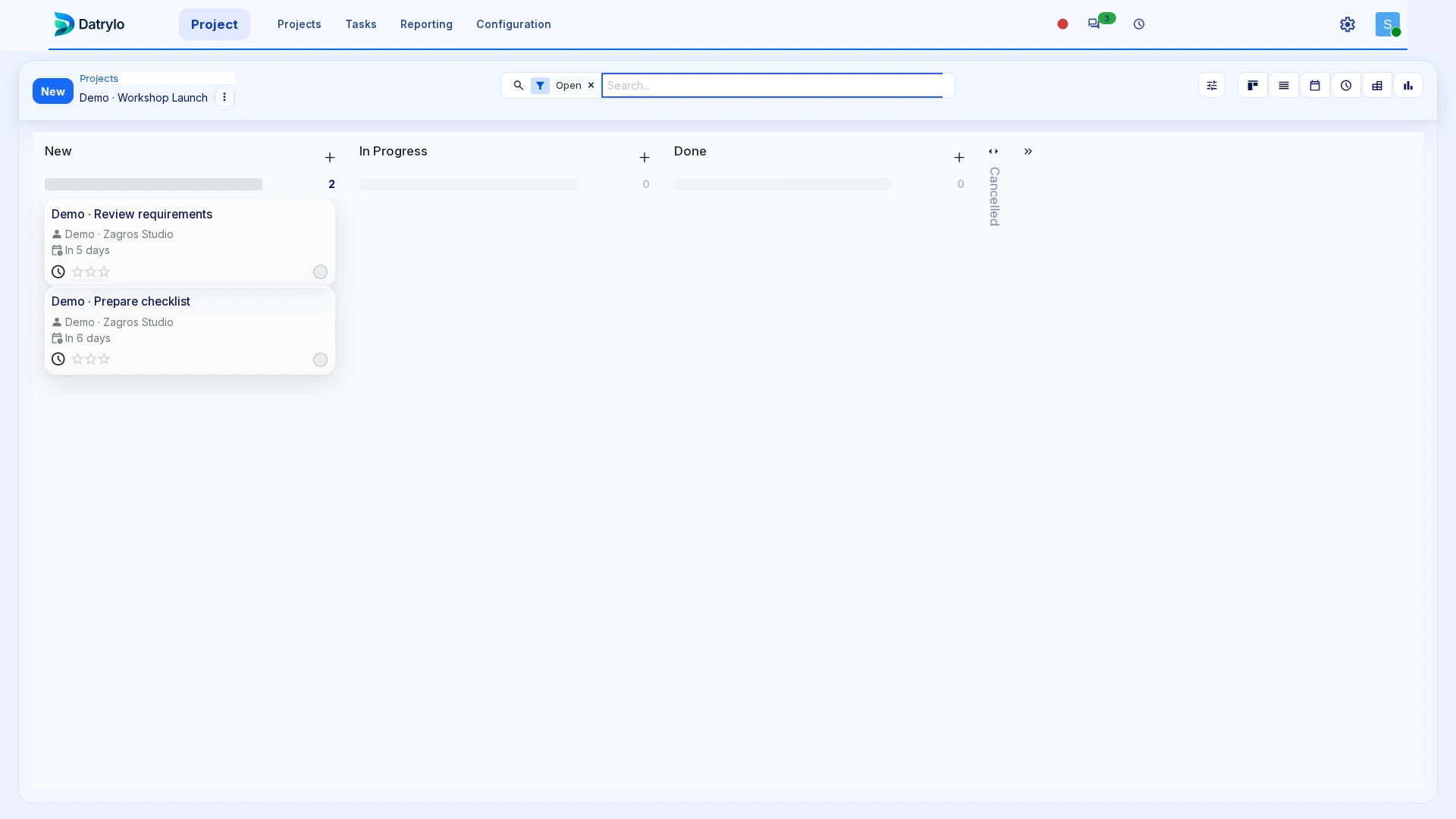
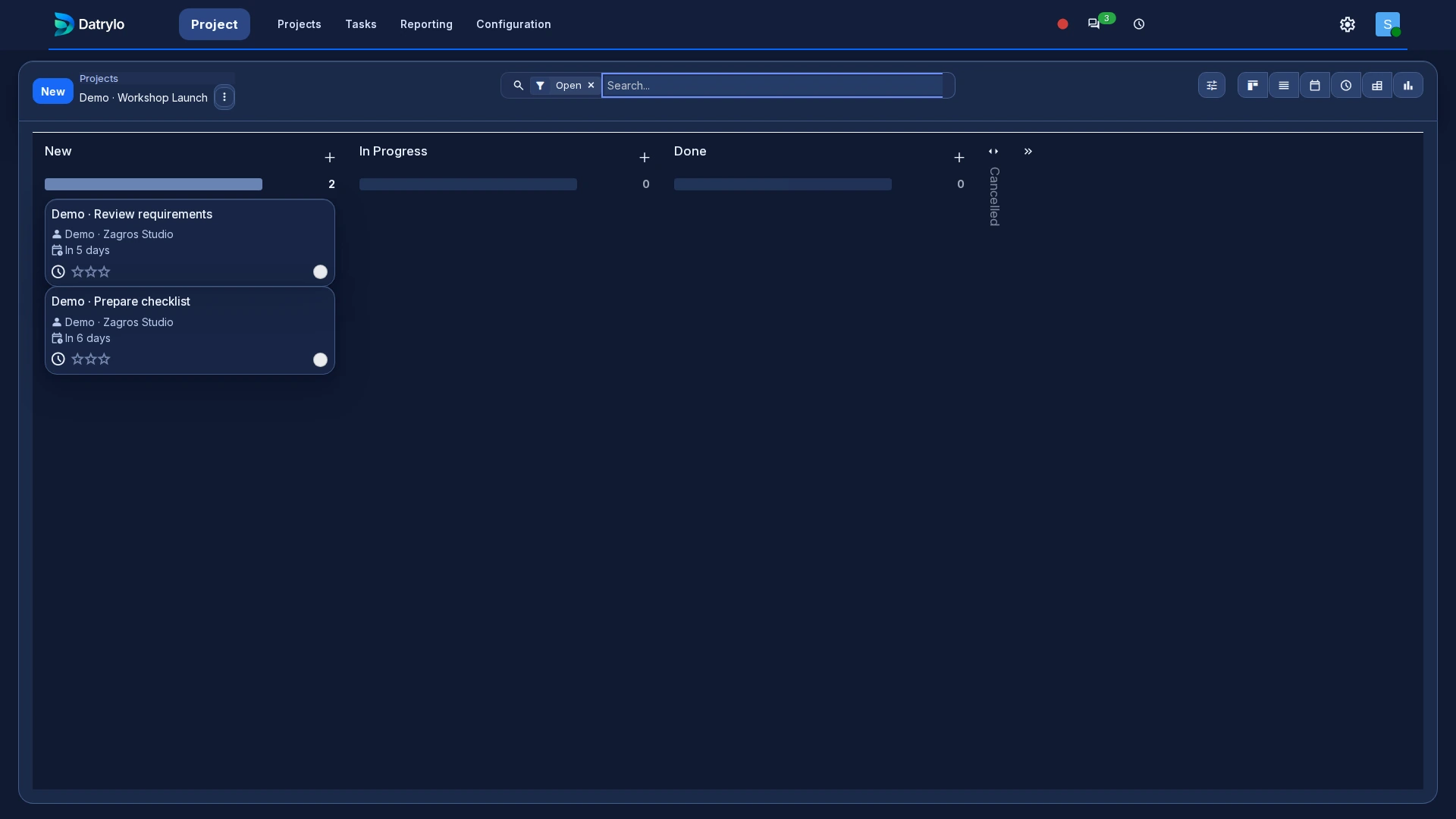
Explore Datrylo in action. Select an image for a closer look.
Keep every handoff connected
Connect contact, project, purchase, expense and finance record. Keep responsibilities, documents and the next action together as the work moves between teams. Keep approval and allocation visible when a restricted grant expense occurs.
Build around your specialist operation
We design the process with your team, define the screens and integrations, and deliver the agreed solution with training and a clear handover.
Start with a connected foundation
Bring customers, products, suppliers and opening stock into a consistent workspace. Choose applications for the daily work and a plan that fits your team.
Bring the exception to your workflow review
Agree project/fund references, eligible expense approval, purchase owners and restricted donor access; the project board is not a fund-accounting certification.