Product demonstration library
Explore desktop and mobile views of CRM, Sales, Purchasing, Inventory, Projects and Contacts, then follow the sales-to-delivery tour.
Explore Datrylo in action. Select an image for a closer look.
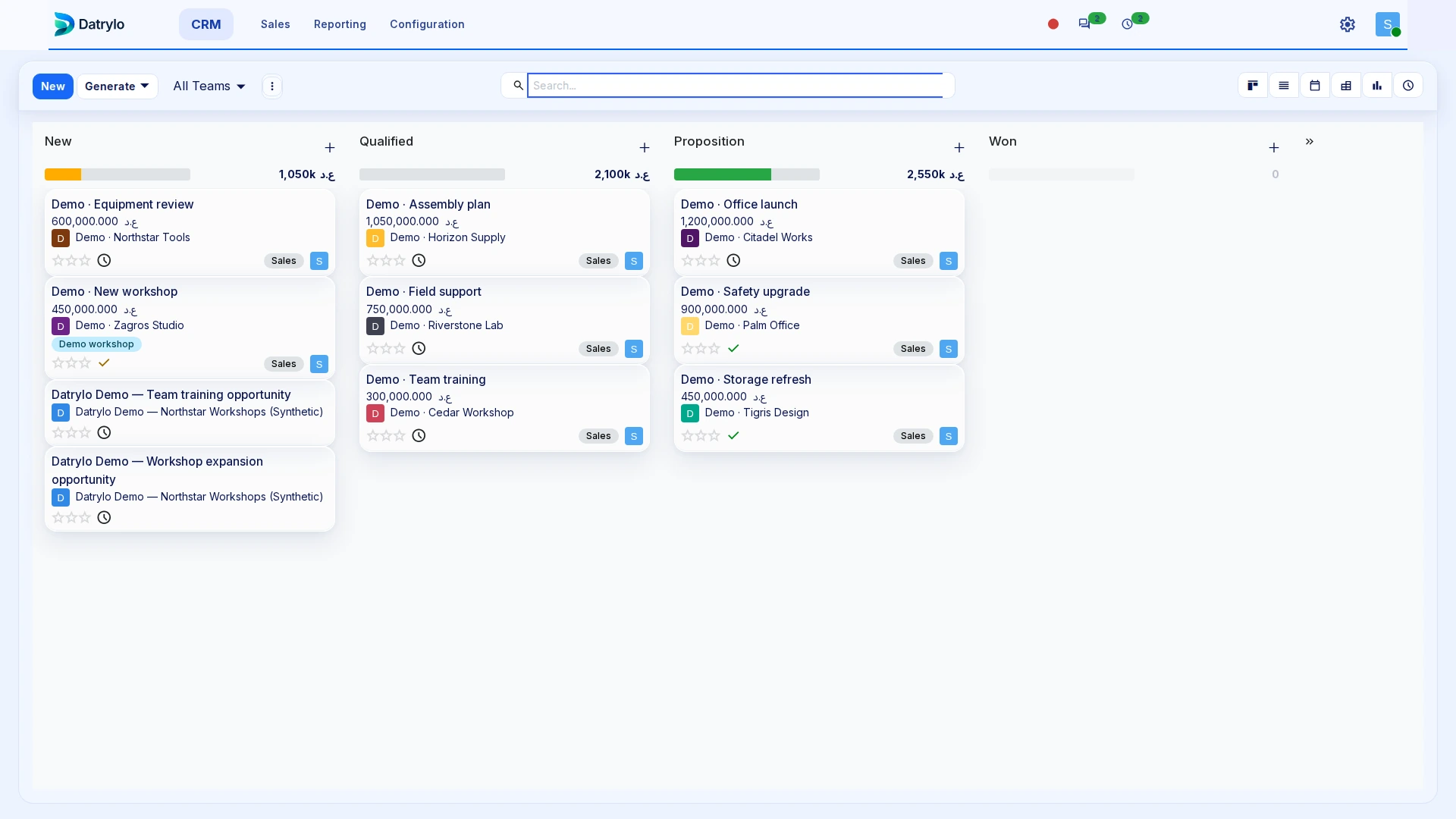
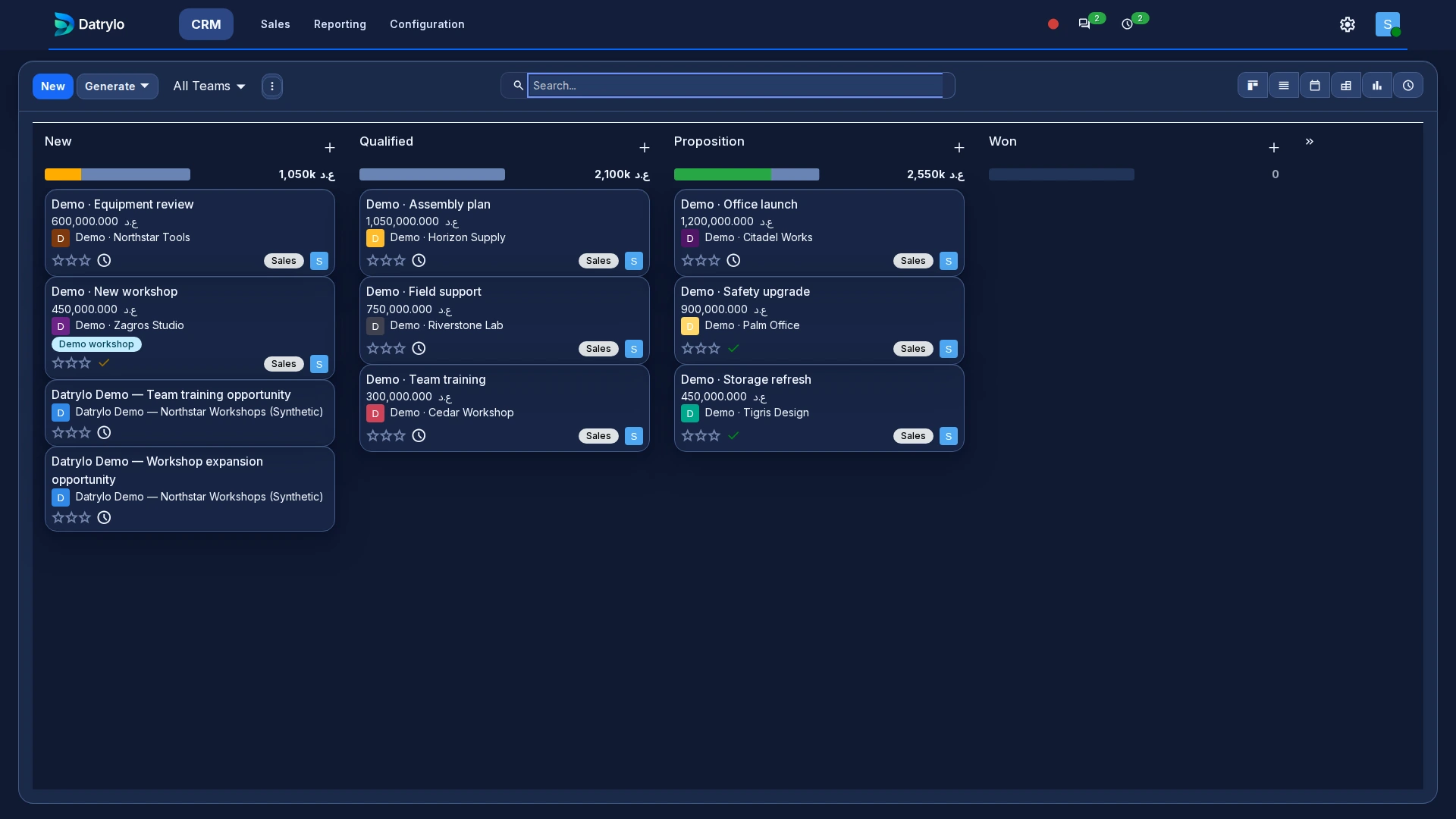
CRM
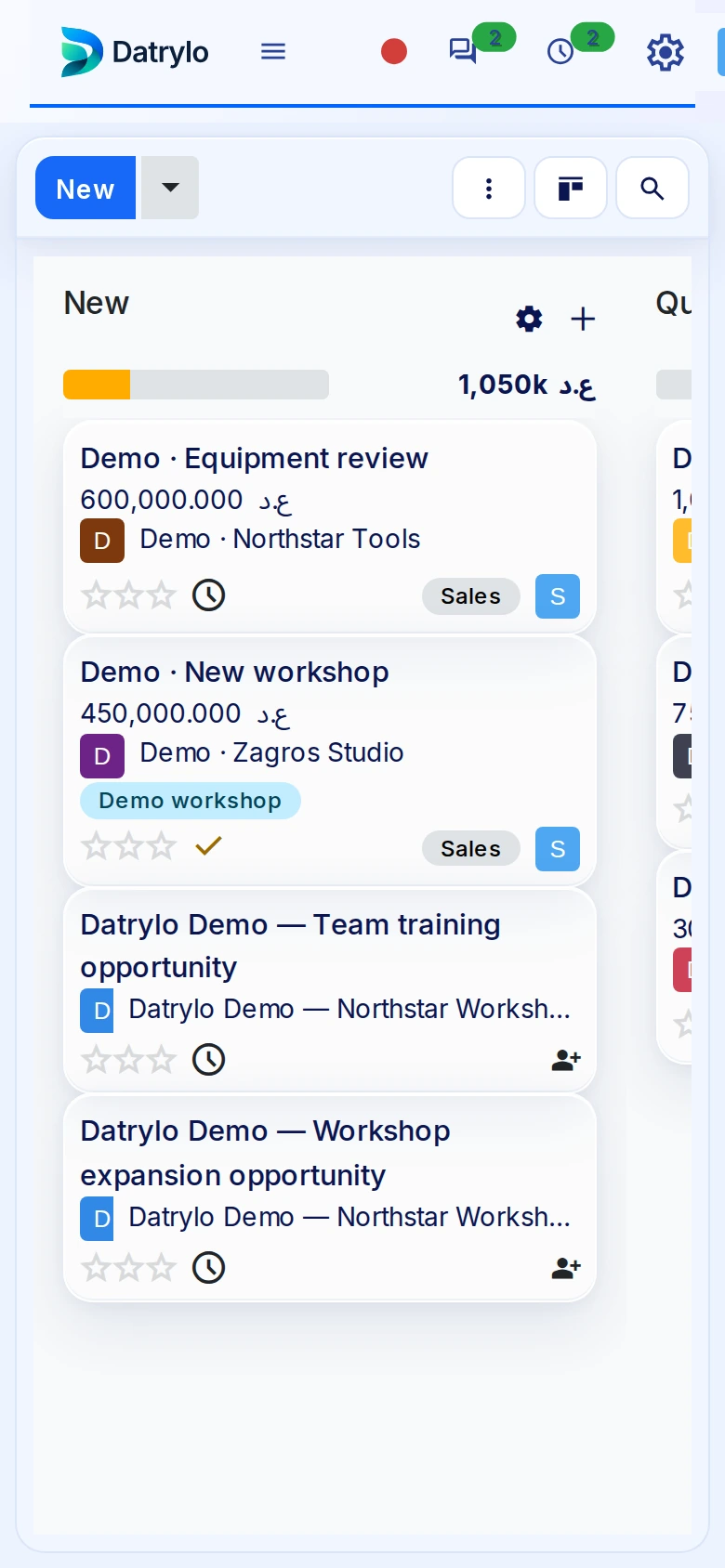
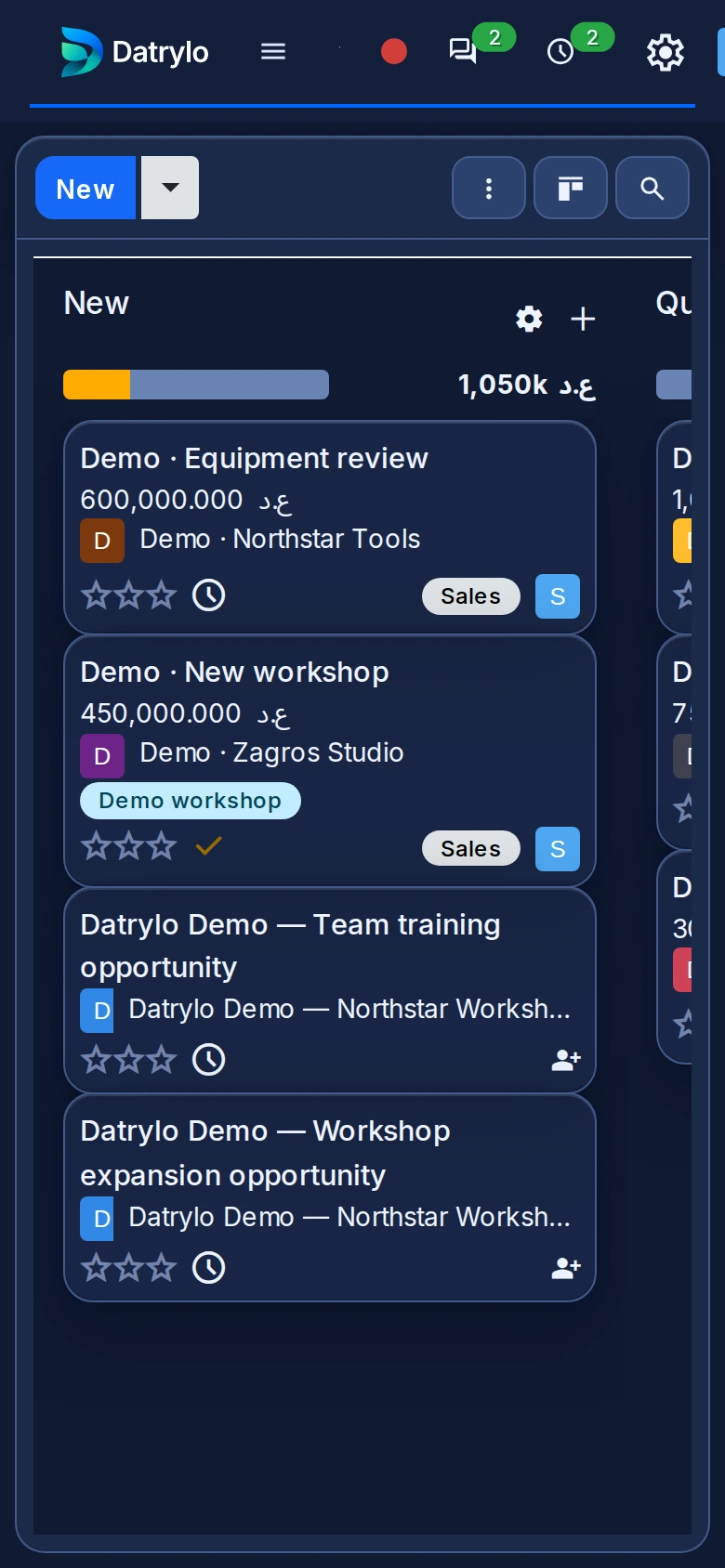
Read the stages and opportunity values in the pipeline. Open the CRM guide to follow ownership, next activity and quotation preparation.
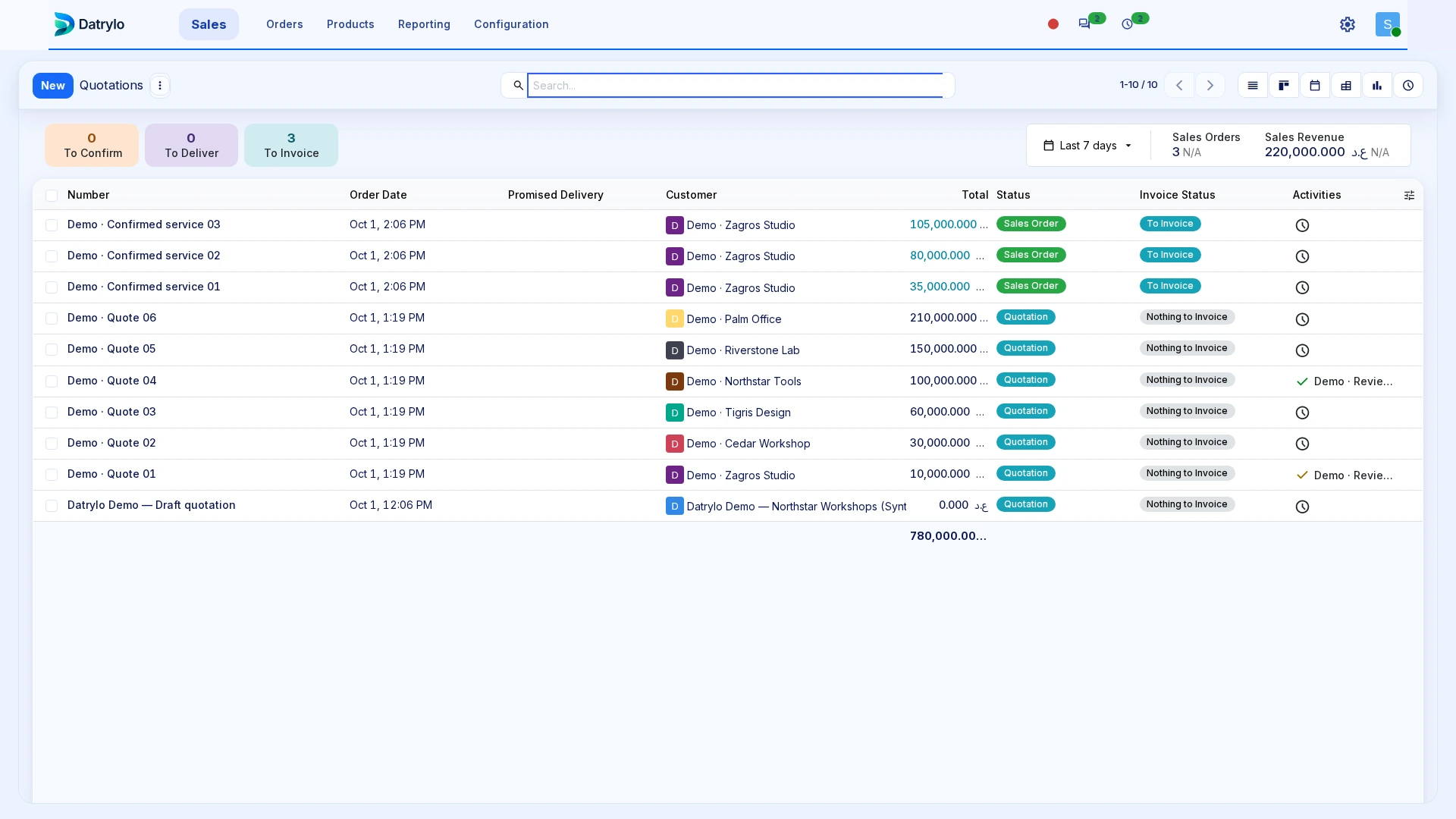
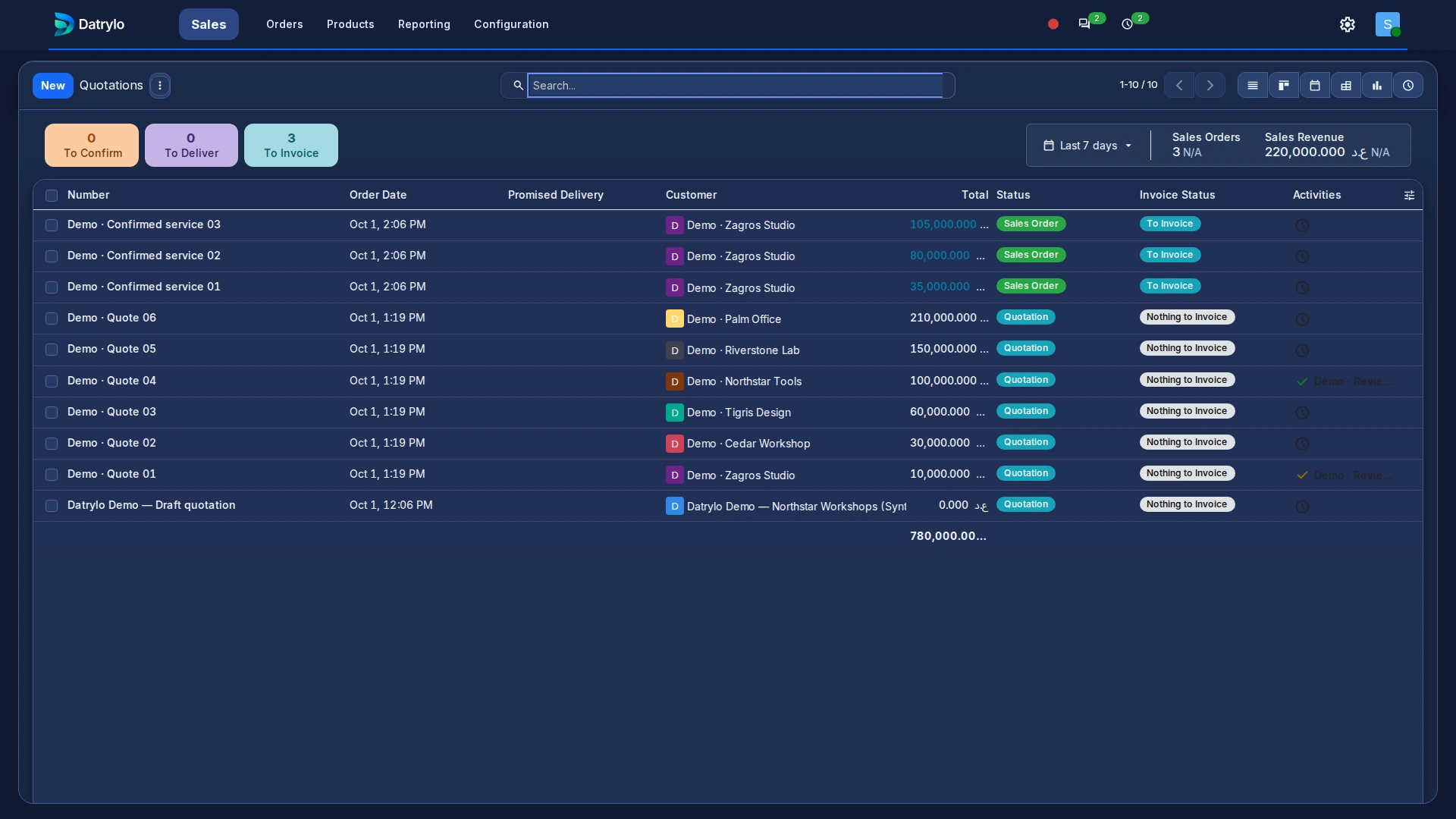
Sales
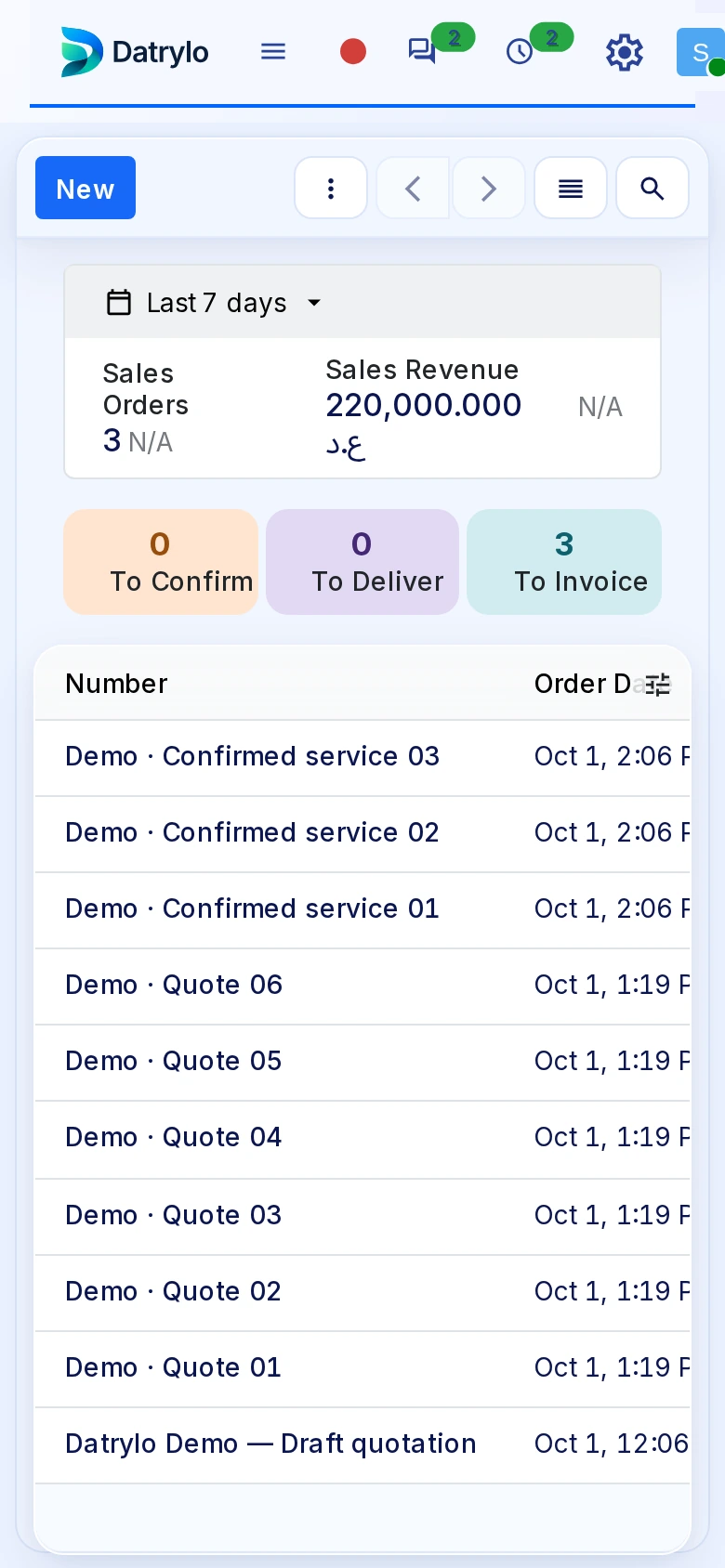
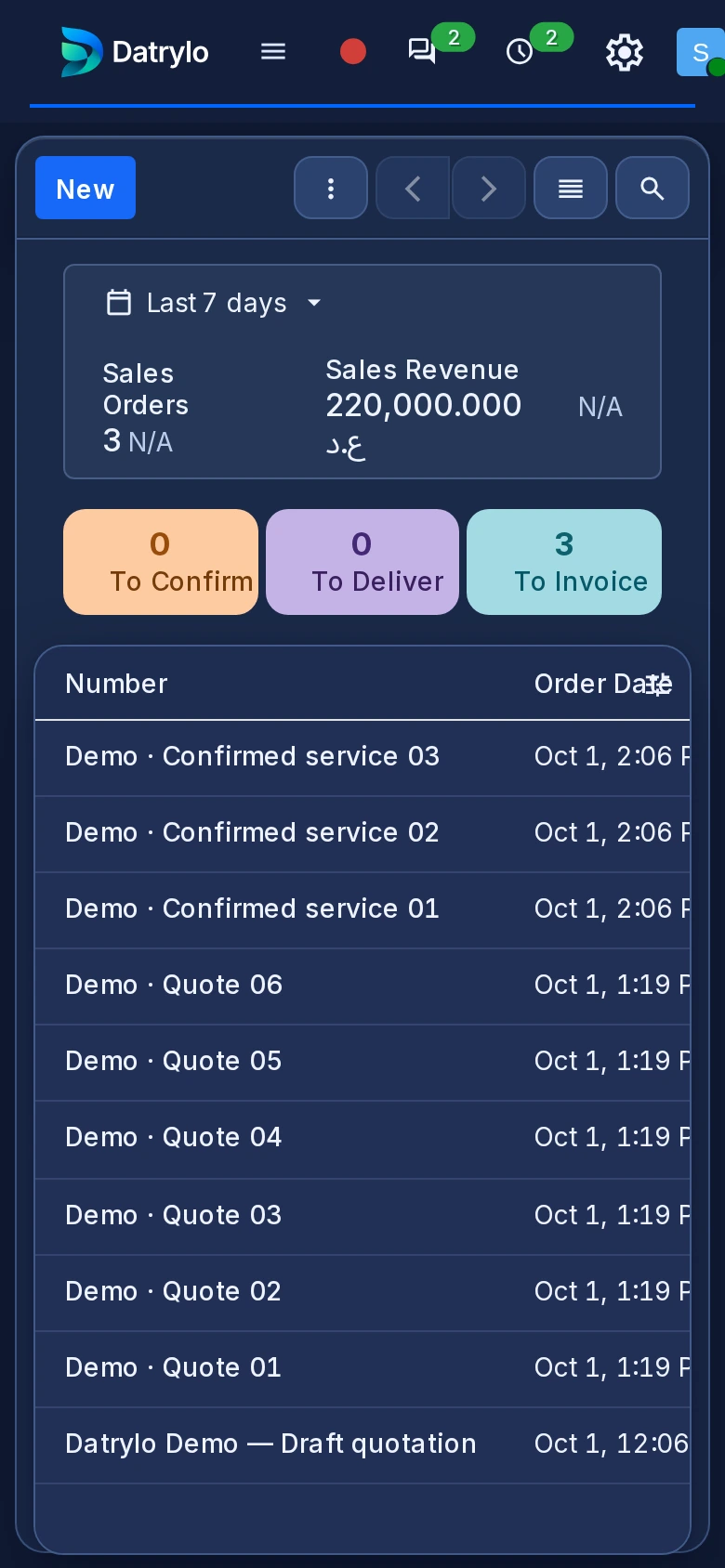
Keep quotations and orders organised by customer, reference, amount and status.
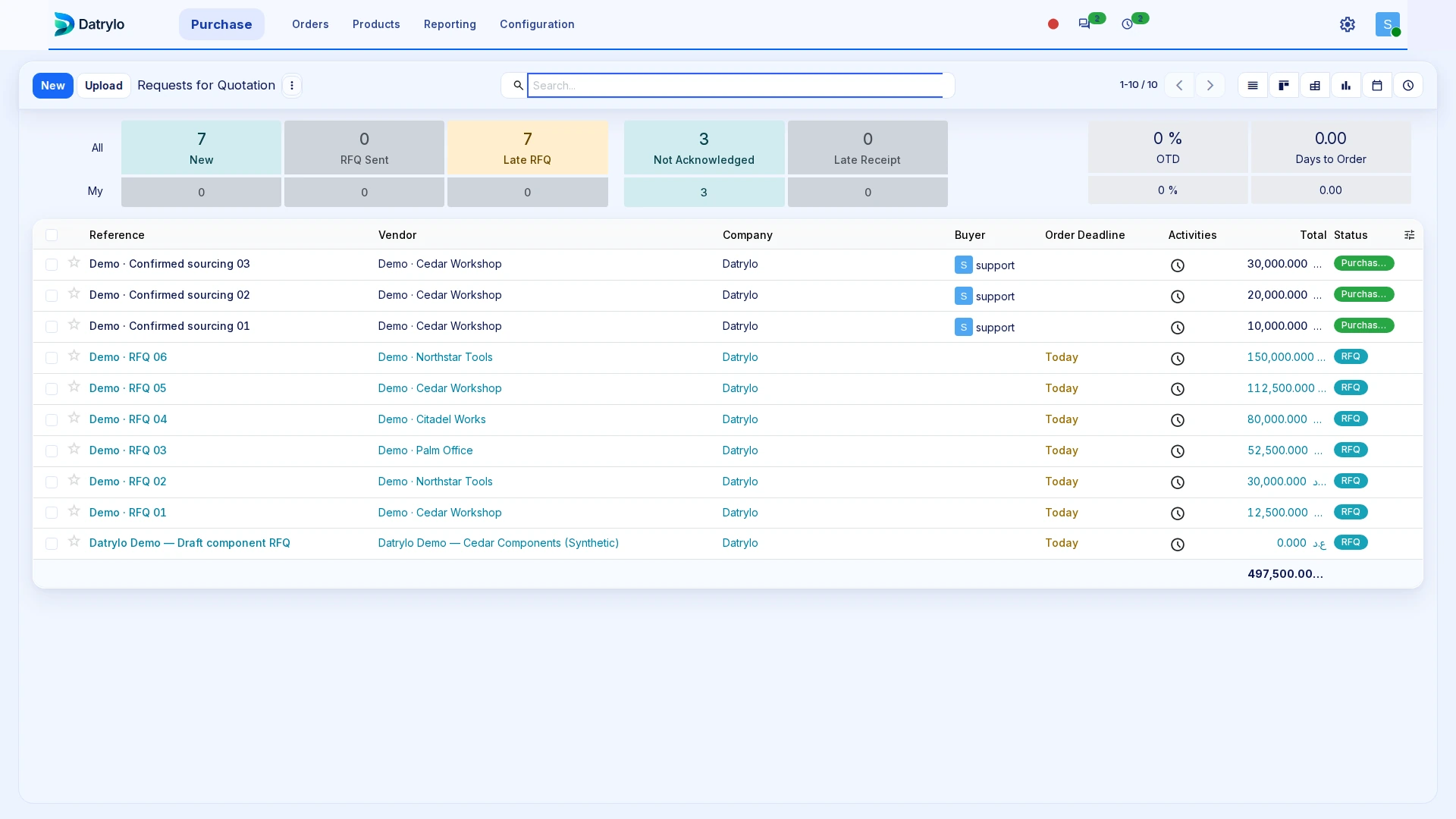
Purchasing
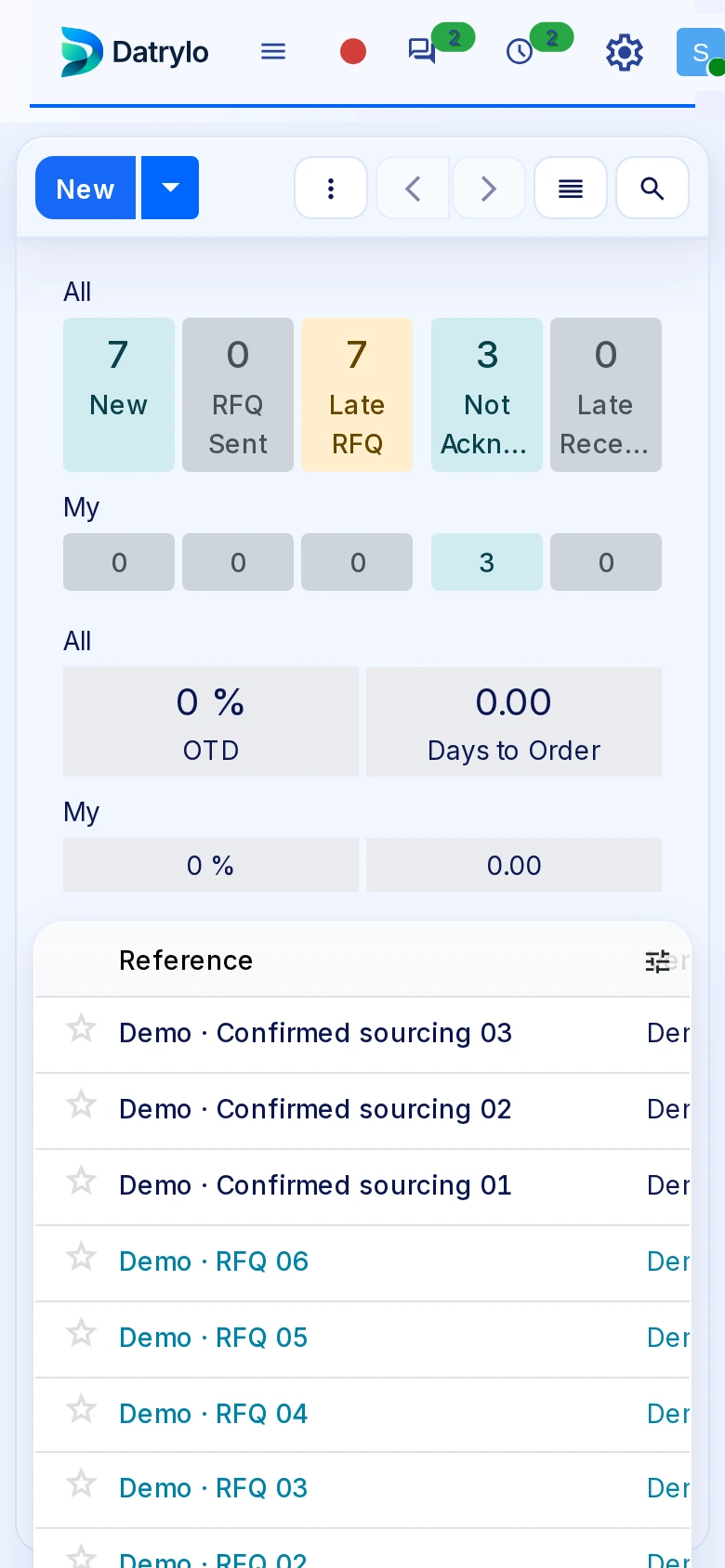
Review supplier requests and their status before receipt. The application guide separates ordering, receiving and bill review so the purchasing owner can inspect each handoff.
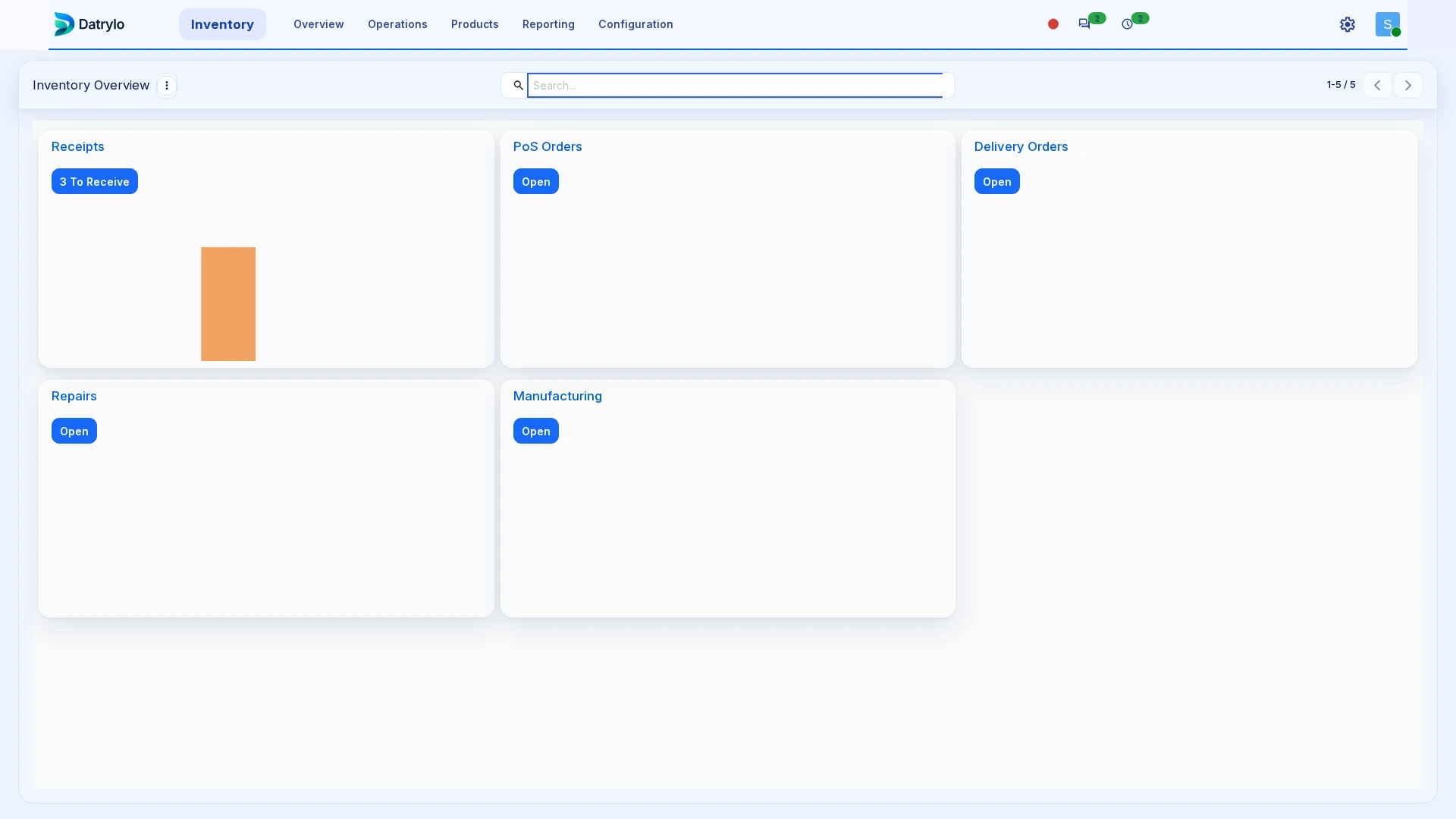
Inventory
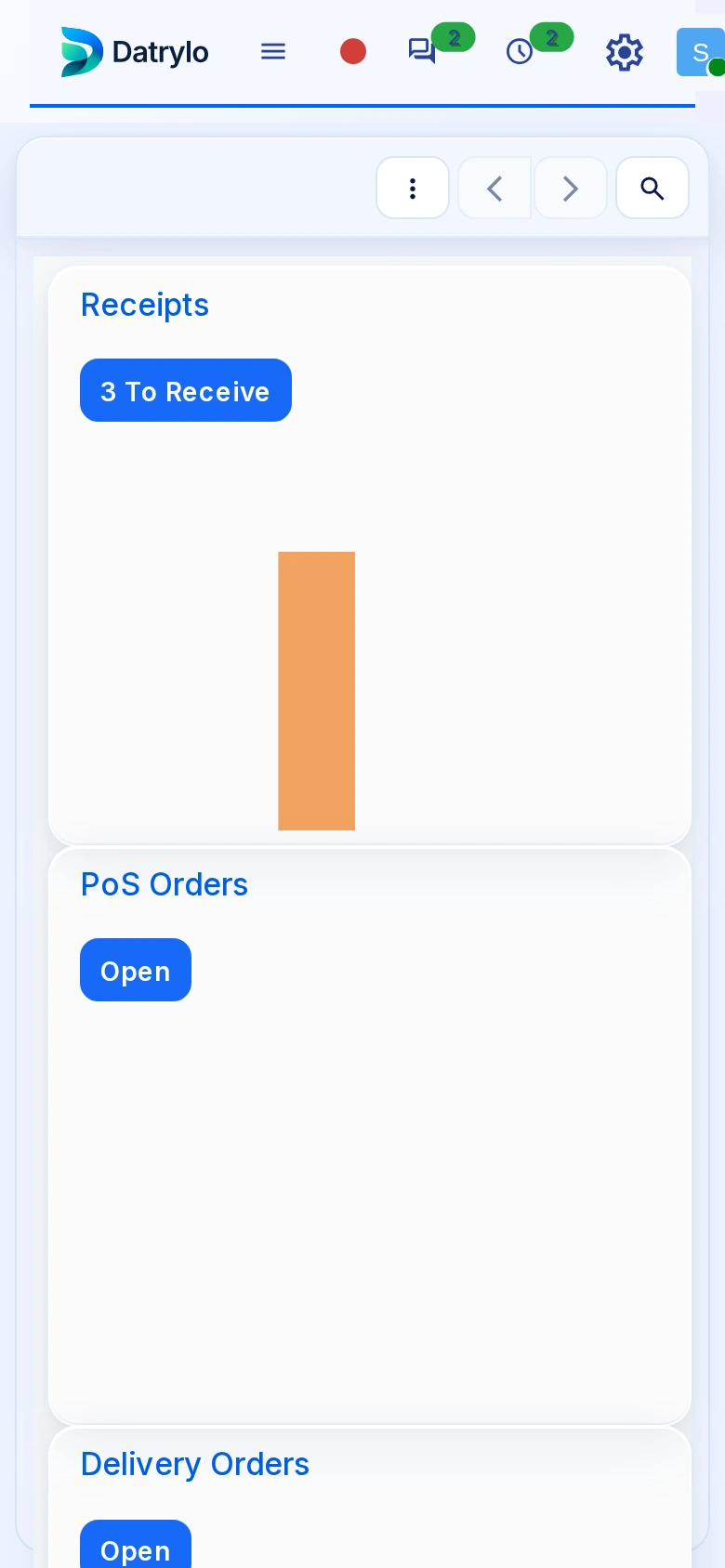
The stock workspace separates incoming receipts, internal movements and outgoing deliveries. Inspect the operation type before validating quantities; warehouse and product setup belong to implementation.
Projects
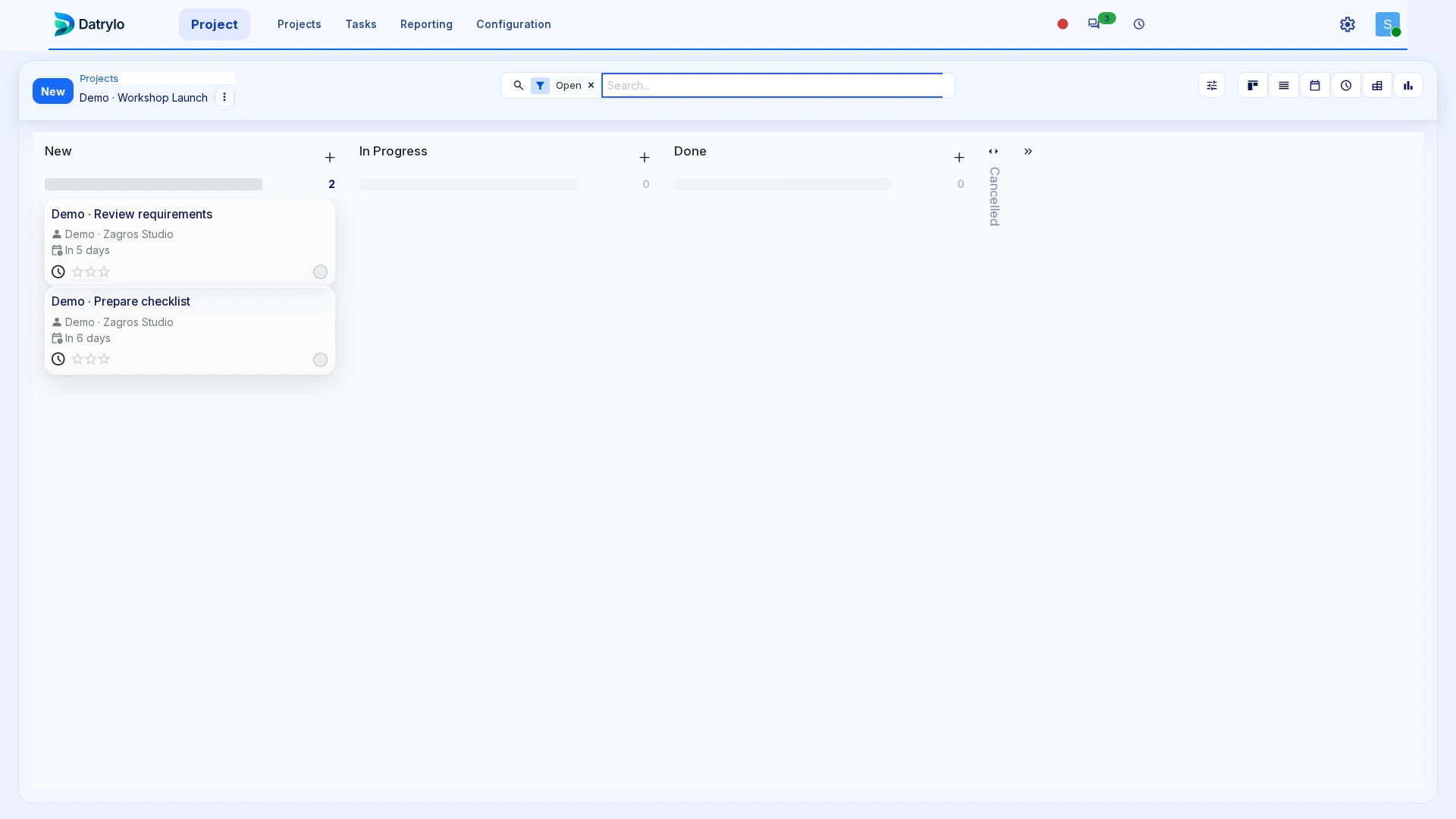
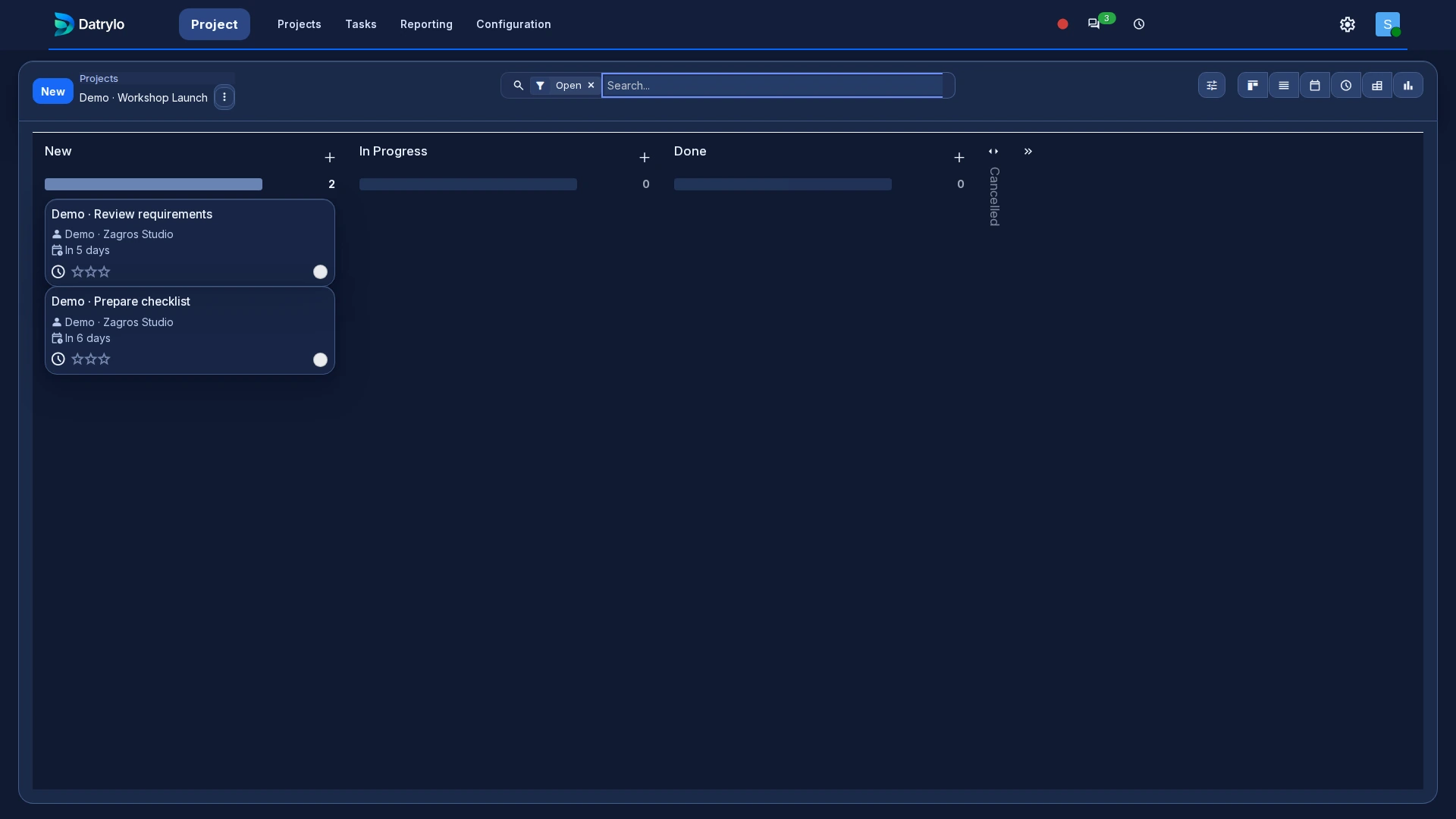
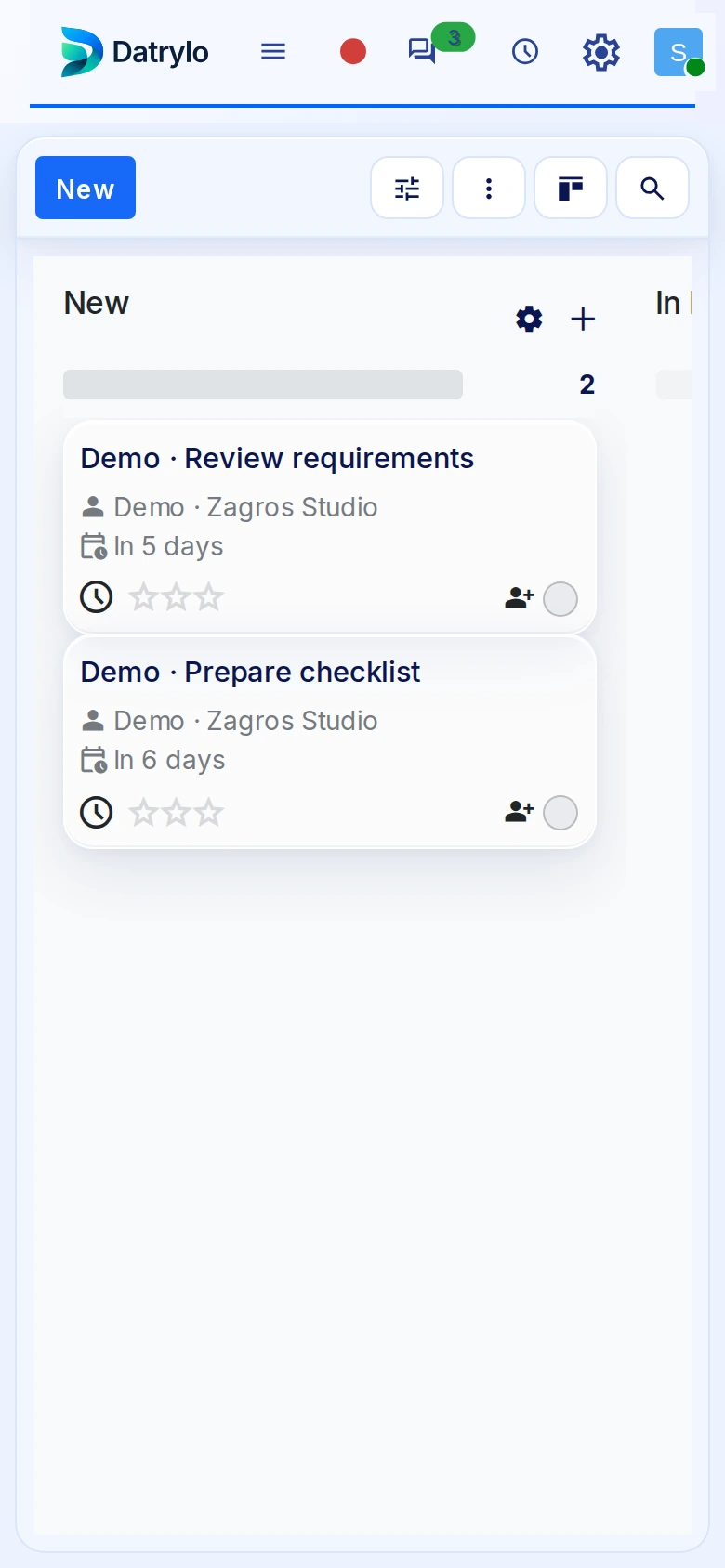
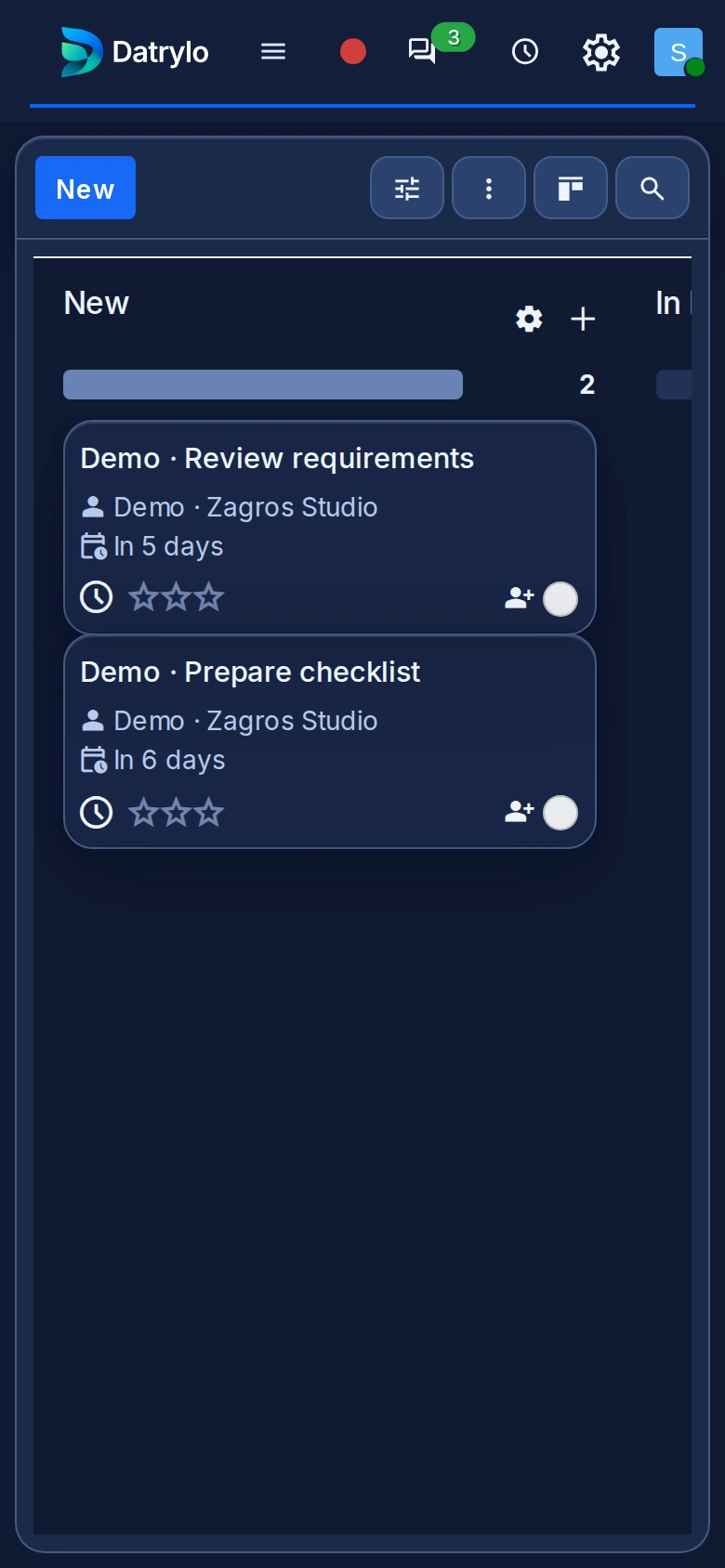
See project stages, task owners and due dates together so your team knows what needs attention next.
Contacts
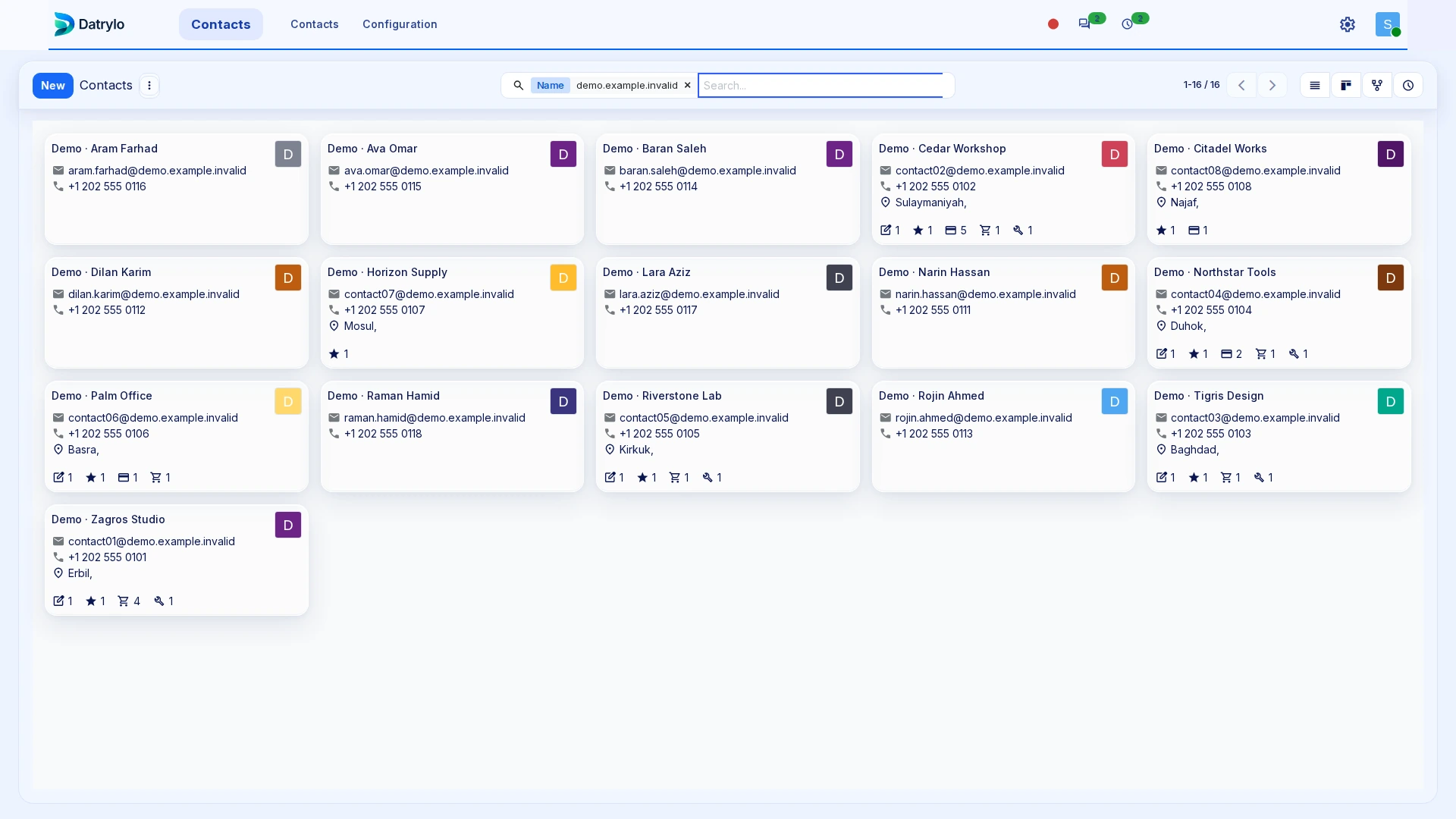
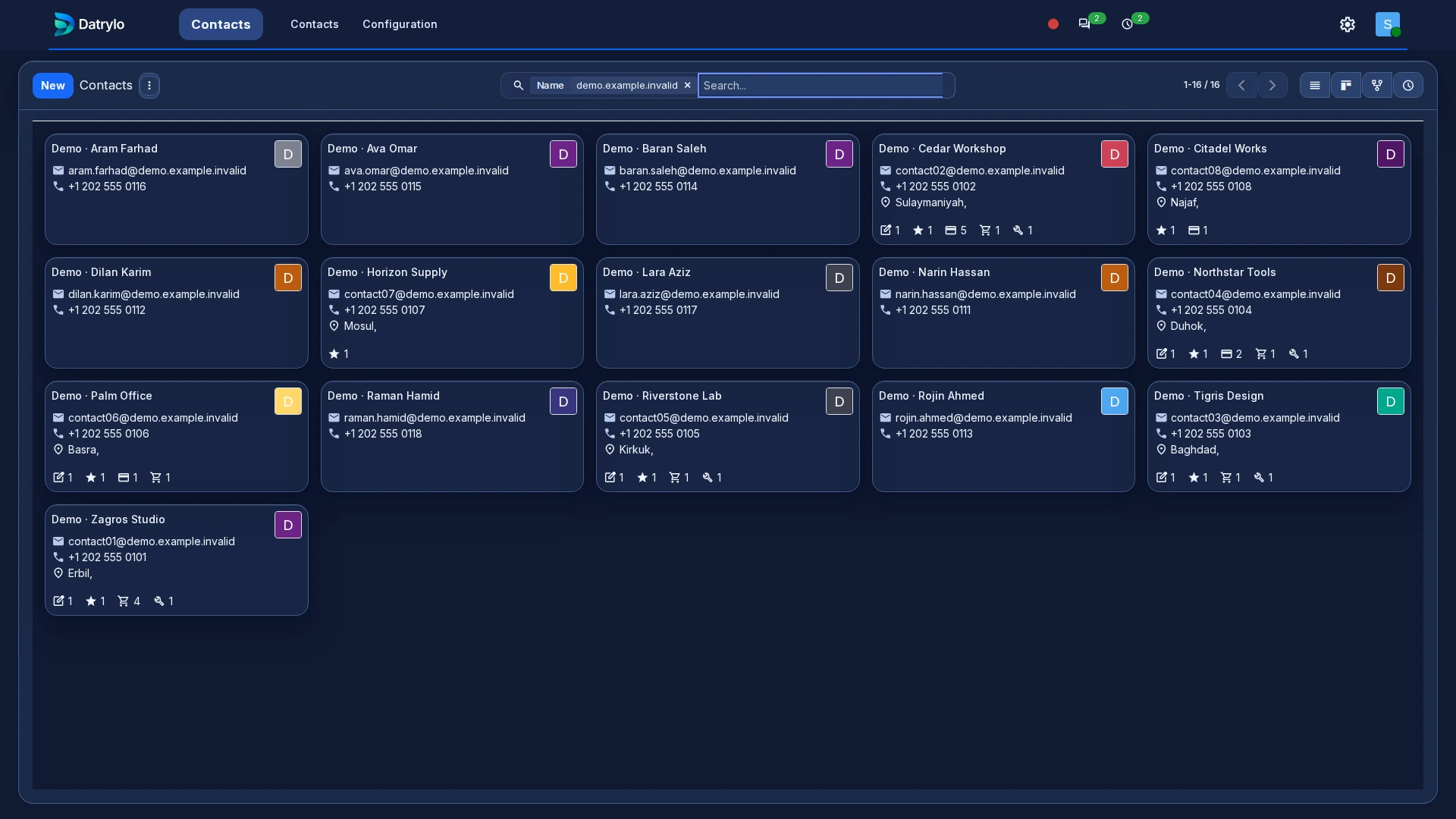
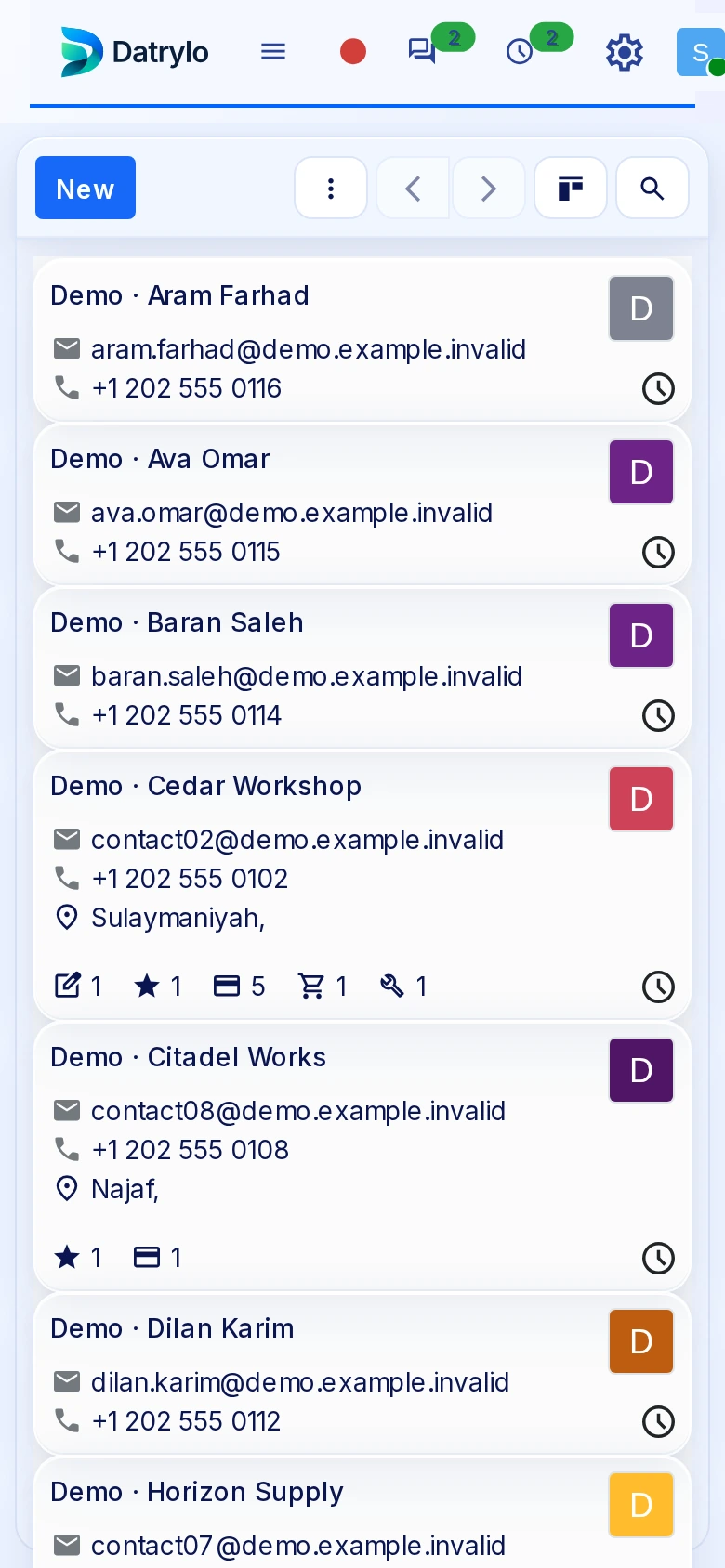
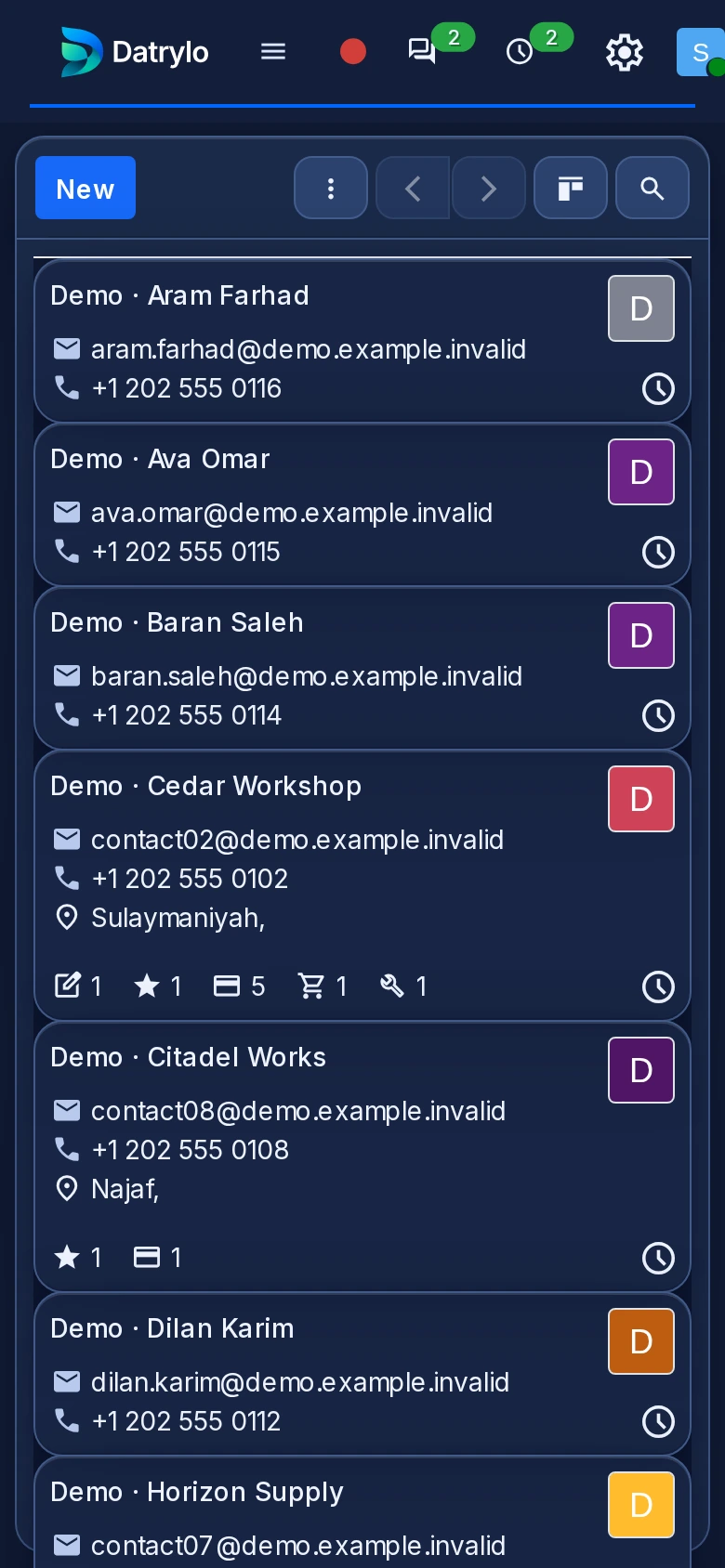
Customer and supplier identities start here. The same contact can be selected in business documents; access, duplicate handling and required fields need an agreed setup.
Mobile-browser collection
Explore Datrylo in action. Select an image for a closer look.
CRM
Read the stages and opportunity values in the pipeline. Open the CRM guide to follow ownership, next activity and quotation preparation.
Sales
Keep quotations and orders organised by customer, reference, amount and status.
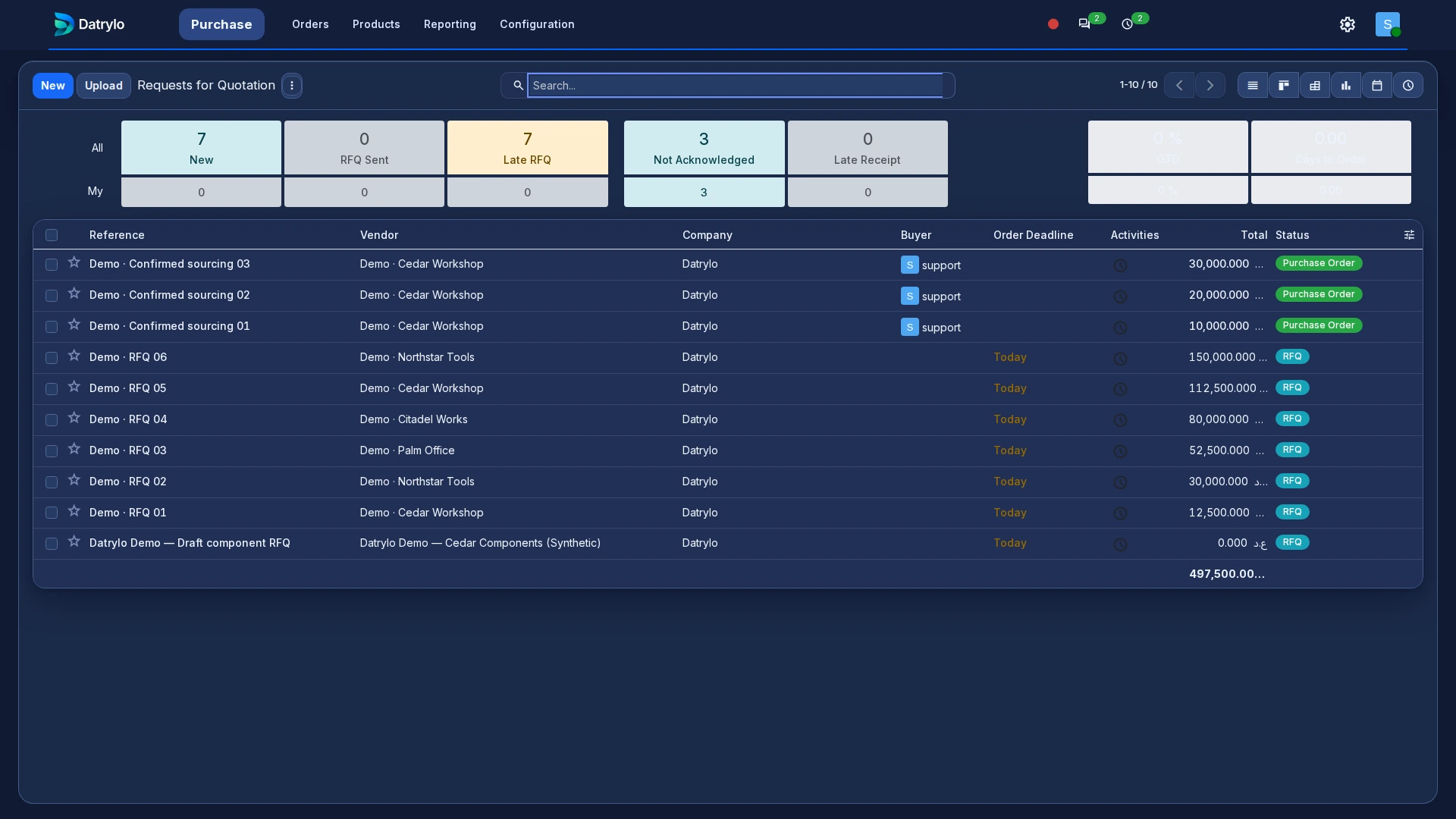
Purchasing
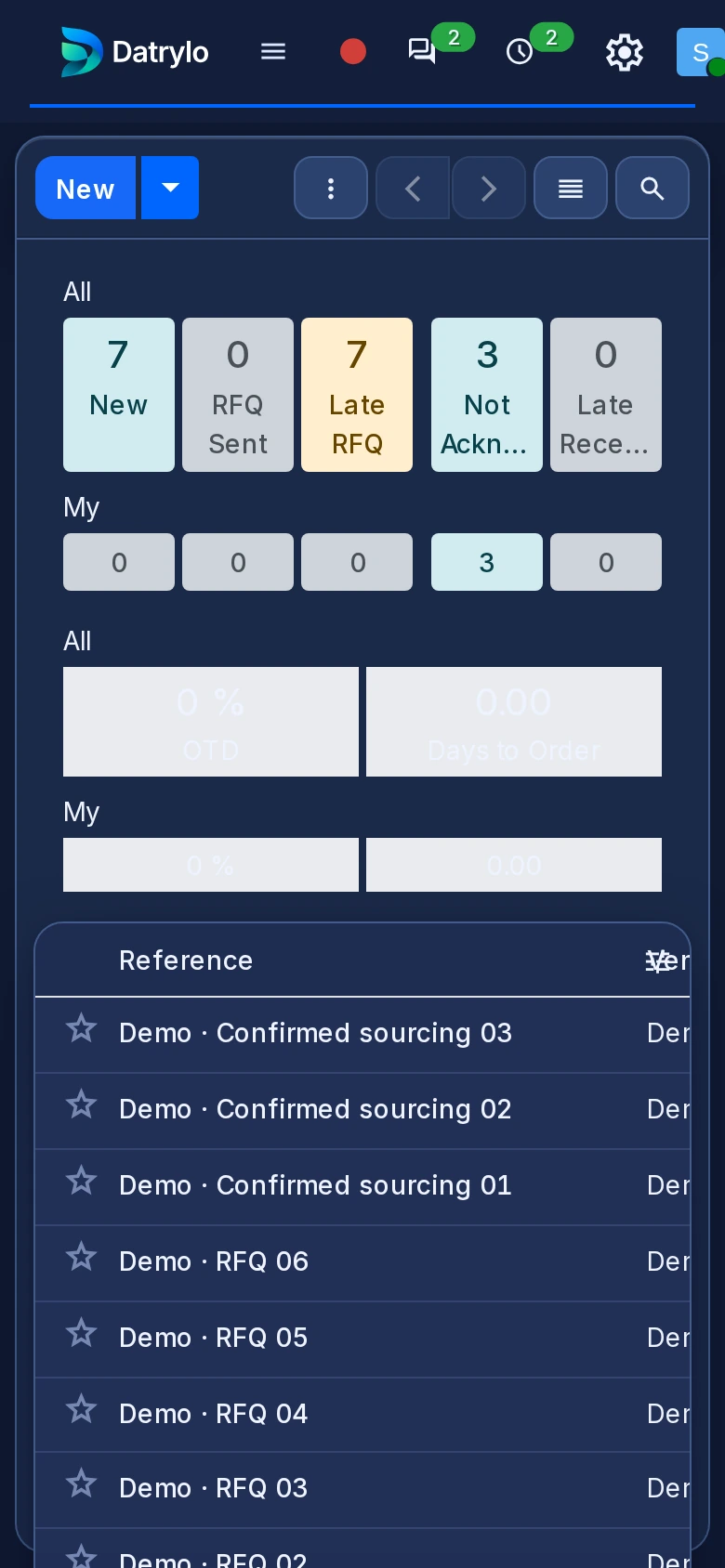
Review supplier requests and their status before receipt. The application guide separates ordering, receiving and bill review so the purchasing owner can inspect each handoff.
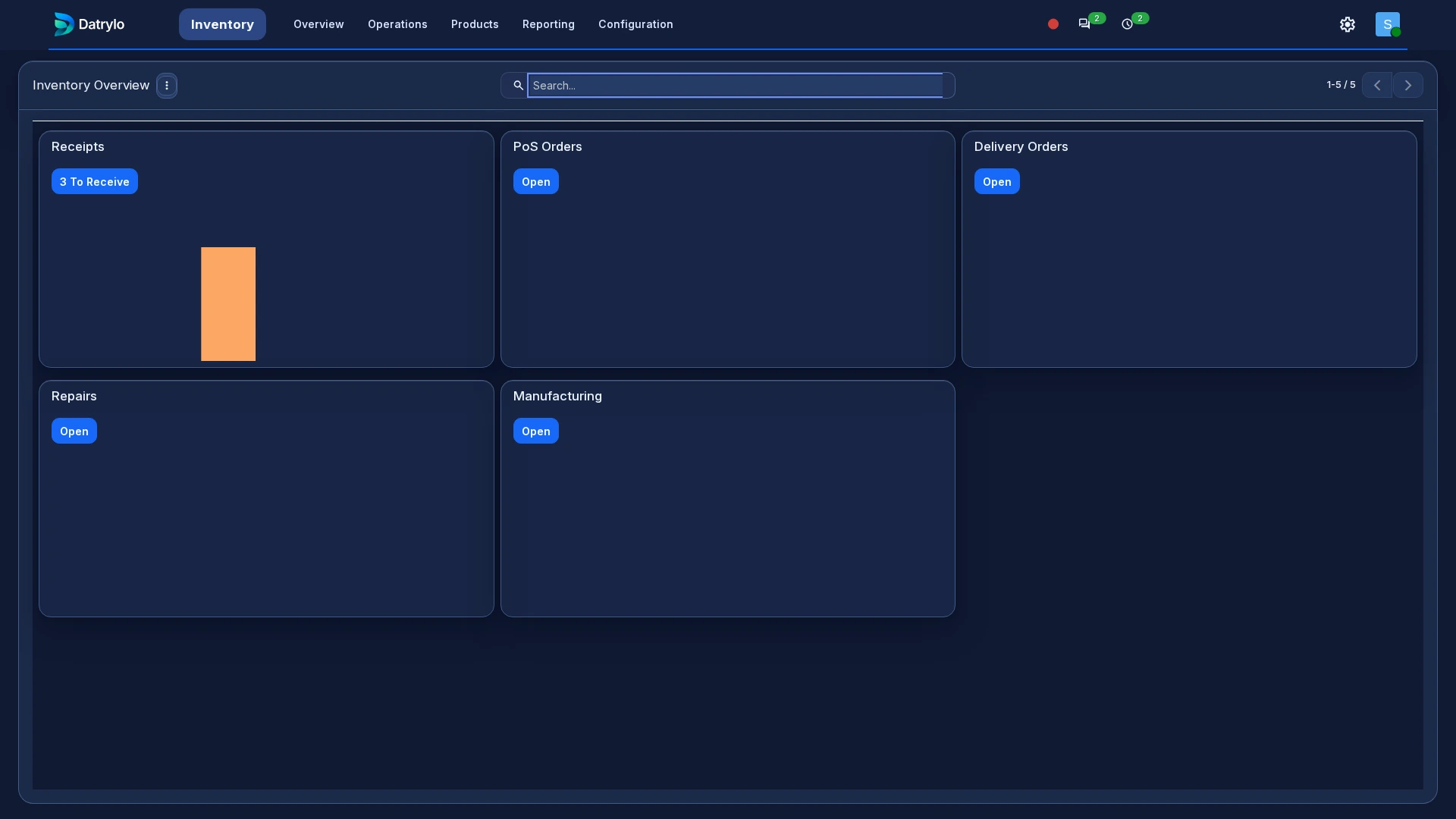
Inventory
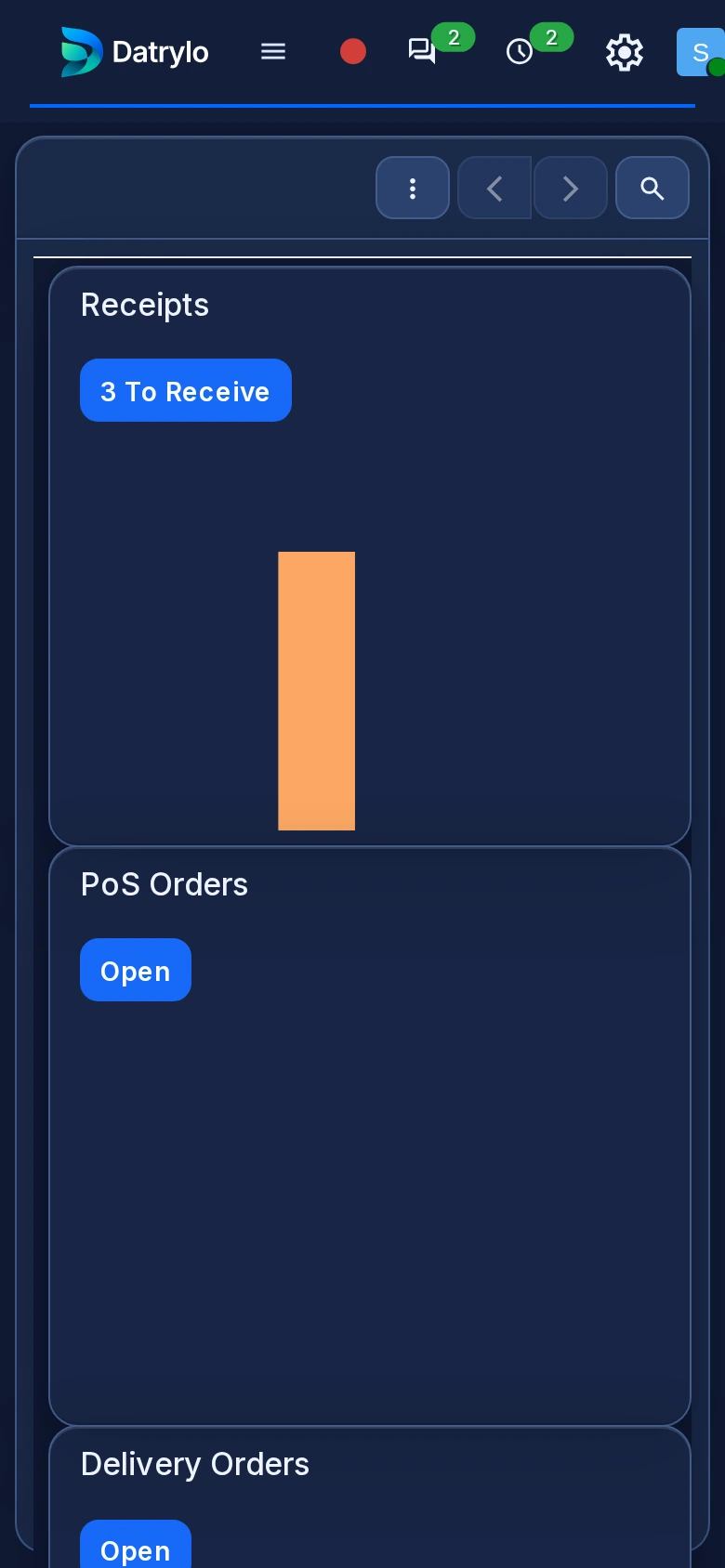
The stock workspace separates incoming receipts, internal movements and outgoing deliveries. Inspect the operation type before validating quantities; warehouse and product setup belong to implementation.
Projects
See project stages, task owners and due dates together so your team knows what needs attention next.
Contacts
Customer and supplier identities start here. The same contact can be selected in business documents; access, duplicate handling and required fields need an agreed setup.
From a quotation to a completed delivery
See a quotation become a confirmed order and a completed delivery in a 33-second Datrylo tour.
Recording transcript
- Review two kits and one clamp in the example quotation.
- Confirm it as a Sales Order.
- Open the delivery linked to that same order.
- Validate the quantities; the transfer becomes Done.
- Refresh Sales: delivered quantities are two and one; invoiced quantities remain zero.
- Review the example IQD 20,000 total and the delivered quantities.
Inspect the record, then follow the handoff
Start with a record reference, its status and the responsible team in the six application screens. A screenshot is one observed screen. For the connected sequence, inspect the actual 33-second quotation-to-delivery recording: order confirmation, linked stock transfer and delivered quantities. The example order is 20,000 IQD; invoiced quantities remain zero.
Explore Datrylo your way
For a tailored session, bring an anonymised record, the team handoff and one exception to examine. Agree session language, timezone and timing in the follow-up.
Ready for your
next big move?
See what a more connected business could look like. Start with a conversation about yours.