Keep the return connected to the original sale
Give teams a clear route from a customer return to the stock and financial records that follow. Datrylo connects sales, inventory returns and invoicing so the history stays visible.
Return 1 of 3; review a 5,000 IQD credit
Follow a practical workflow example from the first request to the next handoff.
Return 1 of 3; review a 5,000 IQD credit| Step | Linked record and result |
|---|
| 1 | Original illustrative sale RET-03 delivers 3 units at 5,000 IQD: invoice 15,000 IQD. |
|---|
| 2 | Warehouse links a return of 1 unit to the original delivery. A damaged return goes to the agreed inspection location, not automatically to saleable stock. |
|---|
| 3 | Finance reviews a 5,000 credit note against the 15,000 invoice, leaving net invoiced 10,000. Any cash/provider refund needs separate authority and reconciliation. |
|---|
Inspect the application foundation
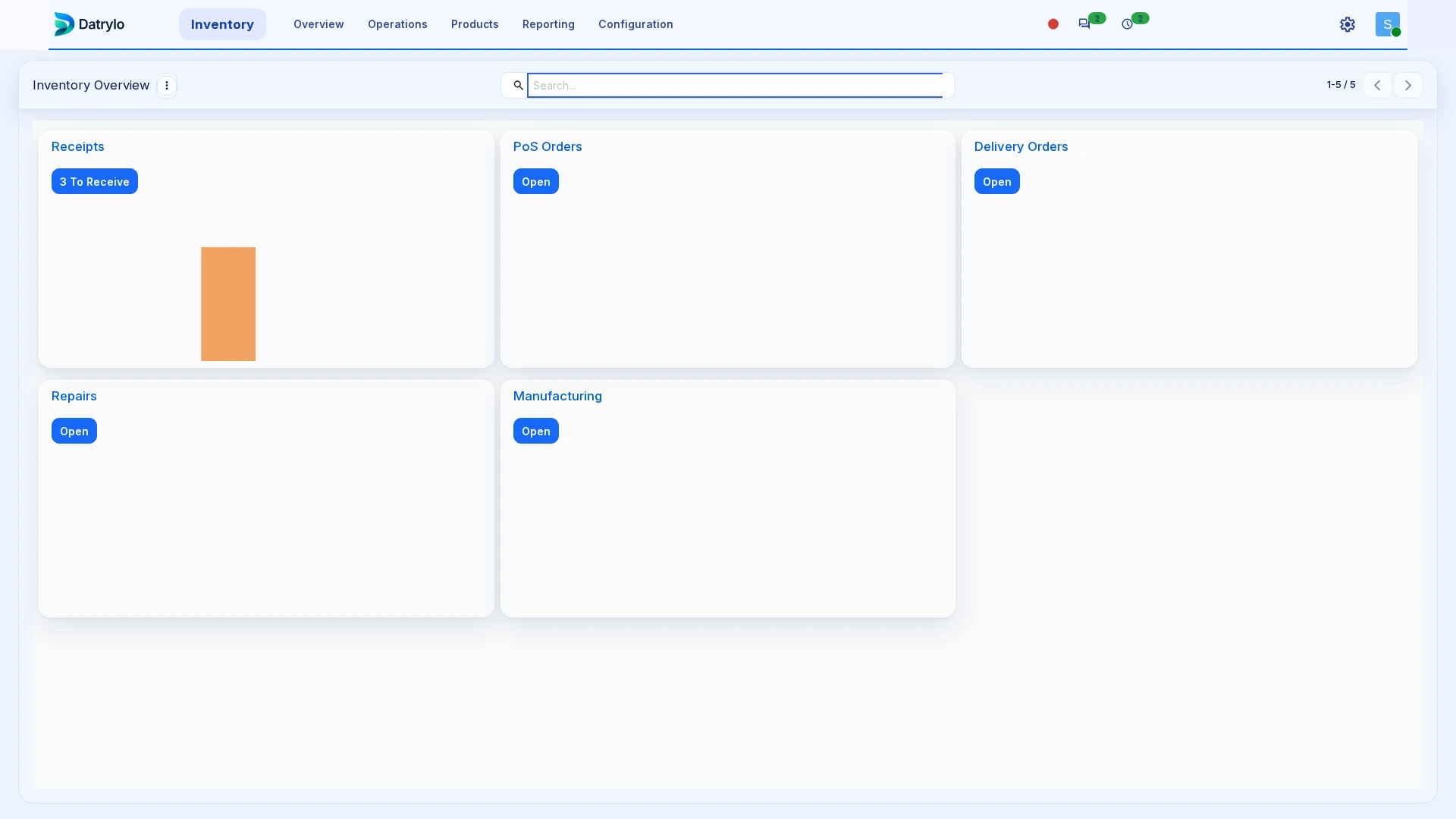
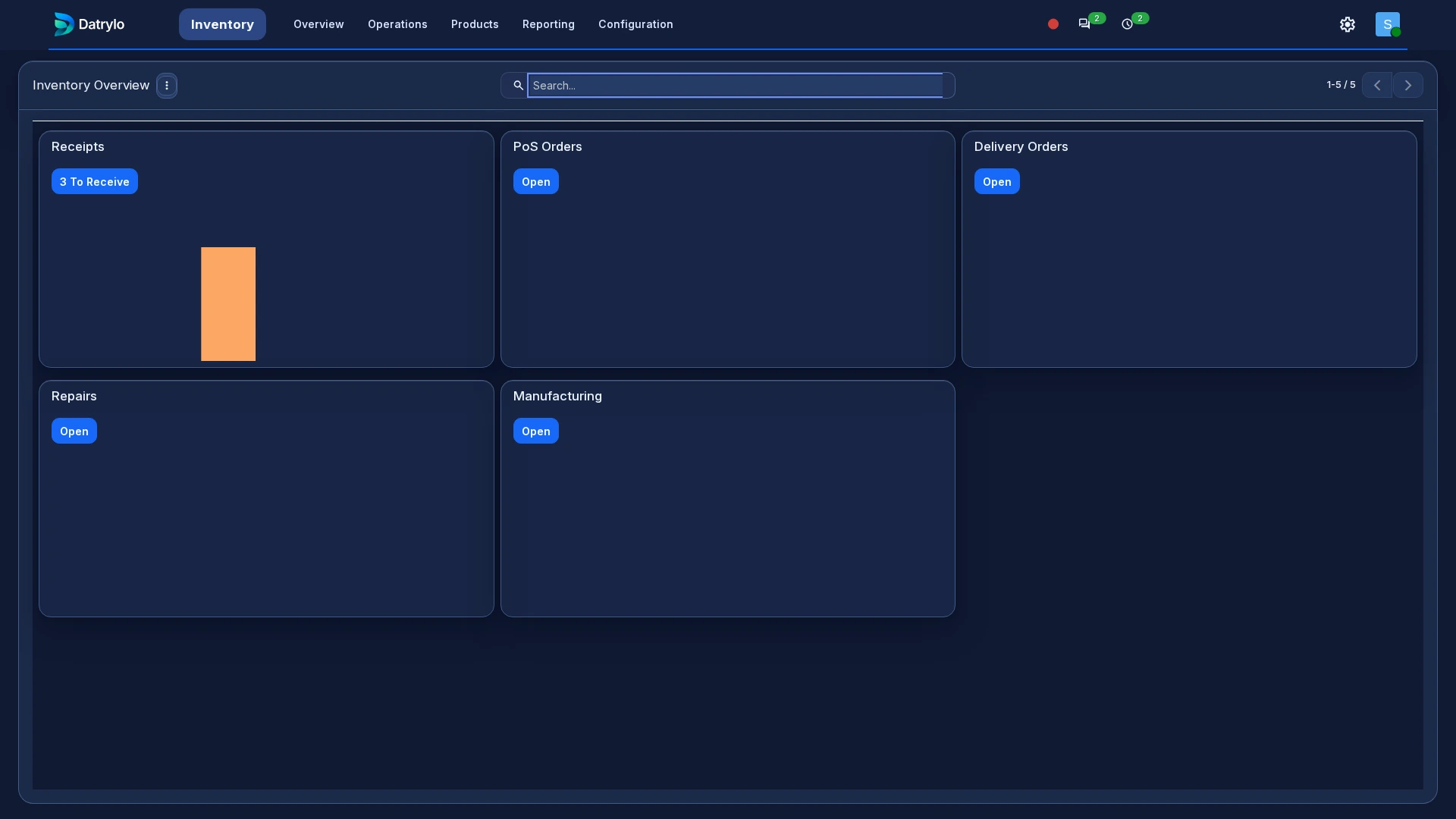
Explore Datrylo in action. Select an image for a closer look.
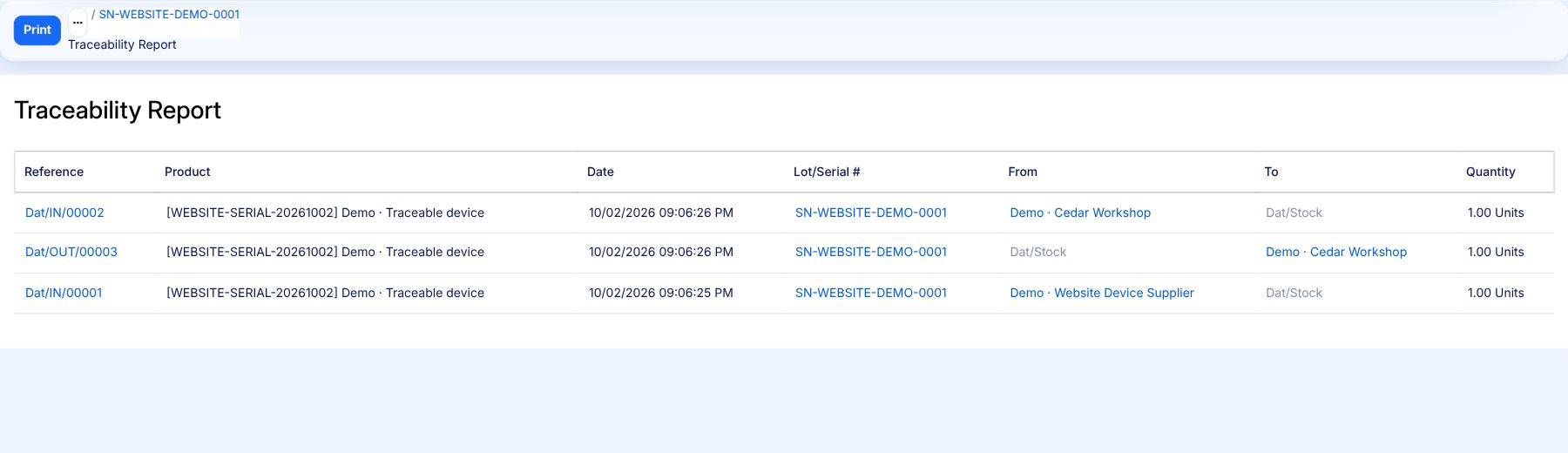
Trace the same unit through three movements
Follow one serial-numbered item from receipt to delivery and return.
- Dat/IN/00001 — Receive one unit: Vendors → Dat/Stock.
- Dat/OUT/00003 — Deliver the same unit: Dat/Stock → Customers.
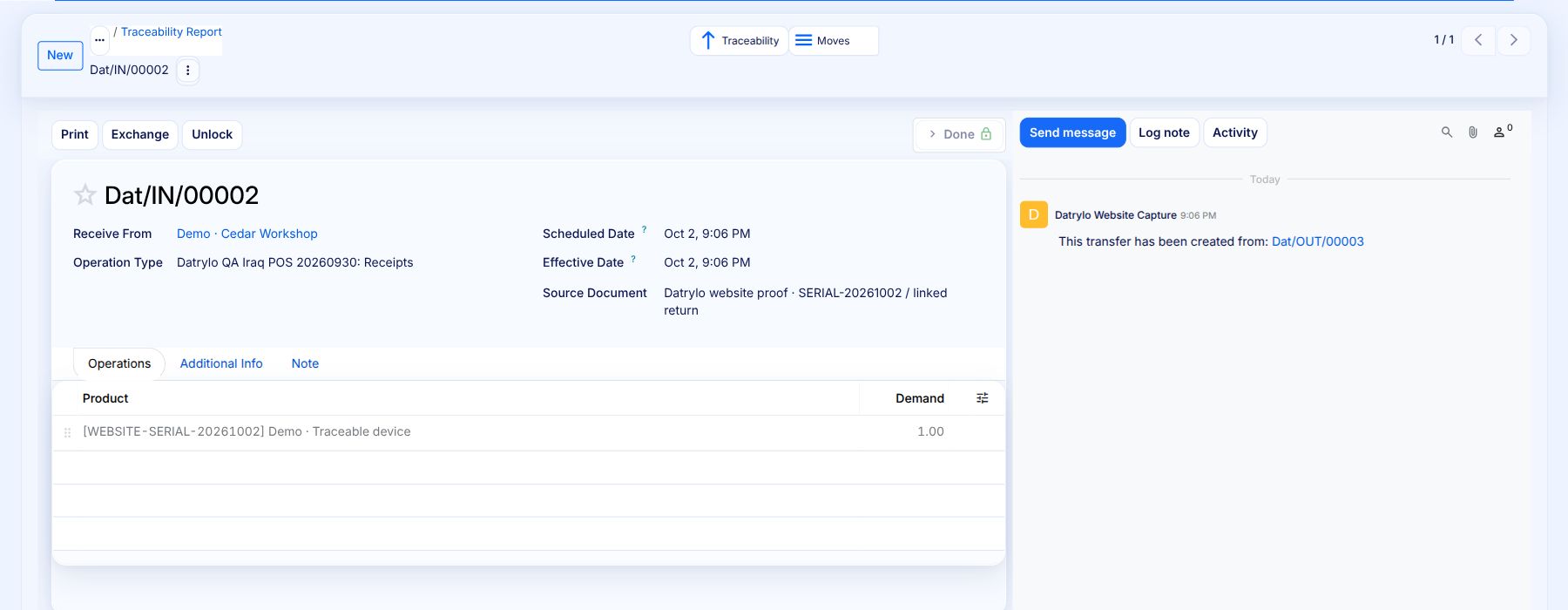
- Dat/IN/00002 — Return the delivered unit: Customers → Dat/Stock; linked to Dat/OUT/00003.
Select the report to read the three operation references, serial and quantities at full size.
Inspect the Done return and its original delivery link. The return moves one unit back into stock.
Keep the work connected
Find the original transaction, record the returned quantities and keep the reason with the related records. Finance can use a credit note to document the adjustment and follow the remaining customer balance.
Build around your operation
Define who approves a return, where returned goods go and how a refund is authorised. Provider refund connections, warranty decisions, exchanges and specialist return policies can be configured or custom-built within your agreed scope.
Prepare the handoff review
Bring one source transaction, its exception, the responsible roles and the required output document. Use the case above as a starting point for your workflow review.